
Answered
How to disconnect outline from fill in Illustrator for iPad
Hello all
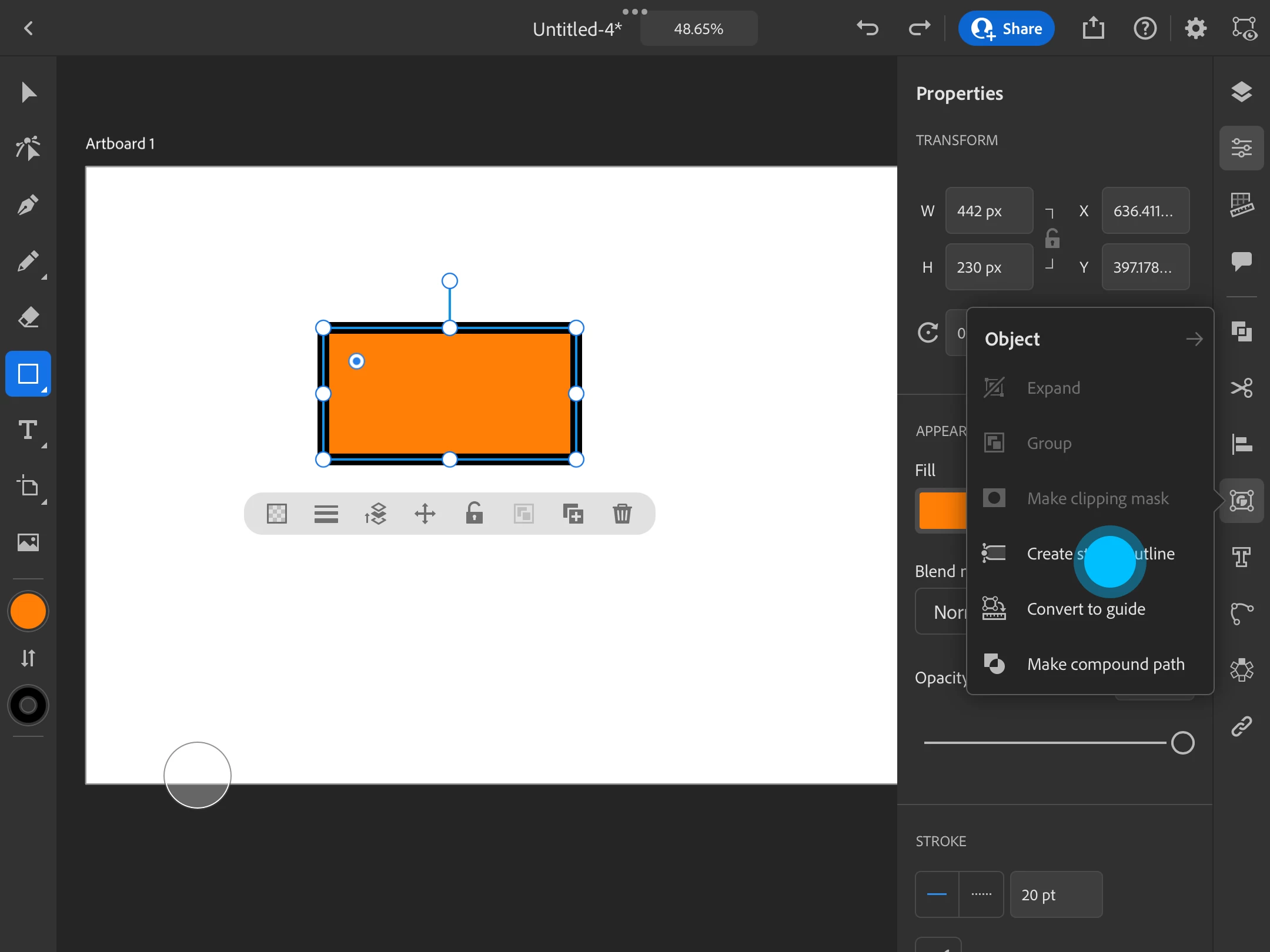
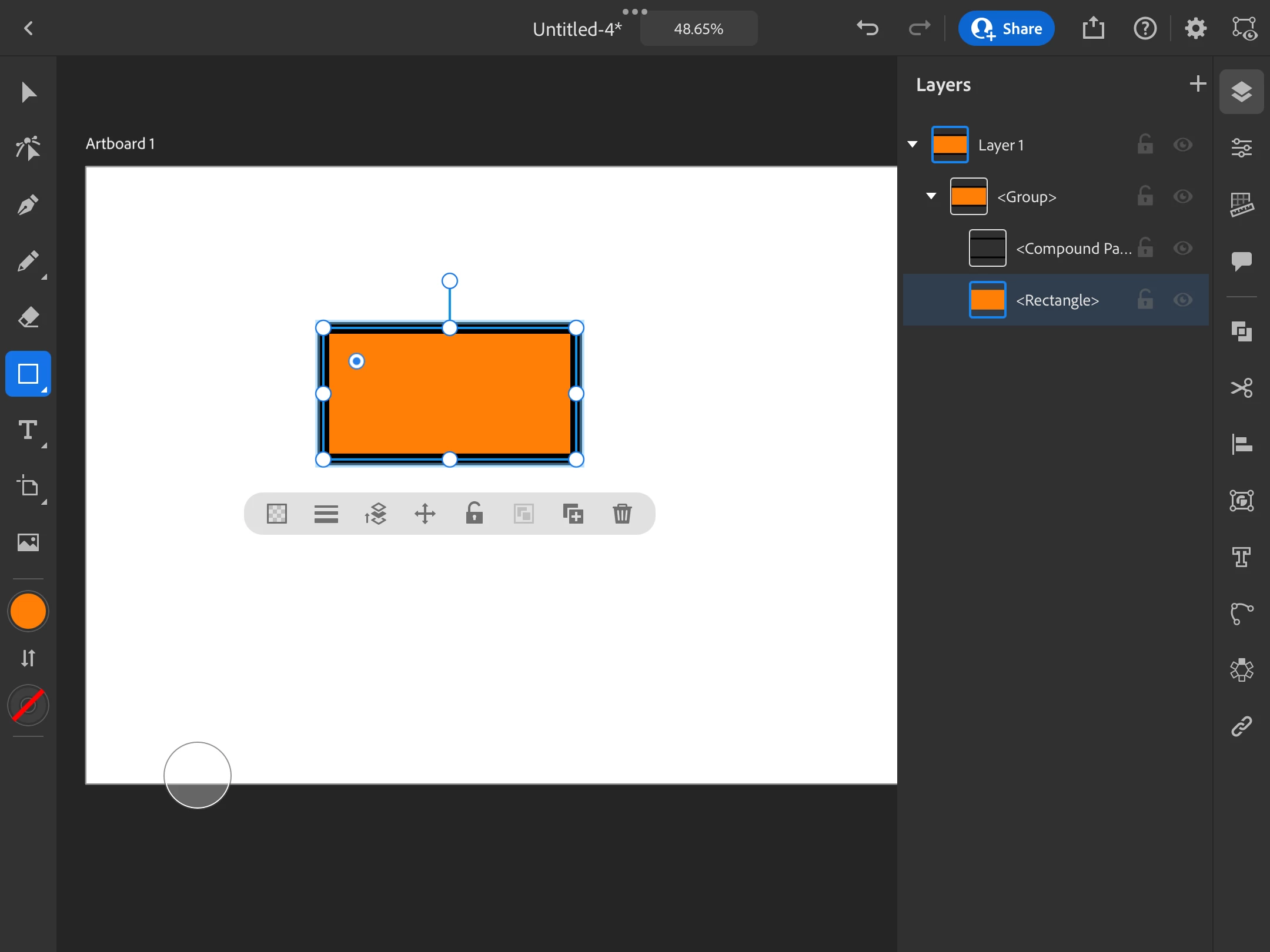
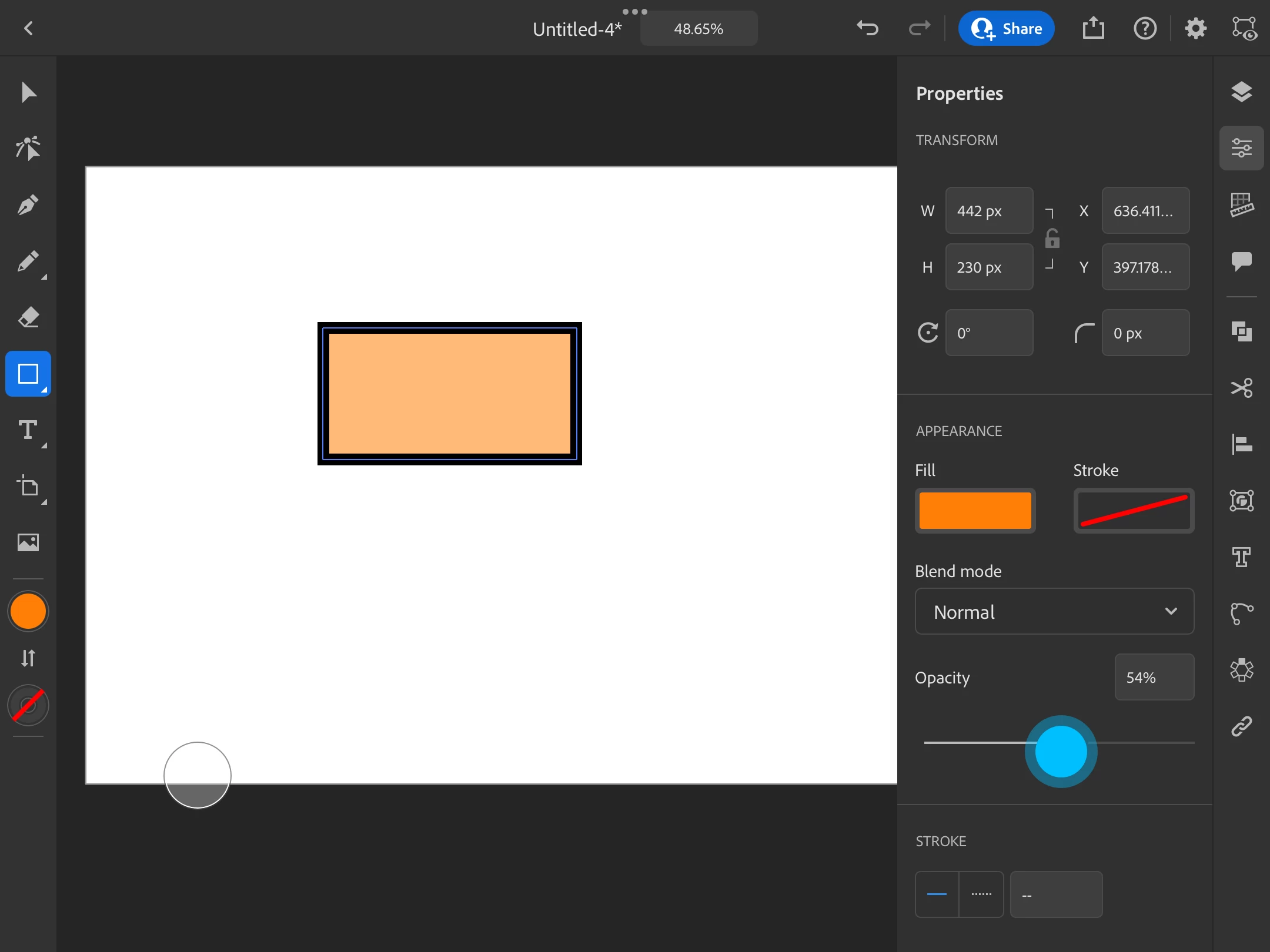
I'm a brand new user and recently saw how to do this in a YouTube video but can no longer find it. What I'm looking to do is reduce the opacity of an object's fill but keep the outline at 100%. I'm thinking that disconnecting the outline from the fill would be a workaround.
Any help would be greatly appreciated.



 AdChoices