

Illustrator on iPad 1.3: Export options, improvements to blob brush, transparency grid, and support
Some of the most eagerly awaited features have now made their way into the Illustrator on iPad 1.3 update.
Download the app now or if you already have the app installed on your device, update to the latest version.
 Additional Export Controls: new options such as resolution, quality, range of artboards, and more to control your export workflow. To select these options, tap Publish and Export > Export As.
 Blob Brush Taper & Enhancements: You can now draw smooth and organic paths with the new Taper feature within Blob brush.
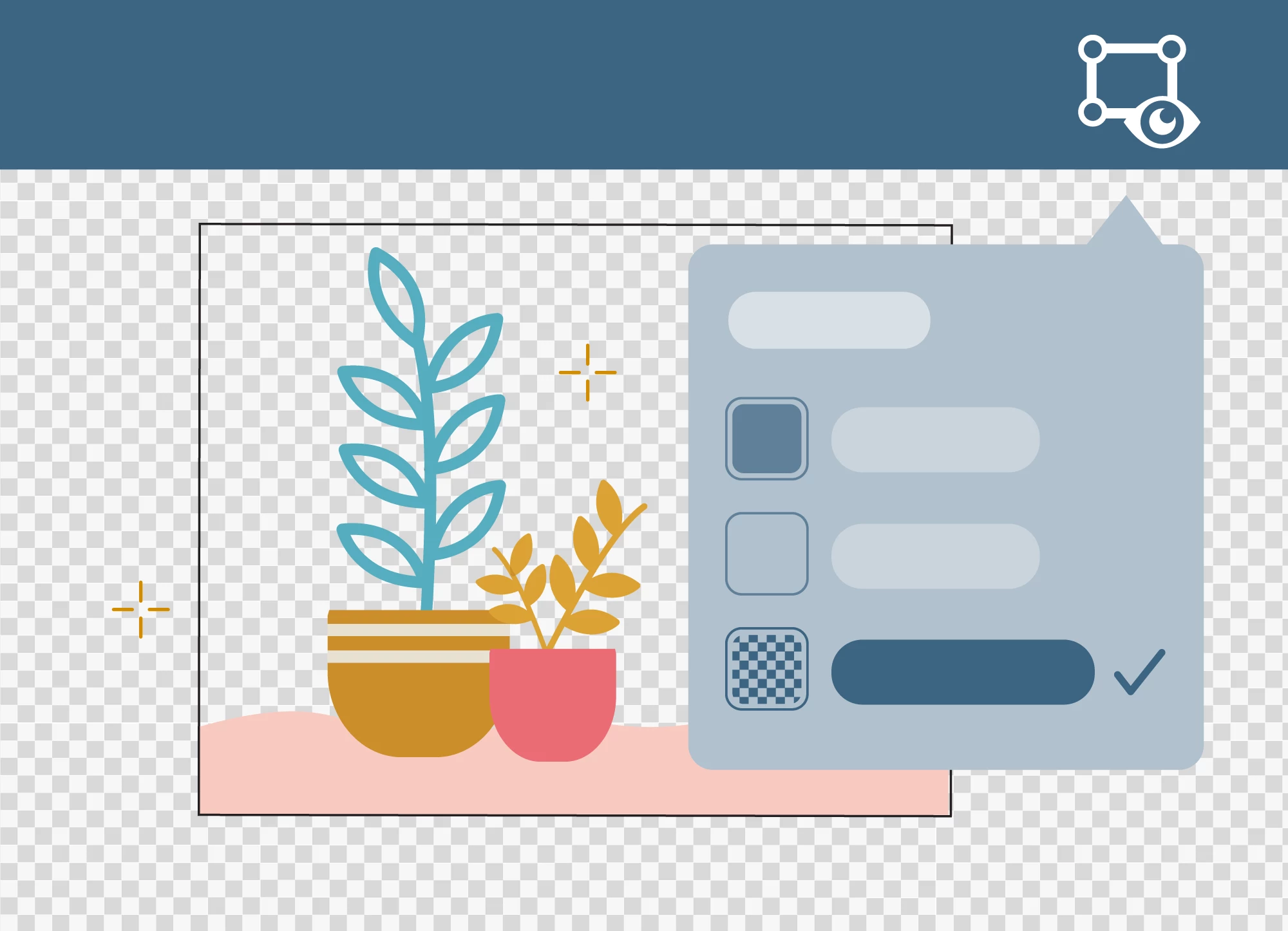 Transparency Grid: You can use the Transparency grid feature to view shapes and objects that do not contain fill and stroke. Tap View mode > Transparency Grid to view and edit your artwork on a transparent background.
Illustrator Template File (.ait) Support: Illustrator on your iPad now supports Adobe Illustrator template (.ait) file format. In the home screen, tap Import and open to open Adobe Illustrator template files and create your own templates, or work with Adobe Stock templates.
Check out the What’s new page to know more about the release.


 AdChoices