Participant
February 29, 2024
Question

Illustrator on iPad Pro won’t open

  • February 29, 2024
  • 3 replies
  • 1054 views

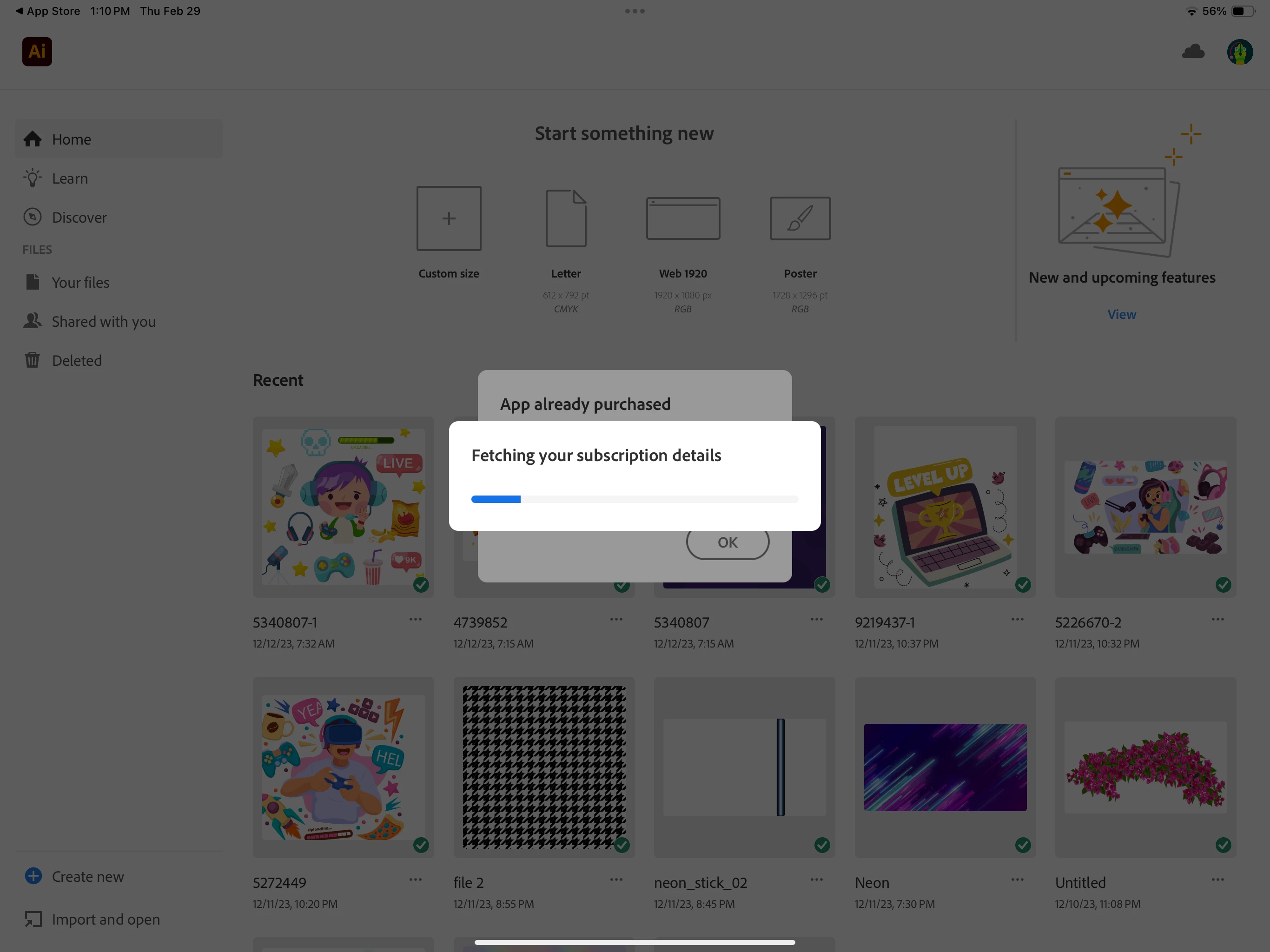
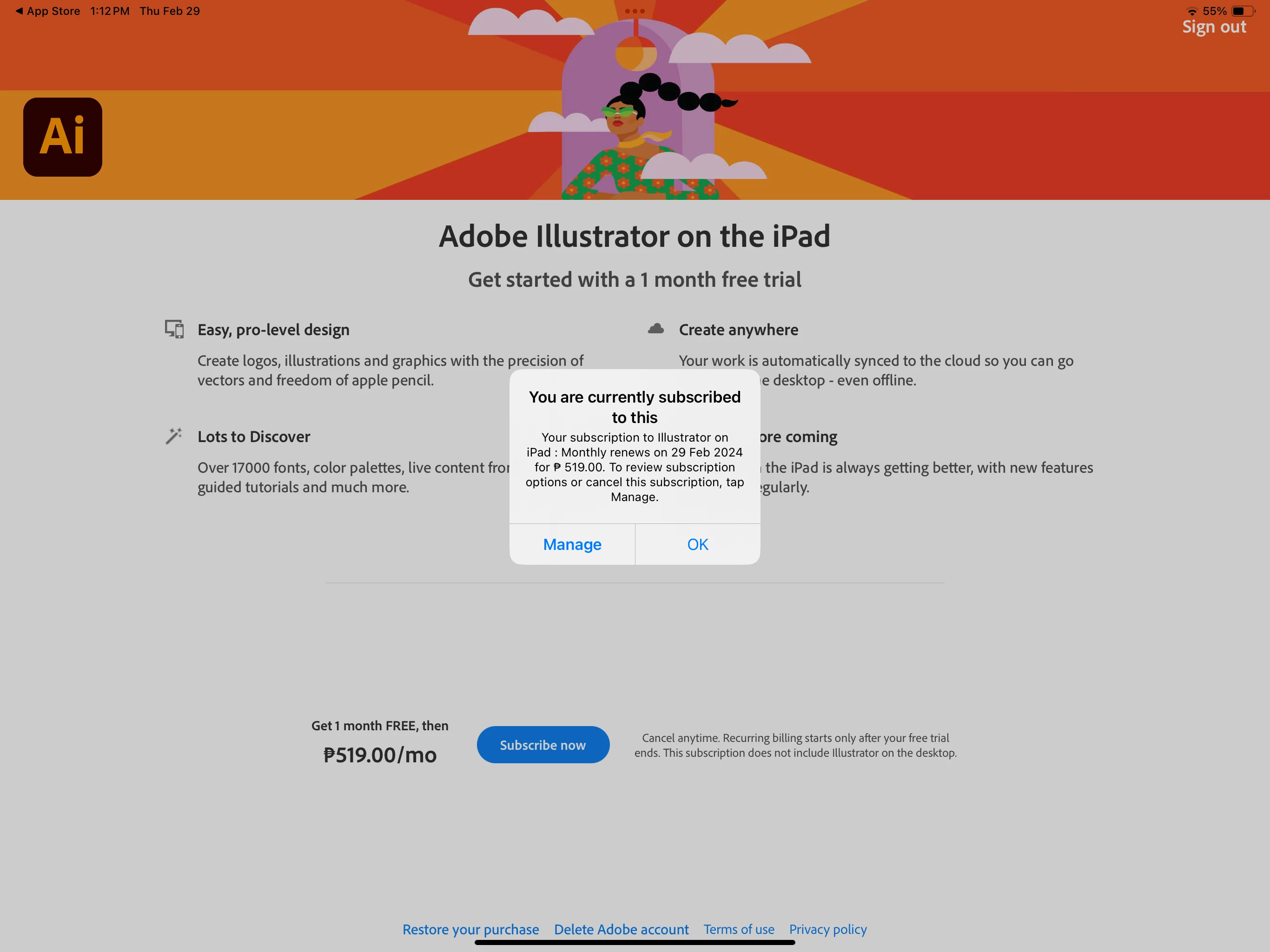
I have a current updated subscription to illustrator but I can't get past the landing page. I already did everything people were suggesting in the forums. Updated my iPad software as well. I'm logged into the correct account. What is the work around to this - I can't even use something I paid for. Hope someone can help me because I need to use this for work. 
This topic has been closed for replies.

3 replies

Participant
July 15, 2024

DID 'you ever get this issue resolved...  I transferred from old iPad to new iPad 13 M4 one and I keep getting the same screen you are showing in your picture.  Deleted, updated, signed into correct account.  And still nothing....

Participant
April 25, 2024

This is the exact thing that is happening to me. None of the already suggested fixes have worked. I have an iPad air 5th gen updated to version 17.4.1 (latest update). 

Jess Telmanik
Community Expert
Community Expert
February 29, 2024

Hi @Kathryn3576853644s8!
Have you tried restarting your iPad and reopening the app? What happens then?

Participant
March 4, 2024

Hello Jess, I tried restarting the iPad and reopening the app but I'm still have the same problem. It just gets stuck on that same page. Even if I click on subscribe now or restore purchase, nothing happens. 

Jess Telmanik
Community Expert
Community Expert
March 6, 2024

Hi @Kathryn3576853644s8 

Okay, this link has a few things to try https://community.adobe.com/t5/illustrator-on-the-ipad-discussions/unable-to-open-adobe-illustrator-on-ipad/td-p/13290270
Biggest two items to try are:
- Is your subscription through the Apple App Store or is it through Adobe? 
- Have you tried updating your OS?