
Question
Illustrator-The Fill and Stroke are changed to “none” every time I click on an object.
I am operating on a new Ipad with the latest version of Illistrator
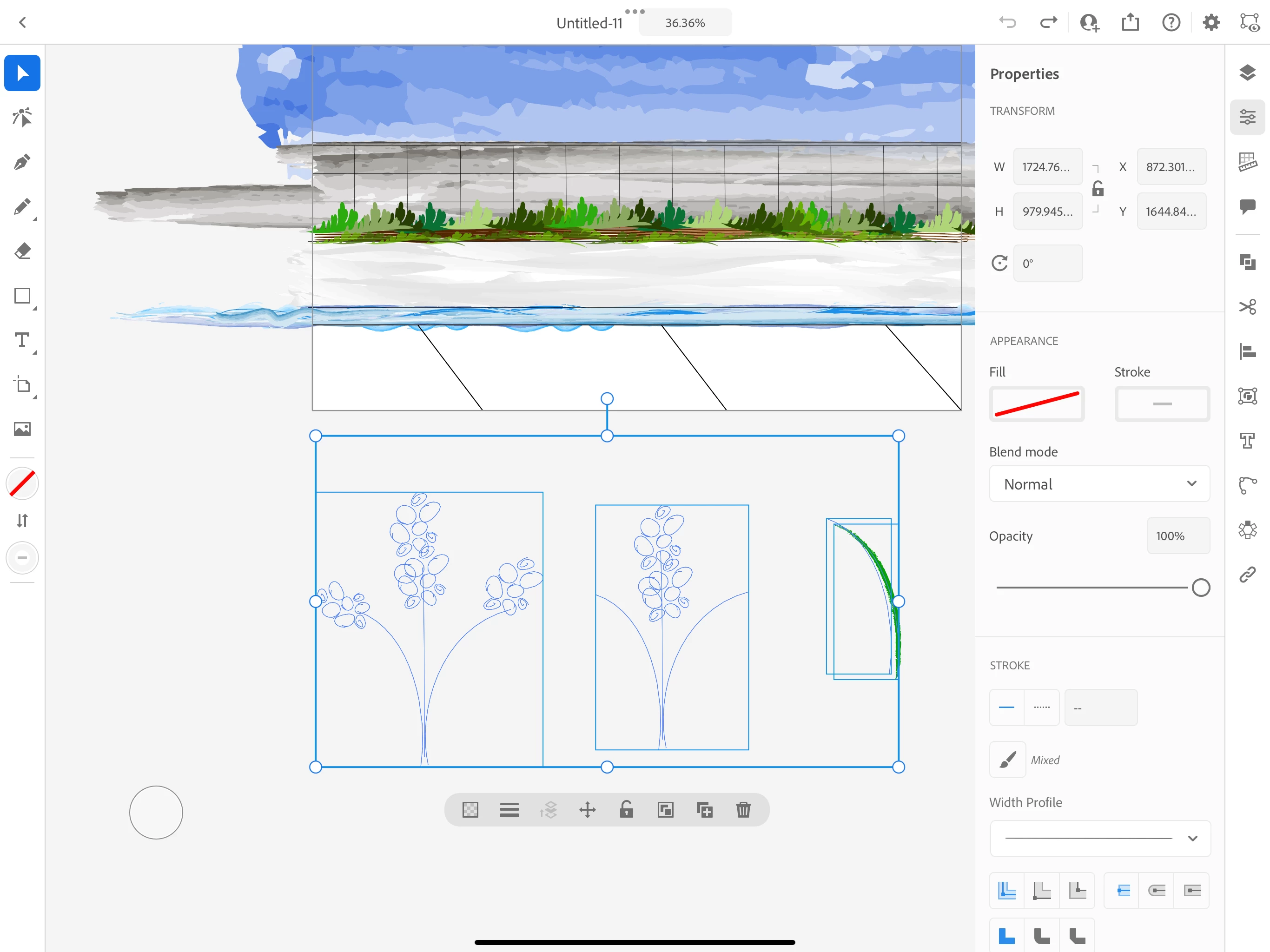
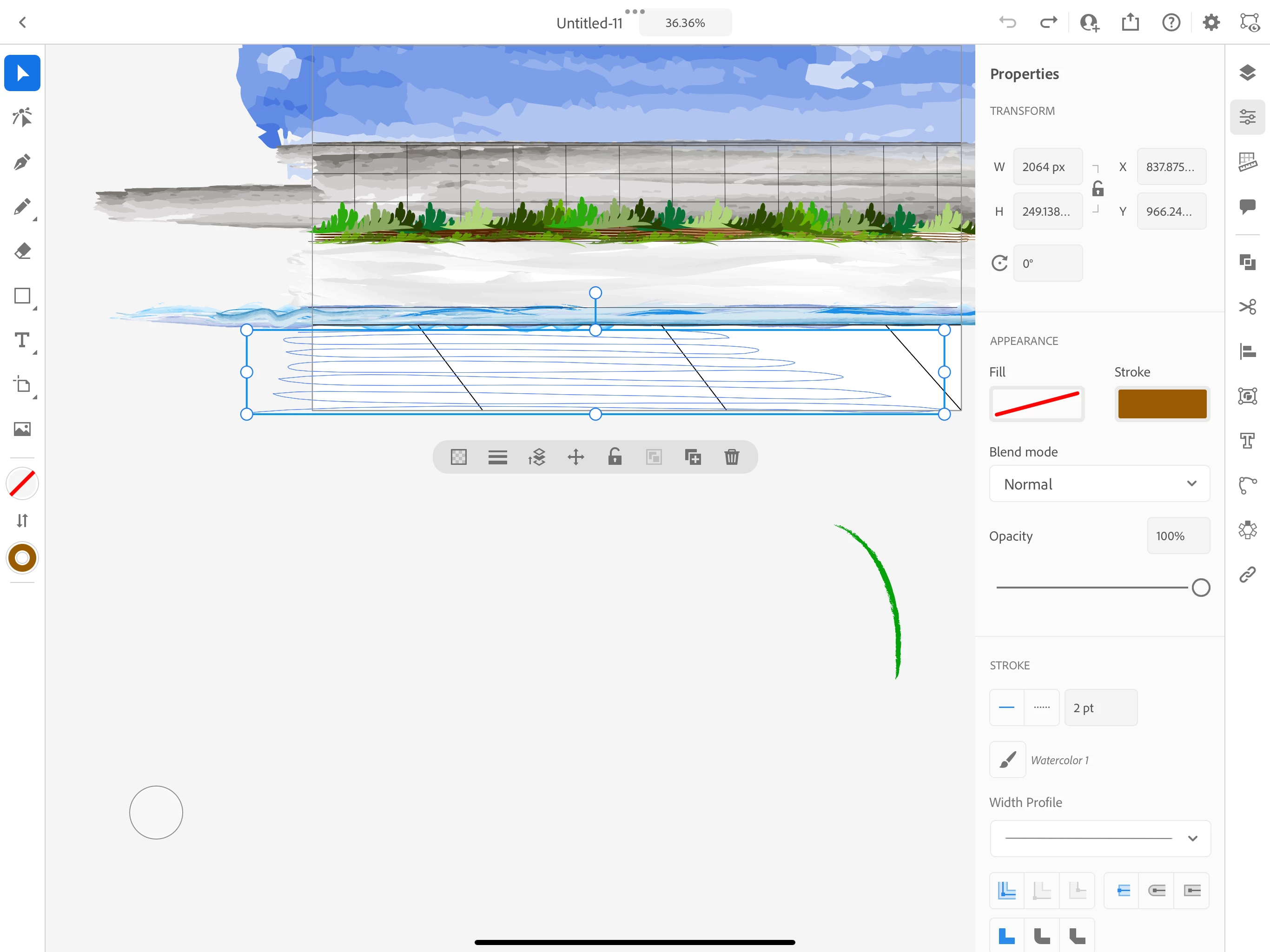
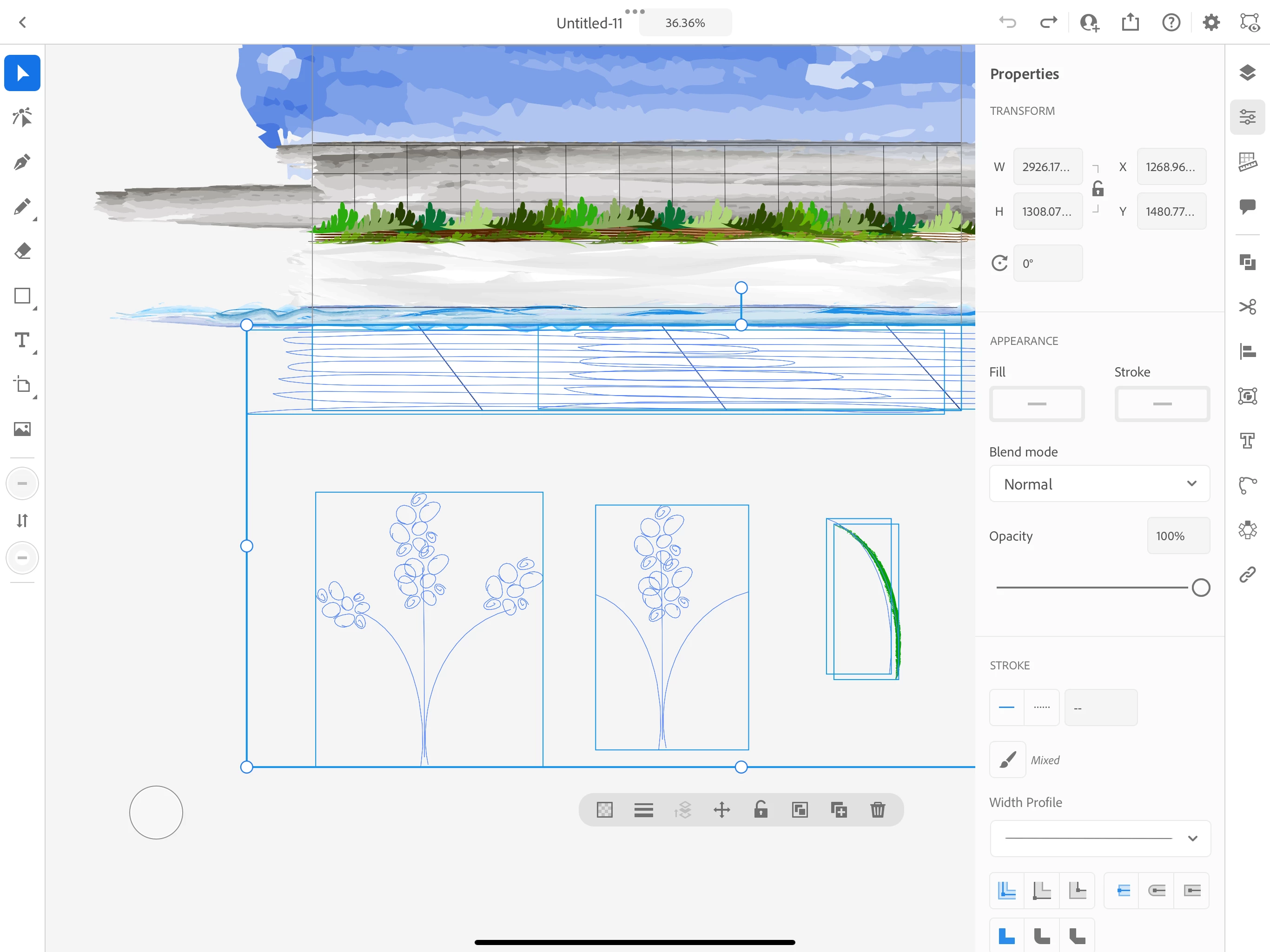
All of my work is now empty lines. The objects are still there, but the color/stroke are gone.
I closed the program and returned to my work...
Like normal I began by using the selection tool to click on the object I wanted to continue editing.
However when I went to choose an object to edit, the object was then glitched/set to "no fill/ no stroke" and all of the color disappeared.
I am now left with an entire scean of invisible lines.
The more objects I try and click on in an attempt to find a solution, the more objects are glitched and lost.
Is my work gone? Can this glitch be undone?
Below are the objects that are now invisible ghost paths and scribbles.
PLEASE HELP!


 AdChoices