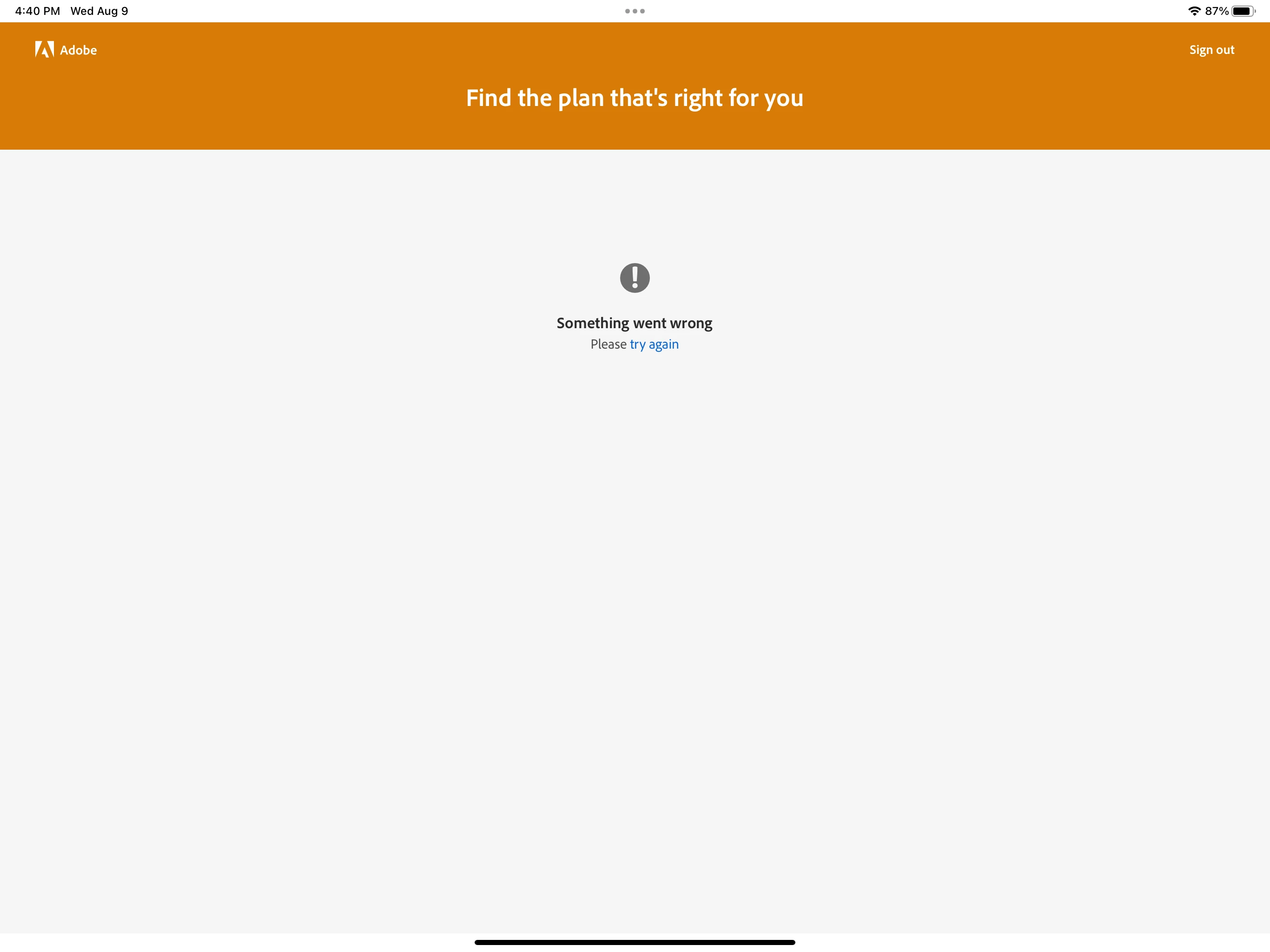
We're sorry to hear that you're having trouble starting up Illustrator on your iPad Pro. Here are some steps you can take to troubleshoot the issue:
Check your iPad's system requirements: Make sure your iPad meets the minimum technical specifications outlined by Adobe to use Illustrator on the iPad. You can find these requirements on the Adobe website.
Check for updates: Make sure you have the latest version of Illustrator installed on your iPad. You can check for updates in the App Store.
Restart your iPad: Sometimes, simply restarting your iPad can resolve issues with apps not starting up properly.
Uninstall and reinstall Illustrator: If the above steps don't work, try uninstalling and reinstalling Illustrator on your iPad.
Also, try switching to a different network and share your observations.
If the problem persists, kindly share more information, like the exact device make/model and the version of the OS/Illustrator, so we can better assist you.
Has it ever worked? Did you do anything different? Have you tried restarting the iPad? Checking out of your Adobe CC Account and back in again? Just some basic check list things to start with.



 AdChoices