
Question
iPad Illustrator crashes when opening file
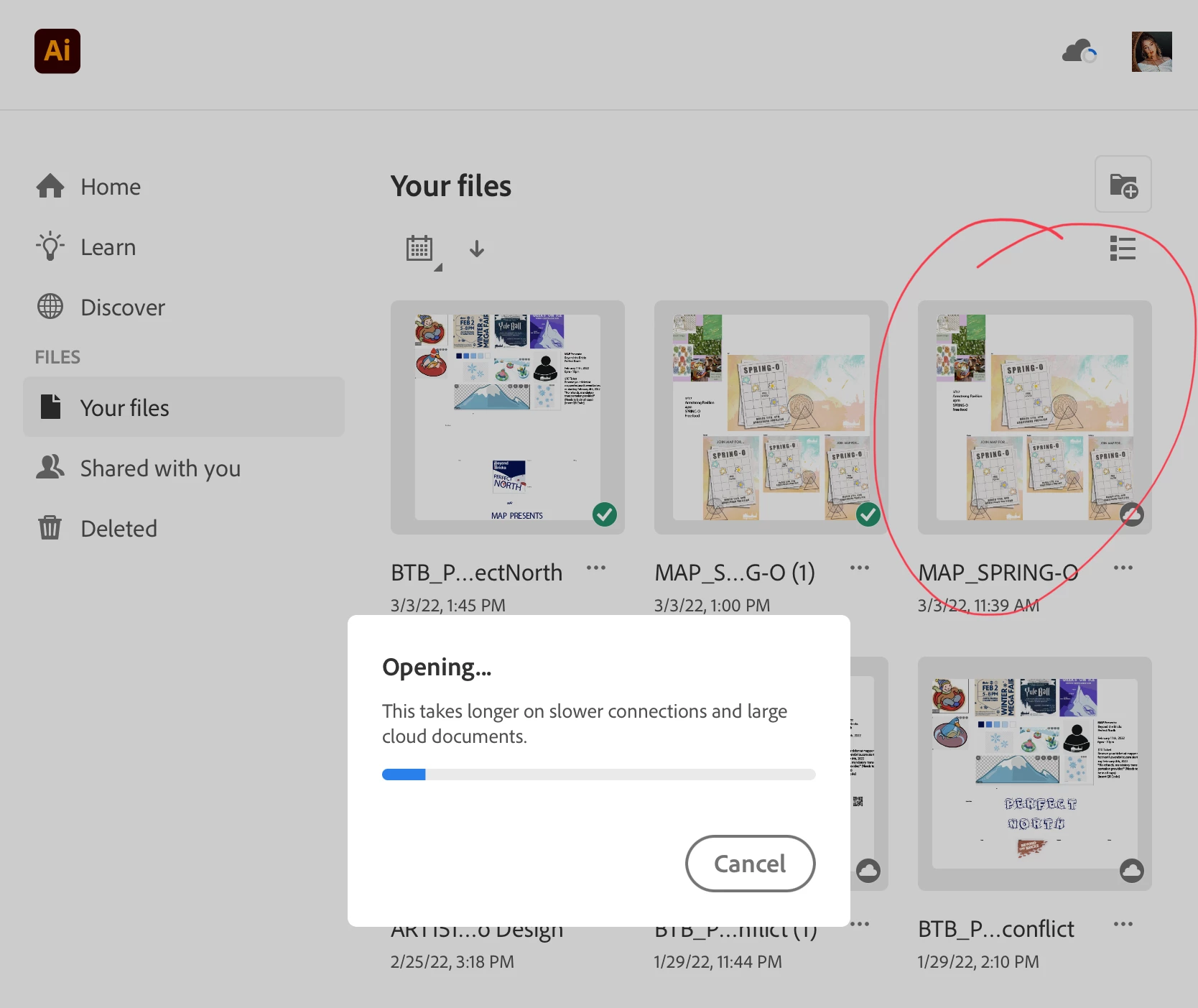
I saved my Illustrator file to creative cloud on my Macbook Pro and then went to open it on my iPad Air 3 to do some pen tool work. Everytime I try to open the file, Illustrator for iPad crashes. Other files open successfully, but not this one.
I tried some troubleshooting already with no luck: I made sure all Adobe programs and all of my Apple devices were up to date. I re-started my ipad. I deleted the Illustrator for iPad app and re-downloaded it. I created a new file and copied the artwork onto it, it still crashes. The blue loading bar fills all the way up, and then it sits, and then it crashes every time


 AdChoices