

MyChicCrafts
Participating Frequently
December 18, 2020
Answered

[ Moved ] Text formatting lost when importing to illustrator on ipad

  • December 18, 2020
  • 3 replies
  • 584 views

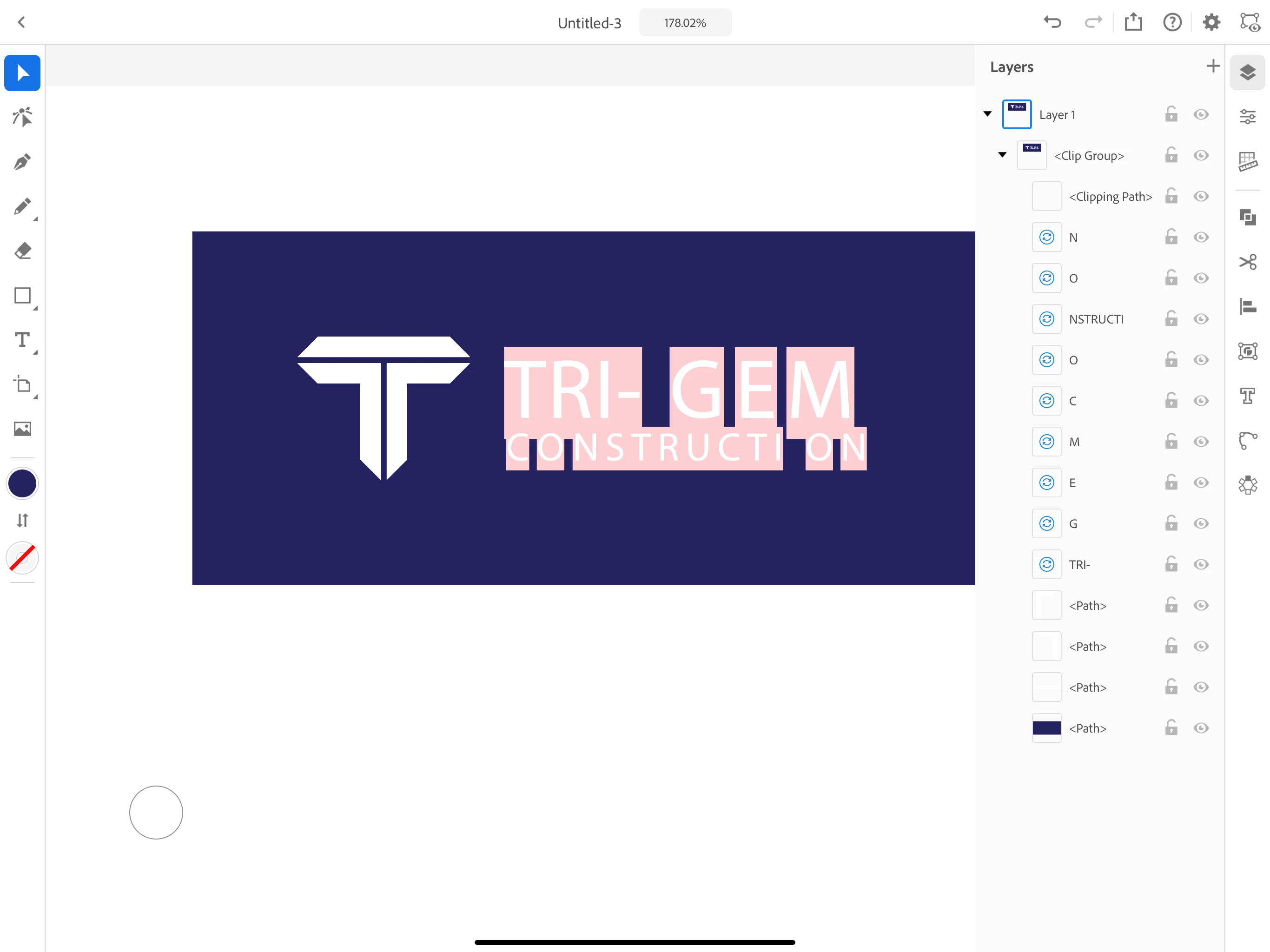
I had a client send me a pdf. I opened with Acrobat on iPad. When I try to import to Illustrator on iPad, I am losing the text formatting. 
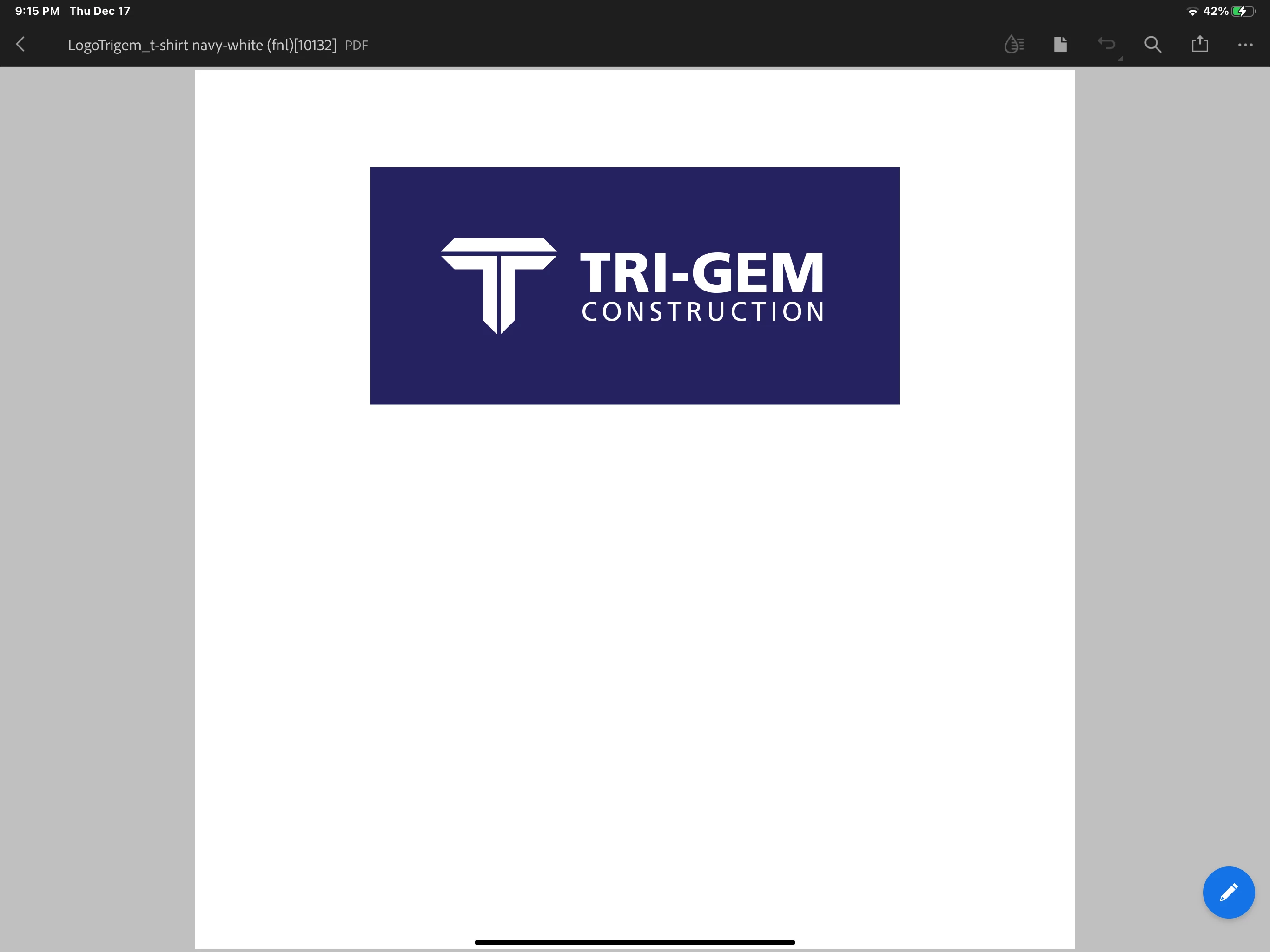
SS from edited Acrobat pdf

SS from import into Illustrator on iPad
What is the proper process taking from emailed pdf to Illustrator on iPad? 
End goal is creating vector. 


[ moved from Illustrator to Illustrator on the iPad forum by moderator ]

 

This topic has been closed for replies.
Correct answer Srishti Bali

Hi there, 


Thanks for reaching out. I am hopeful that the issue was resolved by the suggestions shared above. If not, could you please confirm what type of fonts are these? 

It might be possible that you have these fonts installed on your Desktop machines and Illustrator on iPad is unable to find them. To Avoid this situation, I would suggest using Adobe fonts so that you can get them on both the platforms. Check out this video for more details (https://www.youtube.com/watch?v=VhyLmgUDP3U).


Regards,

Srishti

3 replies

Srishti Bali
Community Manager
Srishti BaliCommunity ManagerCorrect answer
Community Manager
January 14, 2021

Hi there, 


Thanks for reaching out. I am hopeful that the issue was resolved by the suggestions shared above. If not, could you please confirm what type of fonts are these? 

It might be possible that you have these fonts installed on your Desktop machines and Illustrator on iPad is unable to find them. To Avoid this situation, I would suggest using Adobe fonts so that you can get them on both the platforms. Check out this video for more details (https://www.youtube.com/watch?v=VhyLmgUDP3U).


Regards,

Srishti

pixxxelschubser
Community Expert
Community Expert
December 18, 2020

3- Illustrator is NOT a PDF-Editor

MyChicCrafts
Participating Frequently
December 18, 2020

Correct, which is why I stated I used Acrobat first to edit, but I need to then import my Acrobat file into Illustrator, all while using only the Adobe apps on my iPad. 

Mohammad.Harb
Community Expert
Community Expert
December 18, 2020

1- search for the missing font 

2- open the pdf on a Computer with AdobeAcrobat pro installed and convert text to outlines

MyChicCrafts
Participating Frequently
December 18, 2020

That is what I did on my laptop to get the project completed. What I wanted to know is how to accomplish with Adobe apps on my iPad.