

Answered
Pantone Coated Difference
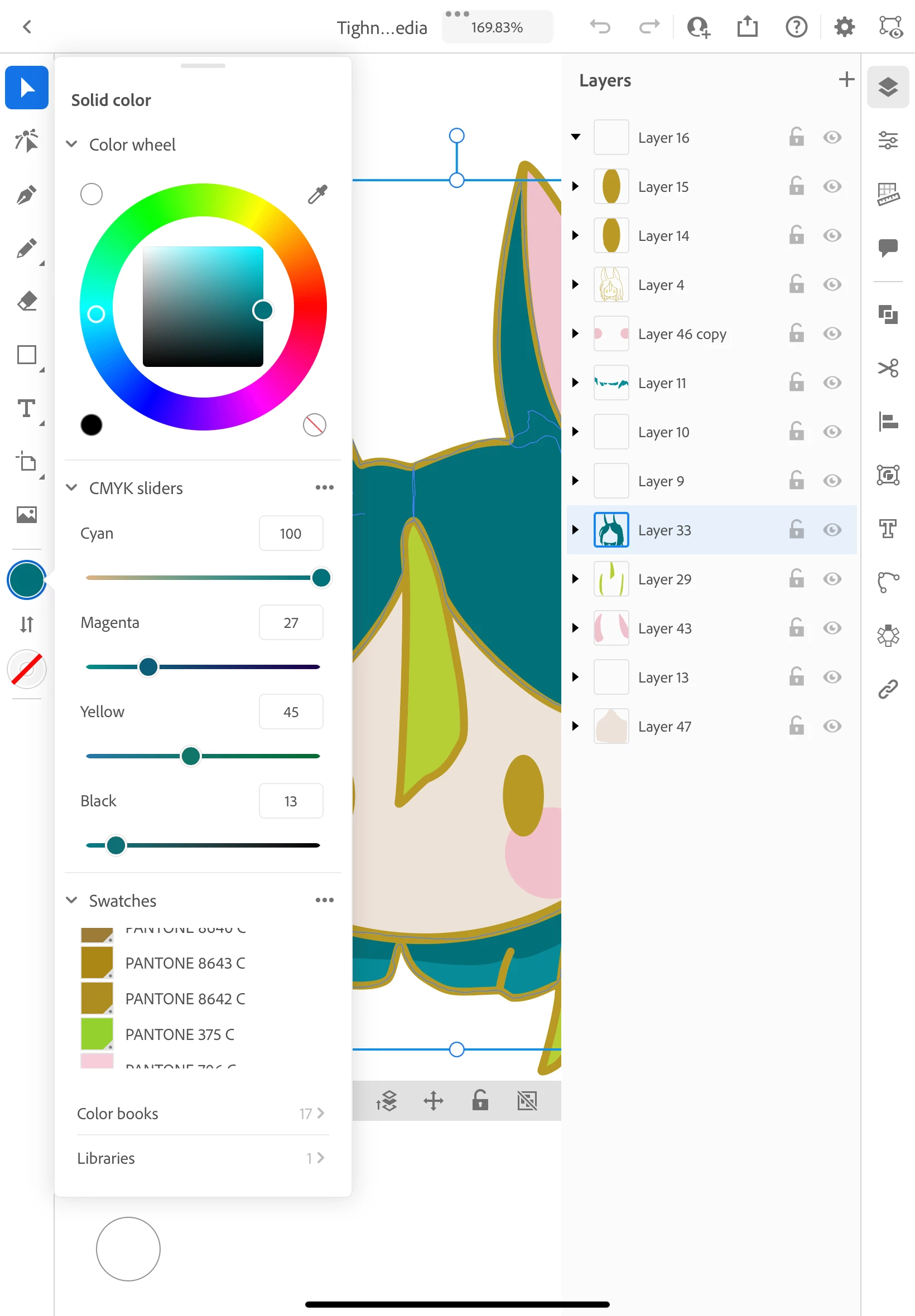
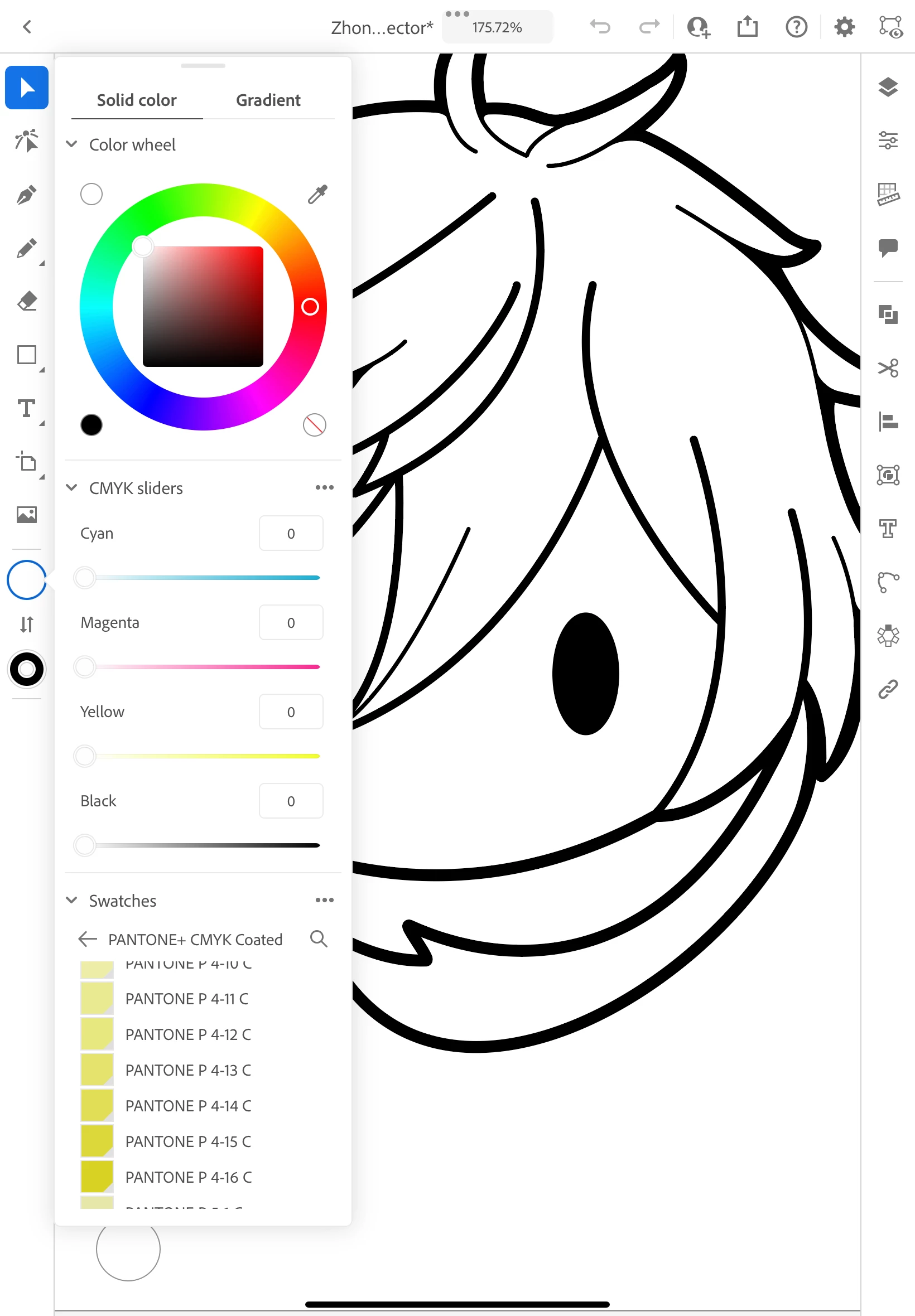 I'm used to the Pantones looking like the image on the left, but when I came back to Illustrator they look like the ones on the right. I use the hard copy of the Pantone guide and it was helpful having the actual names, but now the names don't match up. Are they gone or am I messing something up?



 AdChoices