


Participant
November 16, 2021
Answered

Text pages in Illustrator

I don't know how to set tabs in Word. Havent used In-Design (mistake) so Im using Illatrator (which I know to do resume. Can you link pages like work and text so they spill over and make a new page? Im having to make each separate and storing them...thinking Im going to convert to PDF, but its becoming a lot of pages. having text flow to a new page would help.

This topic is closed to new replies. Start a new post to keep the conversation going.
jane-e
jane-eCorrect answer
Community Expert
November 26, 2021


@GTCDR11 wrote:

Can you link pages like work and text so they spill over and make a new page?


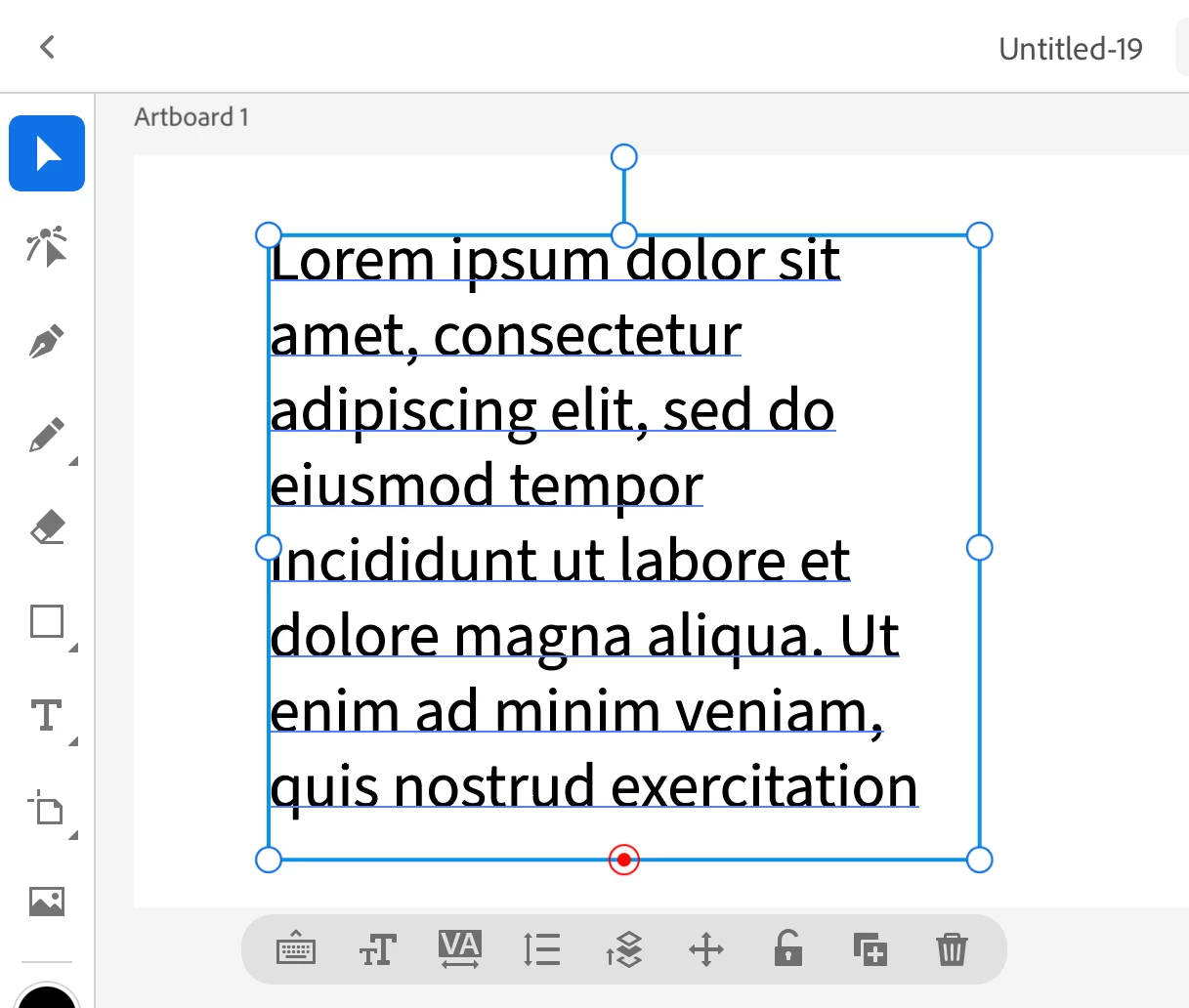
No, you can't link text frames in Illustrator for iPad. There is a red button at the bottom that you can double-click to fit the frame to the text, but the in- and out-ports are MIA.


You can make a feature requests to the developers through UserVoice. Please put the link in this thread so others will see it and upvote it.

https://illustrator.uservoice.com/


Jane

2 replies

jane-e
Community Expert
jane-eCommunity ExpertCorrect answer
Community Expert
November 26, 2021


@GTCDR11 wrote:

Can you link pages like work and text so they spill over and make a new page?


No, you can't link text frames in Illustrator for iPad. There is a red button at the bottom that you can double-click to fit the frame to the text, but the in- and out-ports are MIA.


You can make a feature requests to the developers through UserVoice. Please put the link in this thread so others will see it and upvote it.

https://illustrator.uservoice.com/


Jane

Translate
Michael J. Hoffman
Community Expert
Community Expert
November 16, 2021

You can thread text between area text boxes. See this page and scroll down to "Threading Text Between Objects:"

https://helpx.adobe.com/illustrator/using/creating-text.html


I'm not see this can be done on the iPad, though. Illustrator on iPad shows overset text, but I can't seem to find a way to thread to the next object on iPad. So you may be better off doing this on the desktop if you can.

Translate