
Participant
March 11, 2021
Answered

Undo Button Missing?

  • March 11, 2021
  • 3 replies
  • 1342 views

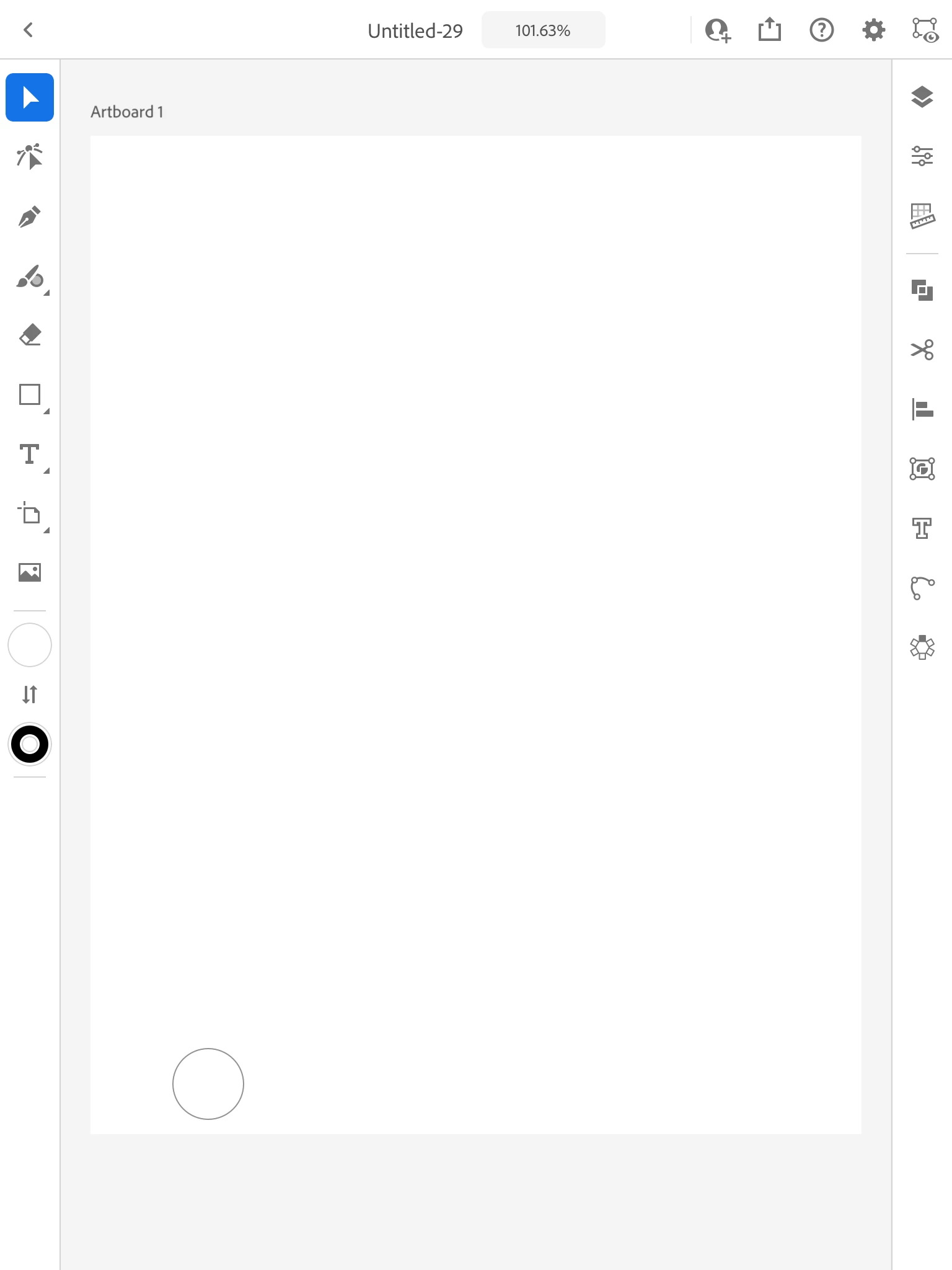
I have Version 1.2.1 with the invite to edit feature now where the undo button used to be. Is this a bug? Did it move somewhere? I've tried looking for it, tried finding other shortcuts, and can't seem to find a solution. 
This topic has been closed for replies.
Correct answer Michael J. Hoffman

Don't forget the touch gestures - a two-finger tap will perform an "undo," so if you're working in portrait view, you can always do that. 

3 replies

Michael J. Hoffman
Community Expert
Michael J. HoffmanCommunity ExpertCorrect answer
Community Expert
March 20, 2021

Don't forget the touch gestures - a two-finger tap will perform an "undo," so if you're working in portrait view, you can always do that. 

Michael J. Hoffman
Community Expert
Community Expert
March 12, 2021

I am also running 1.2.1, and I do see undo and redo in the space between the invitation button and the zoom% label.


Can you rotate your device into landscape mode to see if they appear? What device are you running, and what OS? For comparison, I'm on an iPad Pro 11" running iOS 14.4.


Participant
March 12, 2021

I'm on an iPad Pro 9.7" and also running iOS 14.4. I got the undo/redo buttons to reappear after force closing the app, but it disappears still if I need to leave it. It does appear in landscape mode, so I guess I'm stuck working that way for now. 

Thanks for the reply!

Ko.Maruyama
Community Expert
Community Expert
March 12, 2021

What hardware are you using?

I'm running V 1.2.1 on an iPad Air and they do appear in both landscape/profile.

Does it pesist in hardware restart?

Participant
March 12, 2021

Using an iPad Pro 9.7". Problem does persist after a reset, but it does show in landscape. Will just work that way for now. Thanks!
