


Participant
January 20, 2024
Question

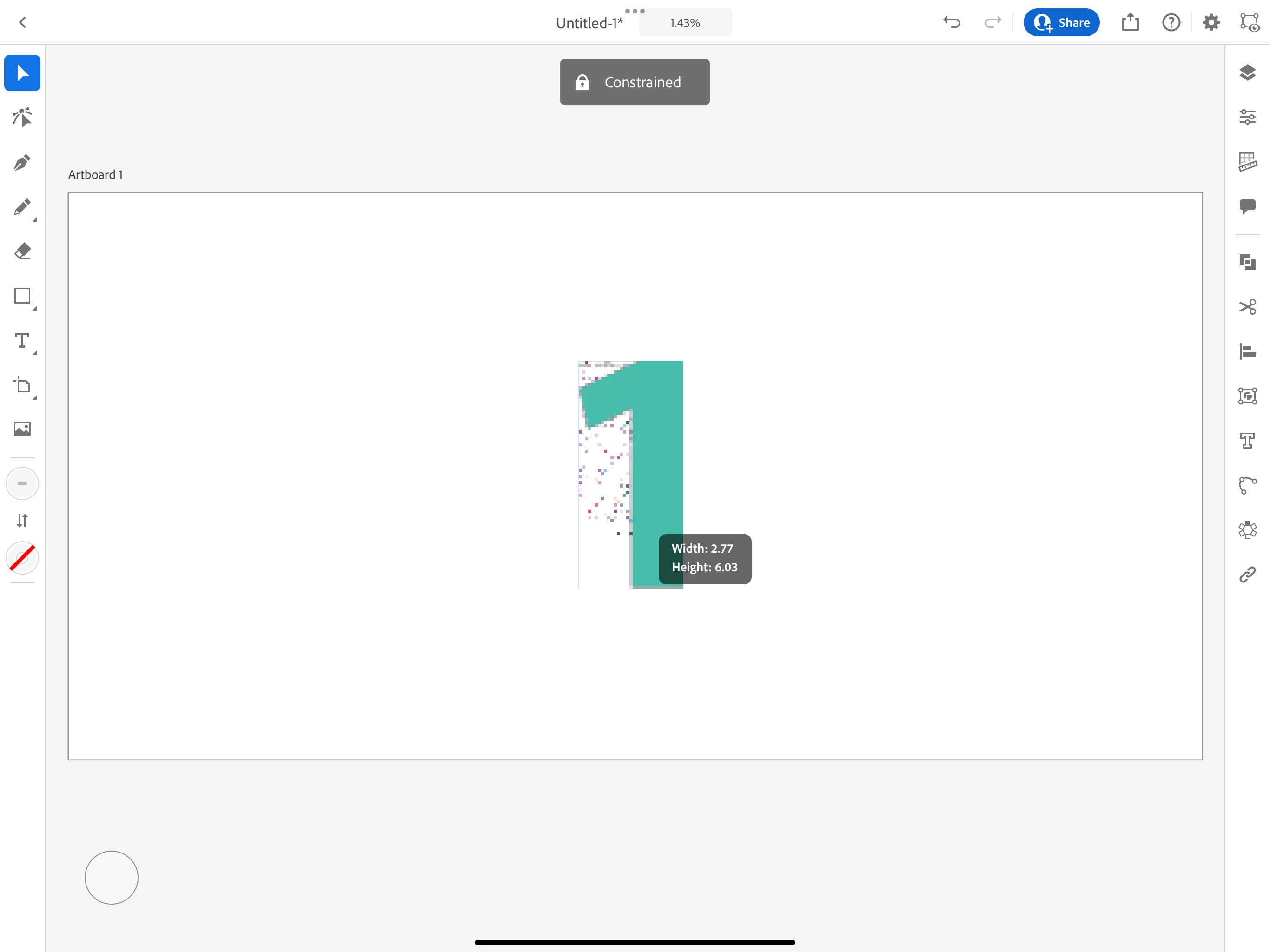
Unlocking a locked constraint for an image on Ipad pro

  • January 20, 2024
  • 1 reply
  • 2290 views

Hi, I have recently got Illustrator on my iPad and struggling with resizing, currently, I cannot skew the image when resizing (or ever)  as a locked constraint icon appears, see picture. As you can see I don't have the touch (shift) down so I should be able to skew as required. 
1 reply

Anubhav M
Community Manager
Community Manager
January 21, 2024

Hello @default3u88edlrfwnv,

Thanks for reaching out. Would you mind trying the suggestions shared in this help article (https://adobe.ly/3vFyy37) and checking if it helps? If the problem persists, kindly share more details, like the exact version of the OS/Illustrator, iPad Model, and a screen recording of the problem (https://adobe.ly/4b8cHl2), so we can investigate this further.


Looking forward to hearing from you.


Thanks,

Anubhav

Participant
January 22, 2024

Hi, thanks for getting back.

I had a look at the help you suggested, but I believe I have tried all variations of this. Please see attached screen recording.

As you can see, I am uploading a PNG file but I cannot skew at any point, even with the "shift" key pressed down or locked. I unlock the dimensions in the properties tab as well, but it's still the same.

This is the same if I import photos from my photos as well.

The only things I have found I can skew are certain images from "My Libraries" but I canno tell the difference why these work.


Michael J. Hoffman
Community Expert
Community Expert
February 4, 2024

It seems like you are looking for the skew/transform function which is not available in Illustrator for iPad. You can vote for this feature and add your comments here on the Uservoice forum, where the Adobe team tracks requests:

https://illustrator.uservoice.com/forums/931888-illustrator-ipad-feature-requests/suggestions/43198251-skew-transform-effects-ipad