

Use Vectorize to quickly convert raster images into vector in Illustrator on iPad
Tired of tracing raster images on your desktop and moving them to the iPad for further editing?
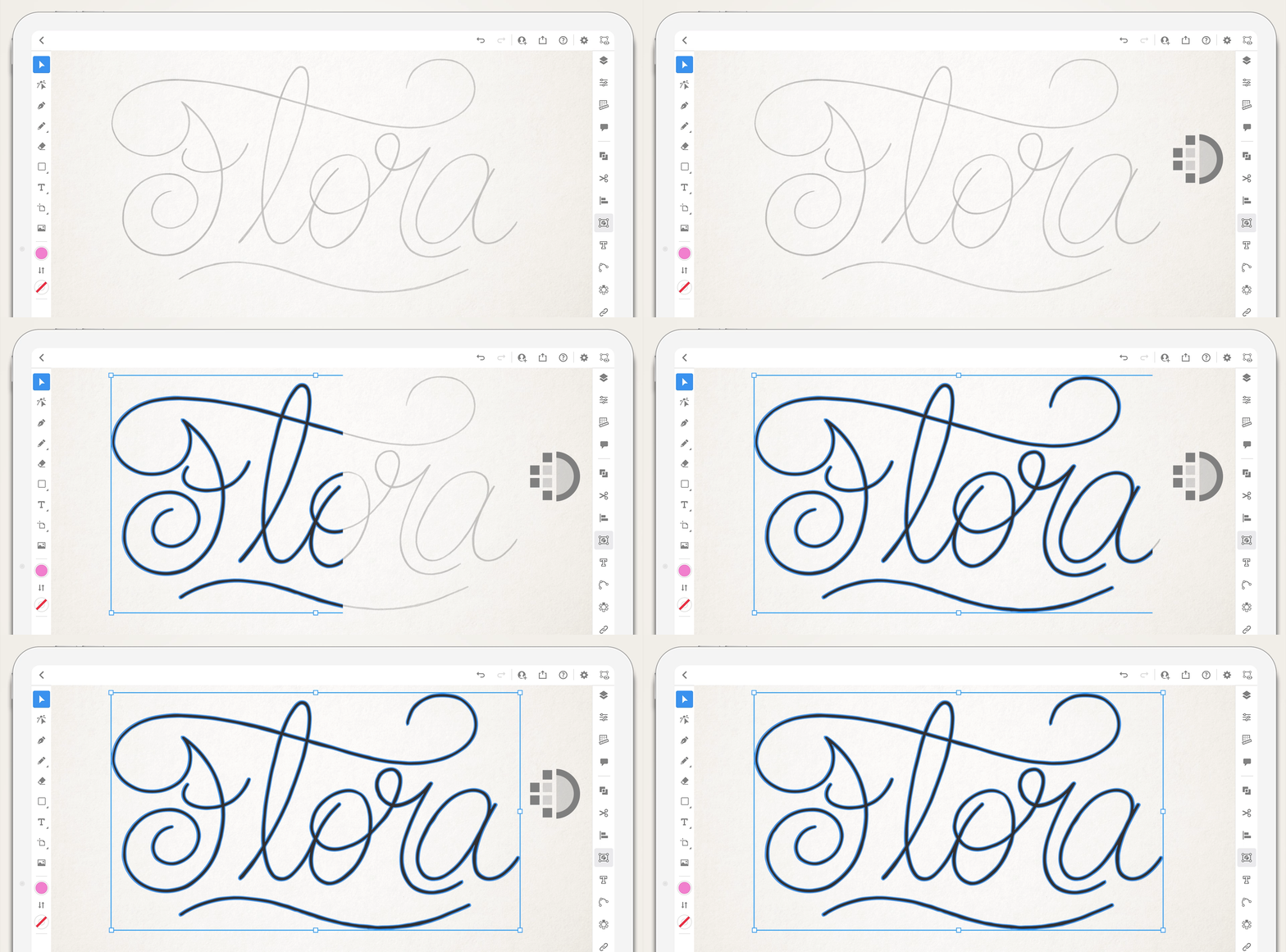
One of the application’s most requested features is now available in the latest update! You can now quickly trace images in Illustrator on iPad.
For detailed information on Vectorize options in Illustrator on iPad, see this article.
Note:This is the first iteration of this feature, and more capabilities are on their way, including improved performance and streamlined workflows across iPad and desktop.
Please feel free to share any suggestions or improvements regarding the app on Adobe Illustrator UserVoice.
Vectorize your images in 4 simple steps
- Place an image.
- Select the image using the Selection tool.
- Tap the Object panel
 and select Vectorize
  to convert the raster image to a vector image.
 - Select the image and tap the Properties panel on the taskbar to use Vectorize options.
We would love to hear from you about how you found this feature and what you created. Reply to this post to share your observations with us.
-Srishti



 AdChoices