Participant
June 2, 2022
Answered

Want to use Stroke Icons on iPad

  • June 2, 2022
  • 1 reply
  • 372 views

Hey. I'm new, started with learning to use Illustrator on iPad. I downloaded stroke icons and tried to open in Ai as vector on my iPad, but it doesn't work. What to do ? ).

This topic has been closed for replies.
Correct answer Monika Gause

I think I did. I opened the file. 


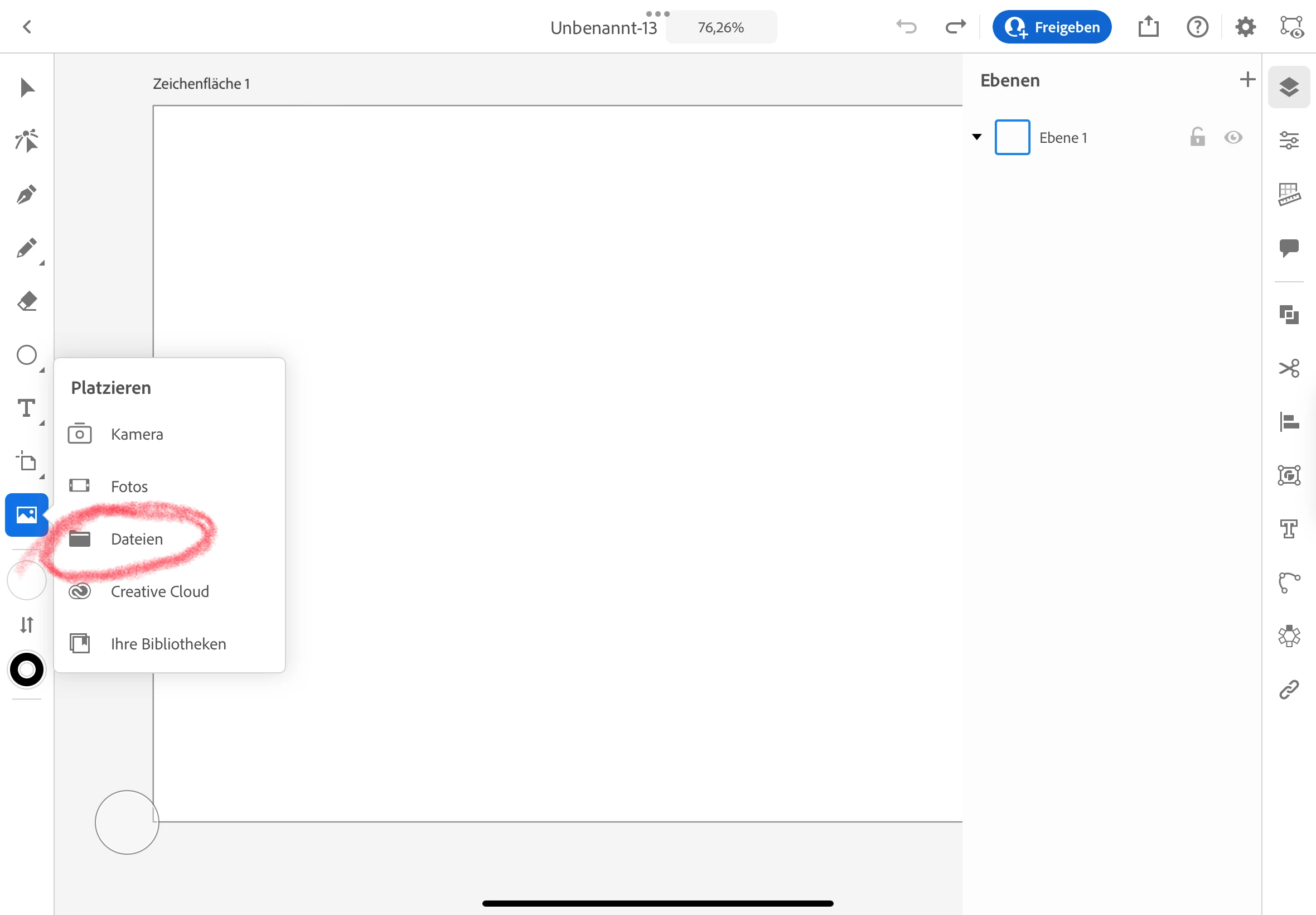
With that menu you are placing it.

Opening happens from the Home screen, not from an already open document.

https://helpx.adobe.com/illustrator/using/open-save-documents-ipad.html

1 reply

Monika Gause
Community Expert
Community Expert
June 2, 2022

Please tell us exactly what kind of files you downloaded and where the file is located.

Participant
June 2, 2022

Hi Monika,


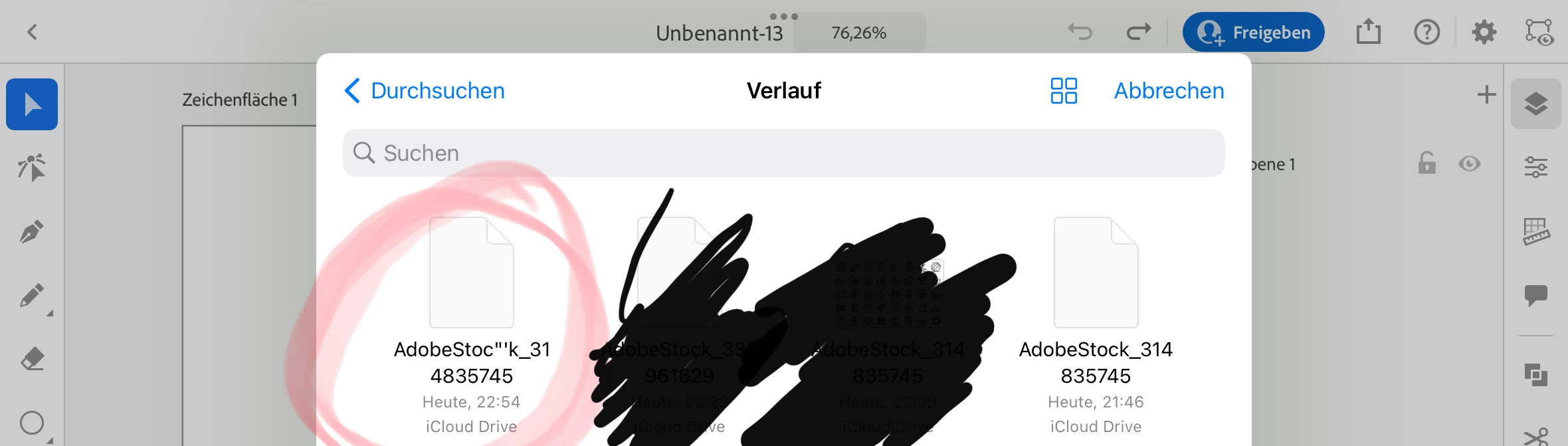
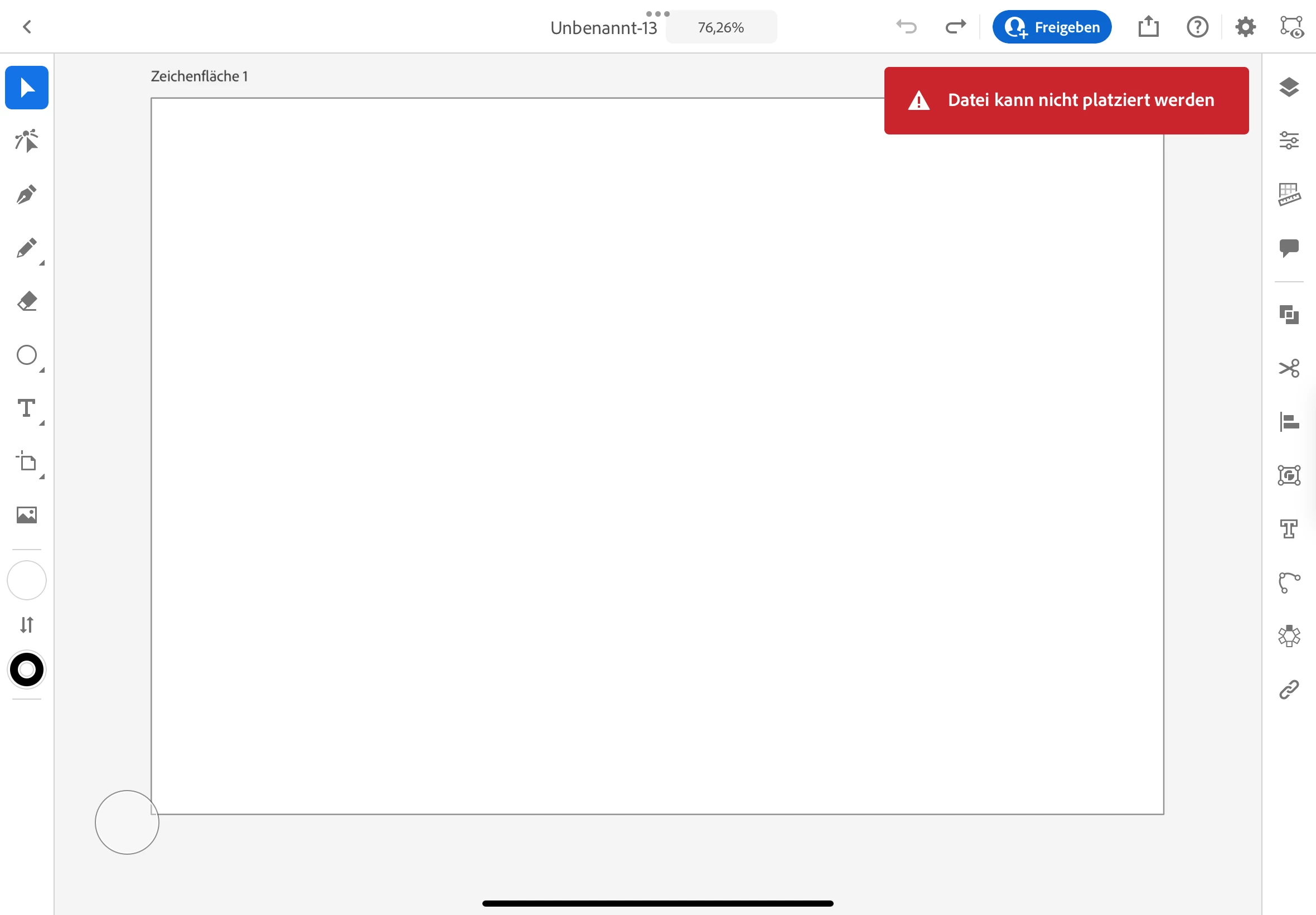
i downloaded from adobe Stock ( not stroke 😒) icons package as vector (not jpeg). I opened Ai on iPad and tried to open the Data File from Stock. But then I'll get the error that I can't place the file. 
thanks for helping me.

Monika Gause
Community Expert
Community Expert
June 2, 2022

You need to open it, not place it.