Participant
May 12, 2023
Question

Why won’t it let me blend type?
  • May 12, 2023
  • 2 replies
  • 1084 views

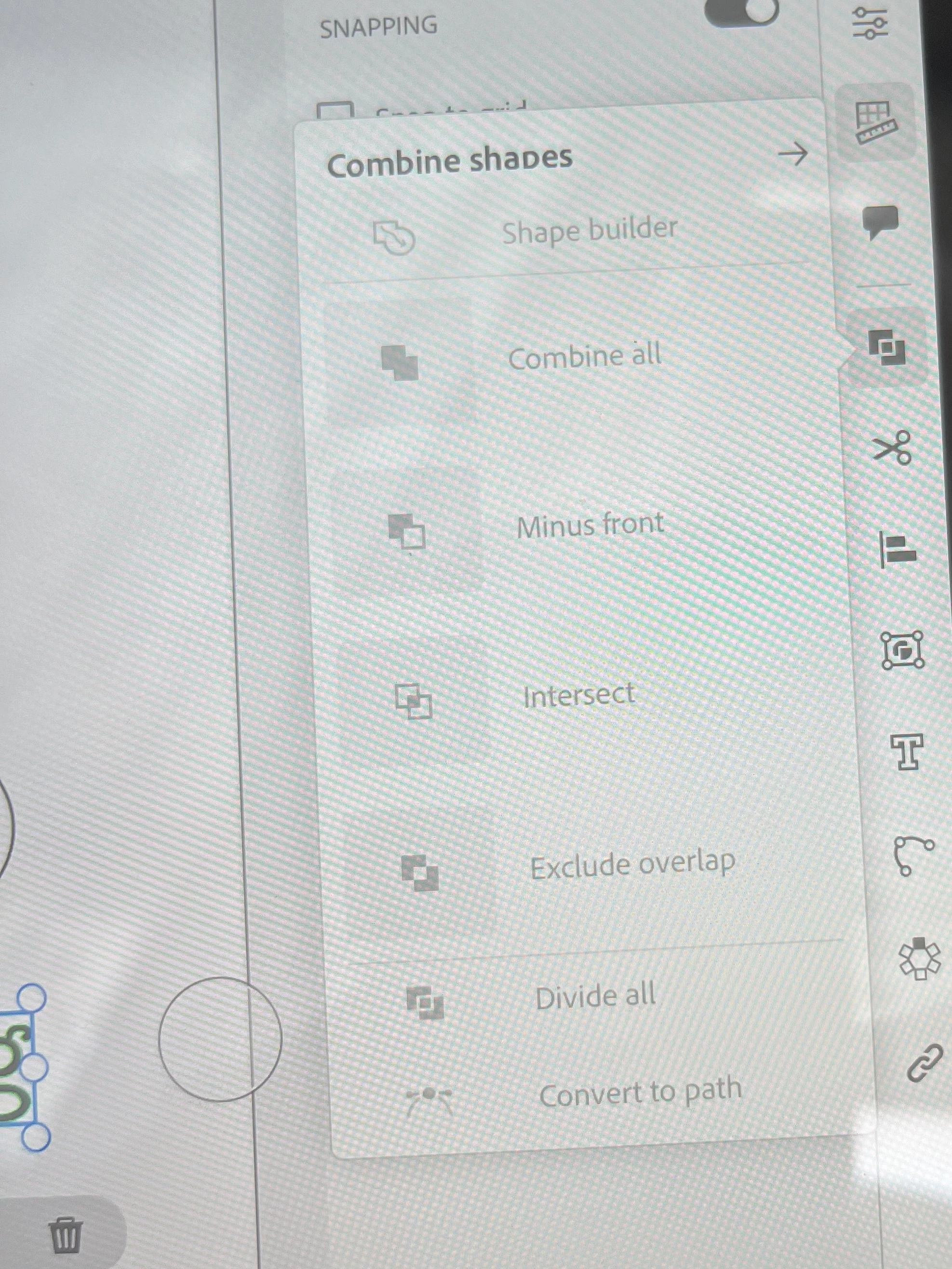
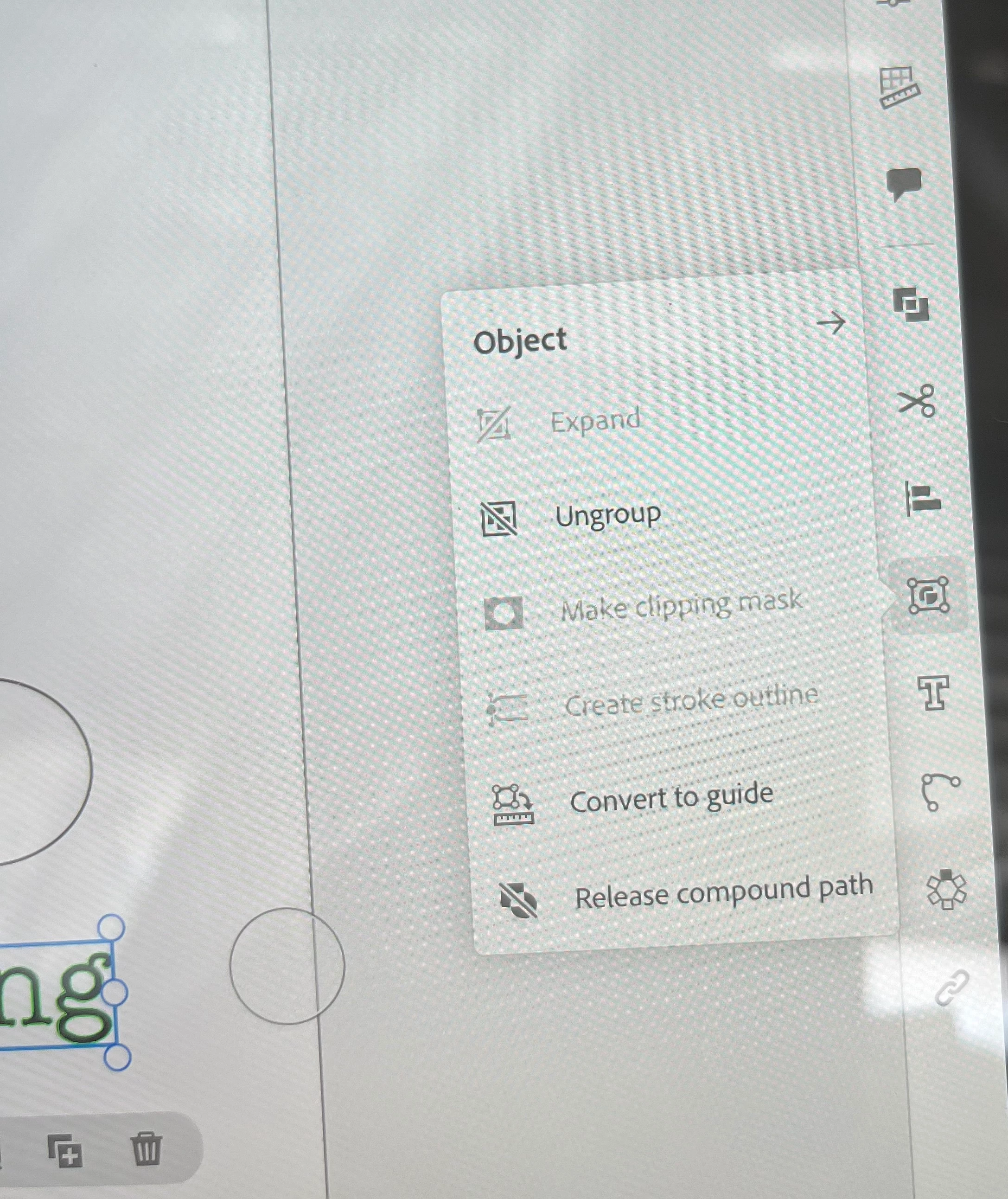
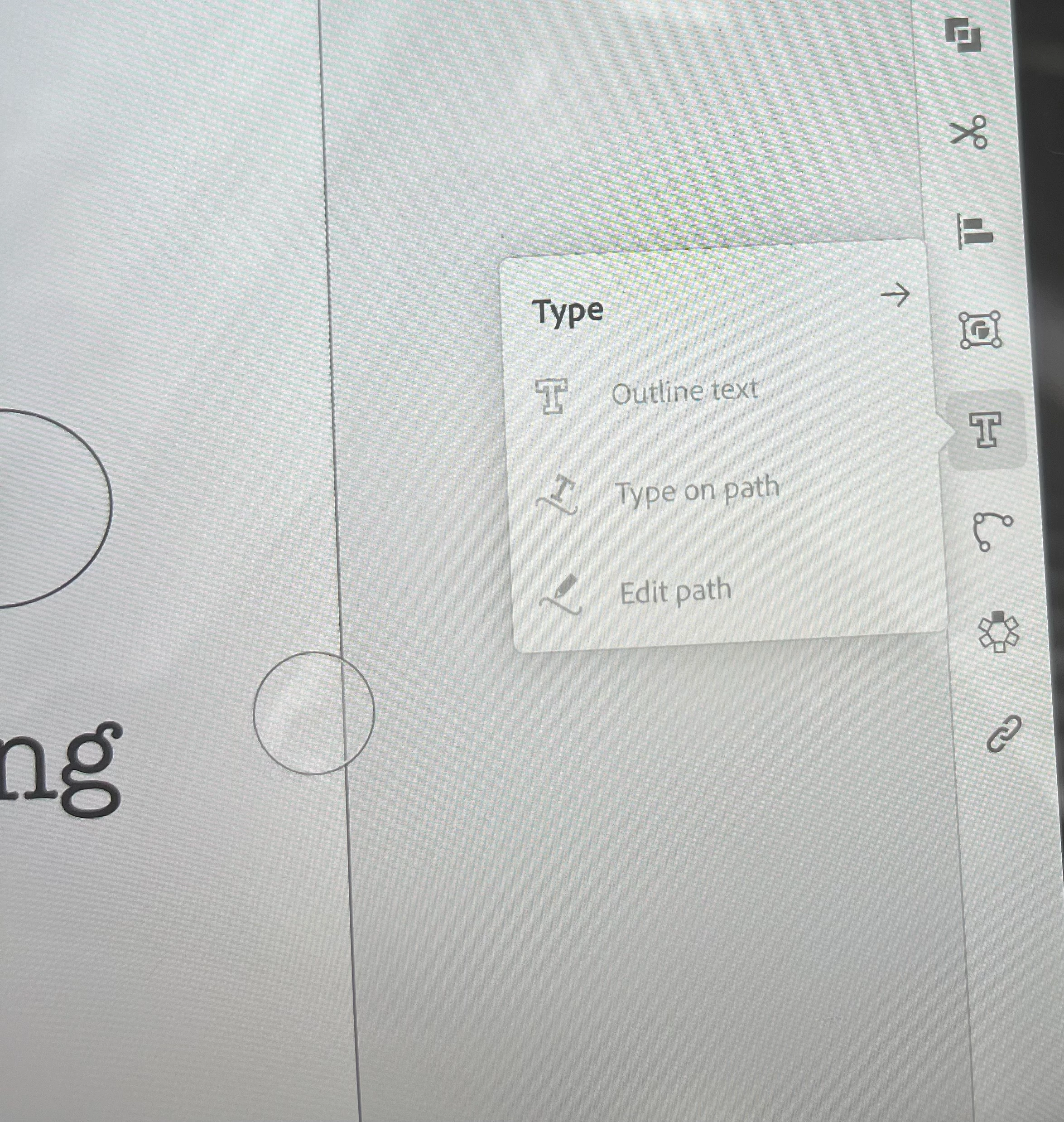
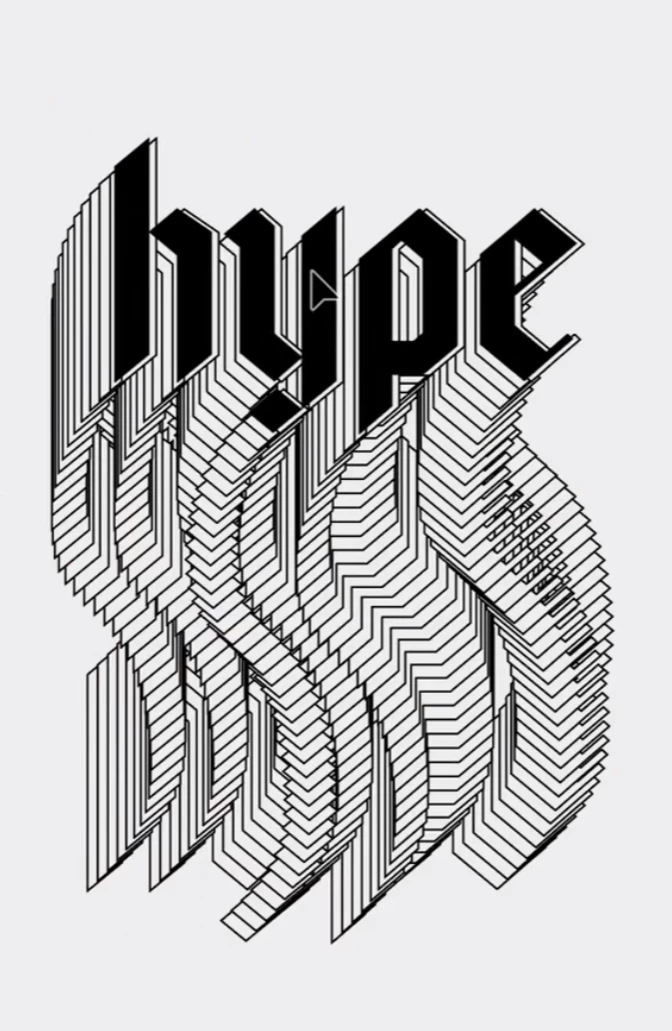
I have illustrator on my ipad and i'm trying to blend two types on a path, but i am not able to blend the type nor put it on a path. It only gives me a notification that "can only make blends with paths and groups of paths". I tried ungrouping them, grouping them, making it a compound path, nothing has worked. I can do the other repeat options, just not the ones i'm trying to do. Any help? I will post a reference to what I'm trying to do, along with what it's showing me. 

This topic has been closed for replies.

2 replies

jane-e
Community Expert
Community Expert
May 13, 2023

Moved from Illustrator to Illustrator on the iPad


Jane

Monika Gause
Community Expert
Community Expert
May 12, 2023

They need to be point text objects.

Community Expert
May 12, 2023

I think it would be kind of cool if Adobe Illustrator could create blends of point text objects using a variable typeface, where the end result would be editable text objects for all the variable instance steps in between. Currently when two point text objects are blended the steps between the two source objects are raw paths. The effect sort of works when using a variable typeface, but the results look a bit odd. It doesn't quite match the letter forms of the repeating effect when it is built from a several copies of a text object and all the variable instances are numerically entered manually.

Monika Gause
Community Expert
Community Expert
May 12, 2023

You can blend variable fonts.