Thank you for reaching out and reporting the issue. The team has updated the new build. Could you please check for updates in the Creative Cloud Desktop app and see if the update is available?
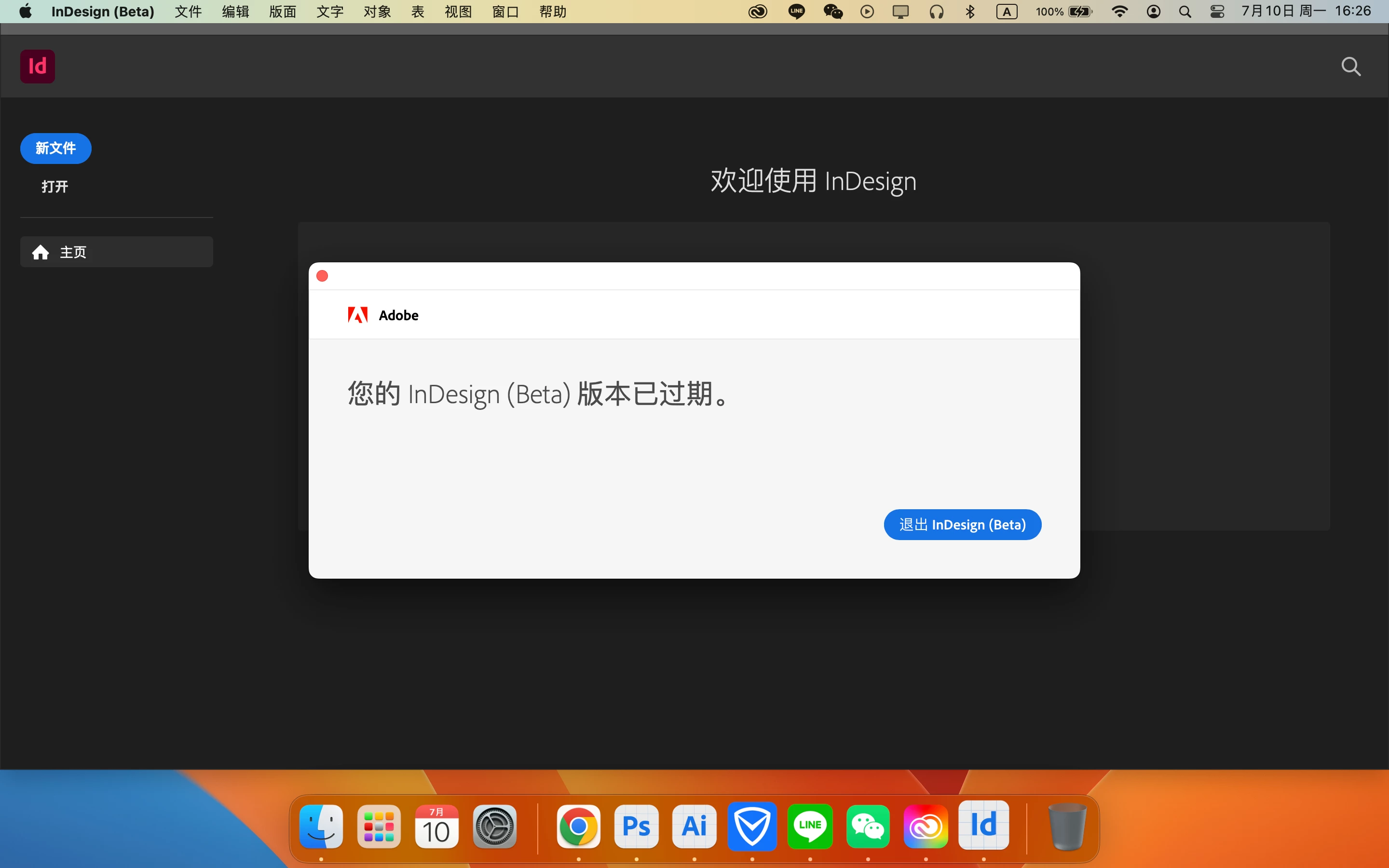
The InDesign Beta program is separate from Prerelease. The poster has been using the InDesign Beta 8.9 to test the InDesign cloud file format being developed. Just this weekend the latest version stopped working with that message.
It probably means that the cloud feature is soon to be incorporated into the Prelease program and will be included in the next InDesign version in October.
The Beta versions are not intended for production, and sometimes they stop working as new versions are developed. The program is not under NDA and anyone can enter the program but you can't count on versions continuing to work a points in the program.
I see the word beta in English in the screen capture. I believe there are dedicated forums for the pre-release testing programs where issues regarding those versions should be discussed.
If you are not a member of the pre-release program it is likely that your software has expired.

 AdChoices