Inspiring
January 24, 2026
Answered

2 side dot leaders

  • January 24, 2026
  • 1 reply
  • 67 views

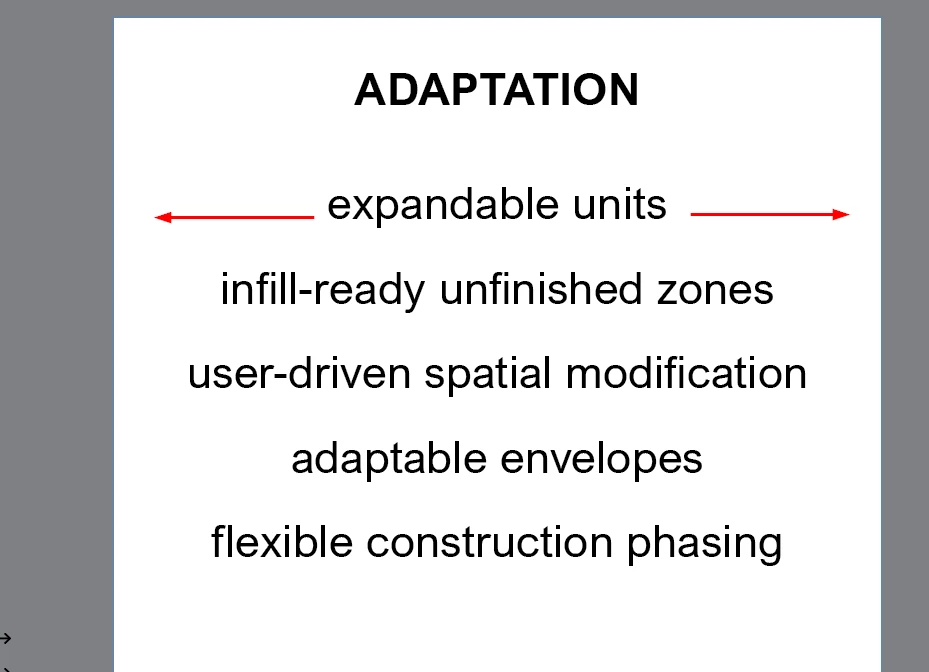
I am trying to add dot or dash leaders on either side of this center-justified text.
Charlie329572228uvx_0-1769280861831.png

I am not sure how to set this up. Thank you for any suggestions.

Correct answer rob day

Make sure the Underline is only applied to the tabs, looks like you have it applied to the entire line. Also, there should only be a single, centered stop in the Tabs dialog. I’ve attached my example

1 reply

rob day
Community Expert
Community Expert
January 24, 2026

Hi @Charlie329572228uvx , You could do it with offset, dotted Underlines, applied to a centered Tab and a Right Indent Tab (Insert Special Character>Other>Right Indent Tab):


Screen Shot 1.pngScreen Shot 2.png

Inspiring
January 24, 2026

Hi,


Thanks for this suggestion. I am having trouble getting in to work on my end, perhaps you could take a look and tell me which step I am missing.


https://youtube.com/shorts/4L4qdMVVnCA?feature=share


Just wanted to confirm, with this approach, will the dots adjust to the length of the text?


Thanks!

rob day
Community Expert
rob dayCommunity ExpertCorrect answer
Community Expert
January 25, 2026

Make sure the Underline is only applied to the tabs, looks like you have it applied to the entire line. Also, there should only be a single, centered stop in the Tabs dialog. I’ve attached my example