
mem33773068
Participating Frequently
April 21, 2020
Answered

300 ppi still blurry

  • April 21, 2020
  • 4 replies
  • 1555 views

Hello all,


I have used Indesign many times but I am having an issue I have not had before.


Some of my images are 300 ppi yet they are appearing blurry. My performance display is typical and it looks the same on high. below is a screen shot of the image with the info saying 300 ppi
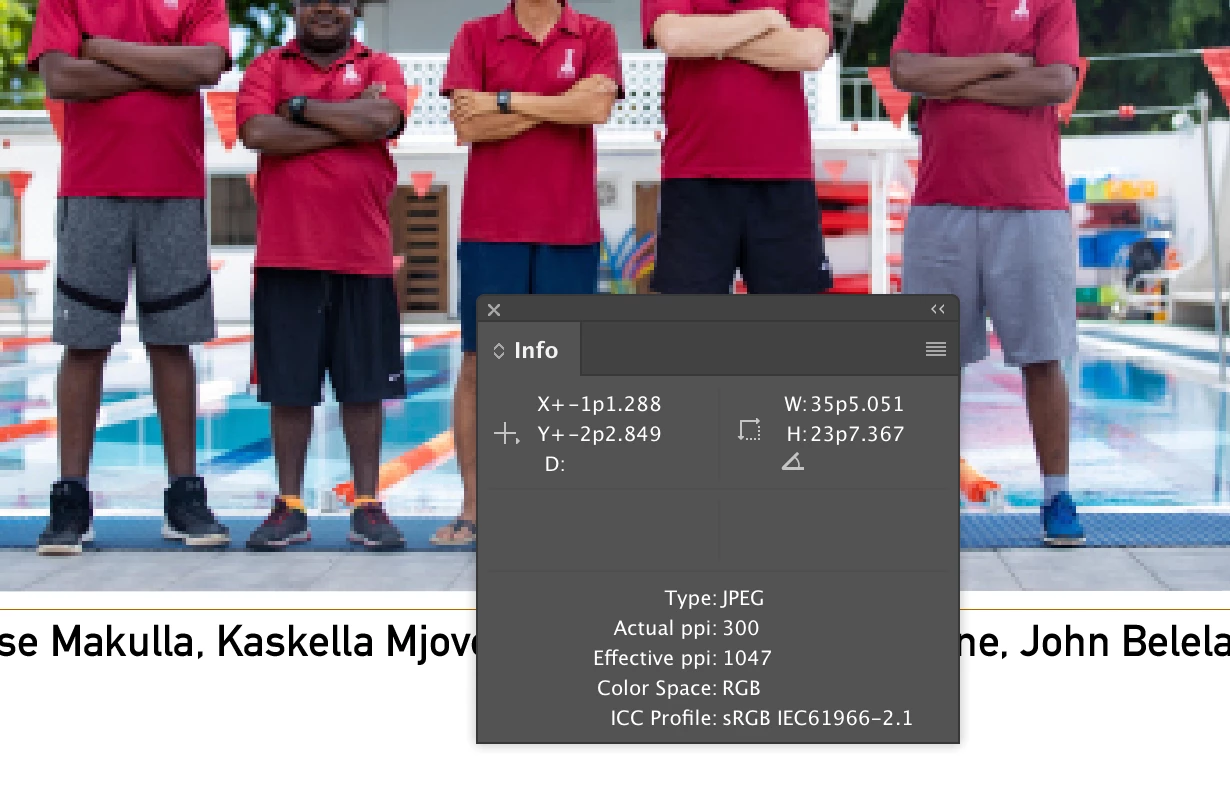
 

when I convert it to a PDF it looks just like it does above. Some of the images are this some are not. 

any ideas?


thank you 

David

This topic has been closed for replies.
Correct answer rob day

Can you package your InDesign file along with the image and share it via your CC account or some other cloud service like Dropbox?

4 replies

rob day
Community Expert
Community Expert
April 21, 2020

Could you show a screen capture of the image or part of the image in Photoshop at 100%?

mem33773068
Participating Frequently
April 21, 2020

Photoshop 100% 

rob day
Community Expert
rob dayCommunity ExpertCorrect answer
Community Expert
April 21, 2020

Can you package your InDesign file along with the image and share it via your CC account or some other cloud service like Dropbox?

rob day
Community Expert
Community Expert
April 21, 2020

The Effective Reolution is very high. It looks like the image may have been upsampled in Photoshop—it started as a low resolution and was sampled up in order to get to the 300ppi Actual Resolution?


You can export the full 1047ppi Effective Res by turning off Downsampling in the Export>Compression tab, but if the image was sampled up in Photoshop that won’t have much effect.

mem33773068
Participating Frequently
April 21, 2020

I did not process these in Ps. It is possible someone else did though.


I will do what you recomended and see if it works.


Thank you

David

rob day
Community Expert
Community Expert
April 21, 2020

Is the Link Status Normal? You should be able to open the link in Photoshop and show us a 100% view there.

Derek Cross
Community Expert
Community Expert
April 21, 2020

Actually your Effective PPI is 1047PPI. Increase the resolution in PDF.

mem33773068
Participating Frequently
April 21, 2020

How would I do that? when I export?

rob day
Community Expert
Community Expert
April 21, 2020

What’s your Zoom magnification? Actual Size or 100% shows the magnification for the actual print output.

mem33773068
Participating Frequently
April 21, 2020

when i right click and hit zoom it says actual size