


Inspiring
August 7, 2024
Answered

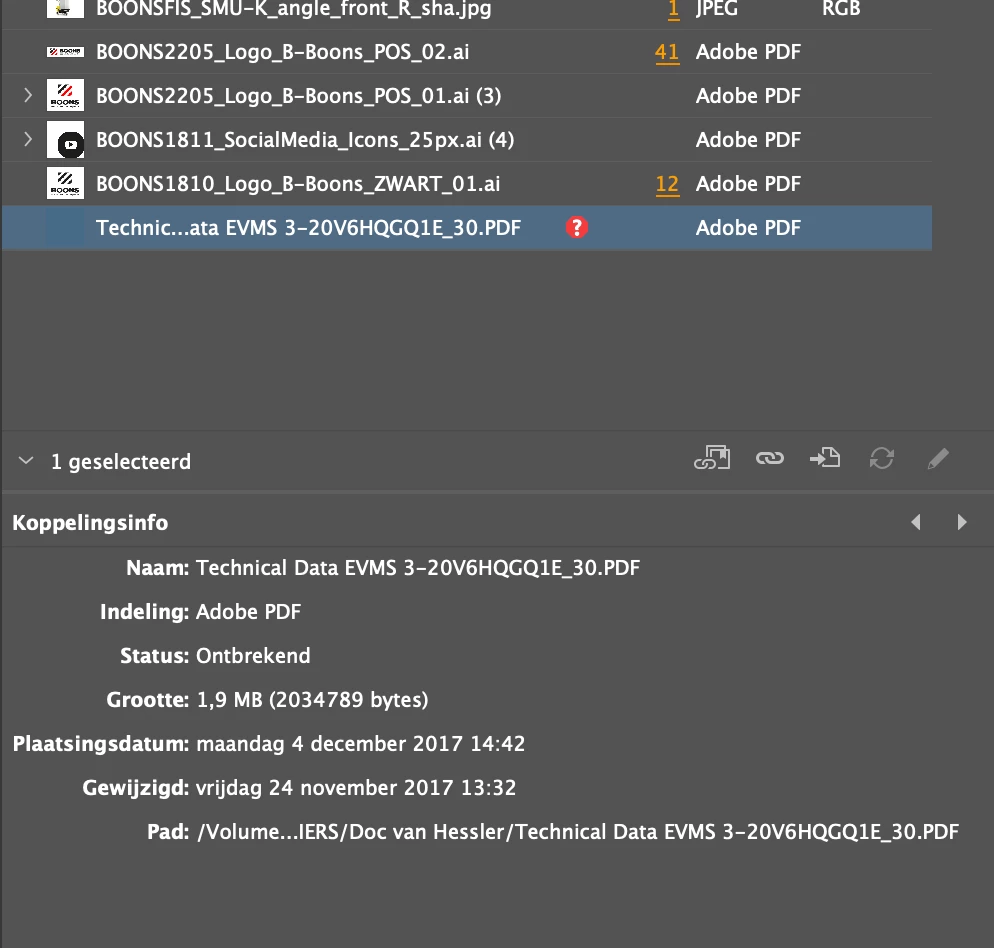
A pdf is marked as missing in the 'links' pane but is nowhere to be found in the InDesign document.

  • August 7, 2024
  • 1 reply
  • 245 views

Hello, i have the following issue:

A pdf document is marked as missing in the 'links' pane but is nowhere to be found in the InDesign document. Not on master pages, no hidden layers, ... Re-linking also fails. Does anyone know how I can remove this linked item from the links pane?

This topic has been closed for replies.
Correct answer Peter Spier

Try doing an export to .idml, then open that and save as a new .indd file with a new name.

1 reply

Peter Spier
Community Expert
Peter SpierCommunity ExpertCorrect answer
Community Expert
August 7, 2024

Try doing an export to .idml, then open that and save as a new .indd file with a new name.

bartWAuthor
Inspiring
August 7, 2024

Perfect! This solved the problem. The linked file disappeared from the links panel. Thanks, @Peter Spier