
Across First vs. Down First When Placing Graphics In A Grid
Question: How do I control the order in which InDesign places images?
Statement of Problem: I have 25 images named numerically 01 to 25 that I'm trying to import into an ID document but the program will only load them by rows, the program places the first 5 images in the top row, the next 5 in the second row, the next 5 in the third row, etc.
In other words the first row contains images 01 to 05 but I want the first column to contain images 01 to 05.
What can I do to change the behavior? I know I can change the numbering of the image to get them into the proper places but I'm working with dozens of pages and a few hundred images and I know if I tried to renumber every image I'd screw it up beyond repair.
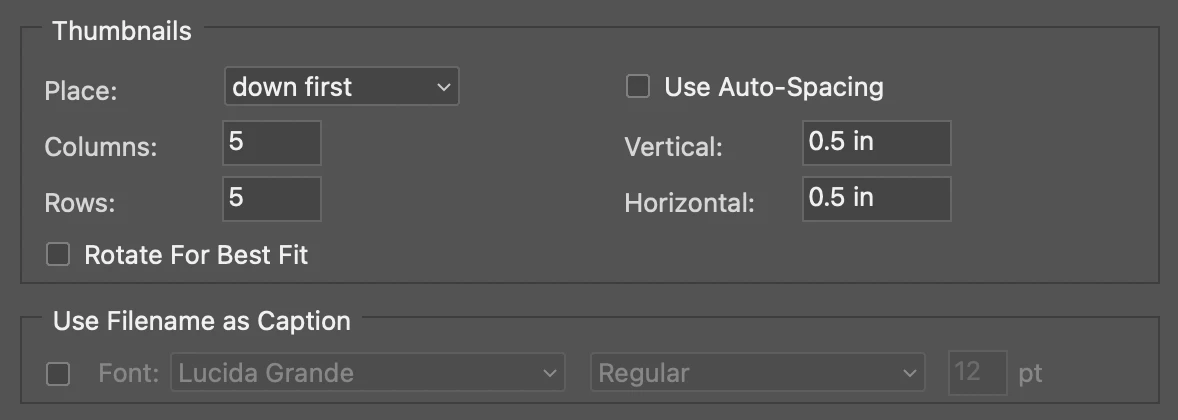
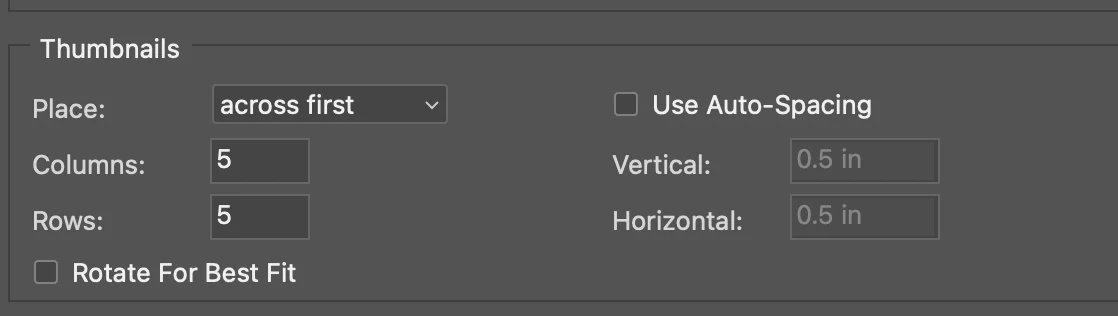
It's a simple problem in Photoshop: here's what the dialog box looks like in Photoshop showing the two ways to import images.


 AdChoices