


Inspiring
October 19, 2026
Question

activated fonts do not appear in the character menu

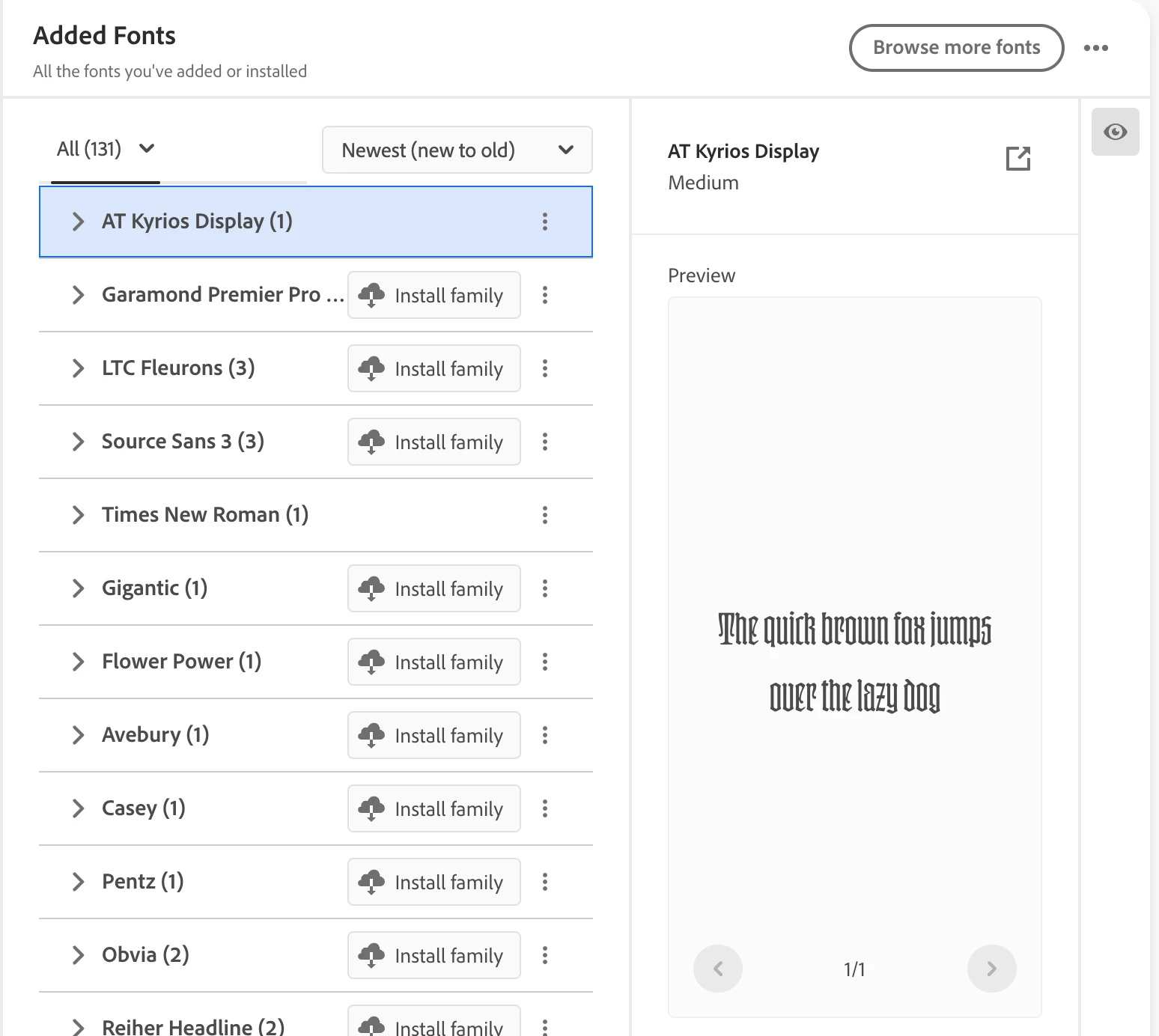
Even though I don’t want to use it all, I have activated the entire Adobe Garamond Pro family as that seems to be the only way to be sure of accessing the fonts I do want to use. When I go to the character menu, a limited number of them are available. Yet the paragraph and character styles include the correct fonts. It’s only when I select a few words whose font I want to change that this is a problem. The work around is to impose a paragraph style and then change the font, but that seems absurd.
 

    6 replies

    Community Expert
    October 19, 2026

    It’s possible you have two versions of Adobe Garamond installed. That’s why only some show up because it’s picking from the shorter set. Could be a font clash in the system fonts vs Adobe fonts.

    Translate
    Inspiring
    October 19, 2026

    Interesting. I’ll try deleting and reinstalling. Thanks!

    Translate
    leo.r
    Community Expert
    Community Expert
    October 19, 2026
    When I go to the character menu, a limited number of them are available. Yet the paragraph and character styles include the correct fonts. It’s only when I select a few words whose font I want to change that this is a problem.


    Can you post screenshots that illustrate the actual issue in InDesign?

    Translate
    Inspiring
    October 15, 2026

    Thank you. The Plugins menu is empty, to there is nothing to delete there. Yet when I open Indesign I consistently get a message saying the plugin is not plugged in. I had this problem before I deleted the Monotype plugin.

    Translate
    Anubhav M
    Community Manager
    Community Manager
    October 14, 2026

    Hello ​@Grundoon Groundhog 


    I’m sorry to hear about your experience. Could you please try the suggestions in this help article (https://helpx.adobe.com/fonts/web/web-design-and-development/troubleshoot-fonts-illustrator-indesign.html) and see if they resolve the problem?


    Looking forward to hearing from you.
    Anubhav

    Translate
    Inspiring
    October 14, 2026

    I have activated most of the Adobe Garamond fonts for a publication I’ve been producing for years. When I go to Find/Replace sometimes all of the activated fonts are available in the Replace With list and sometimes not. Why does this happen? How do I avoid it? I need Adobe Garamond Pro Medium, and it just isn’t lsted.

    If I use the Paragraph Style the correct font replaces the “wrong” one (flowed in from Word). This is helpful but it would be much more efficient to Find/Replace, as I lose the formatting of special paragraphs, such as extracts.


    Translate