
Known Participant
January 28, 2021
Answered

Activated Fonts not showing up

  • January 28, 2021
  • 2 replies
  • 2807 views

I just activated Azo Sans family and neither InDesign or Illustrator are recognizing the font. I have exited both programs, restarted them, and deactivate/reactivated the font. Not sure what else I can do here--I have never had this problem before.
This topic has been closed for replies.
Correct answer Srishti Bali

Hi there,


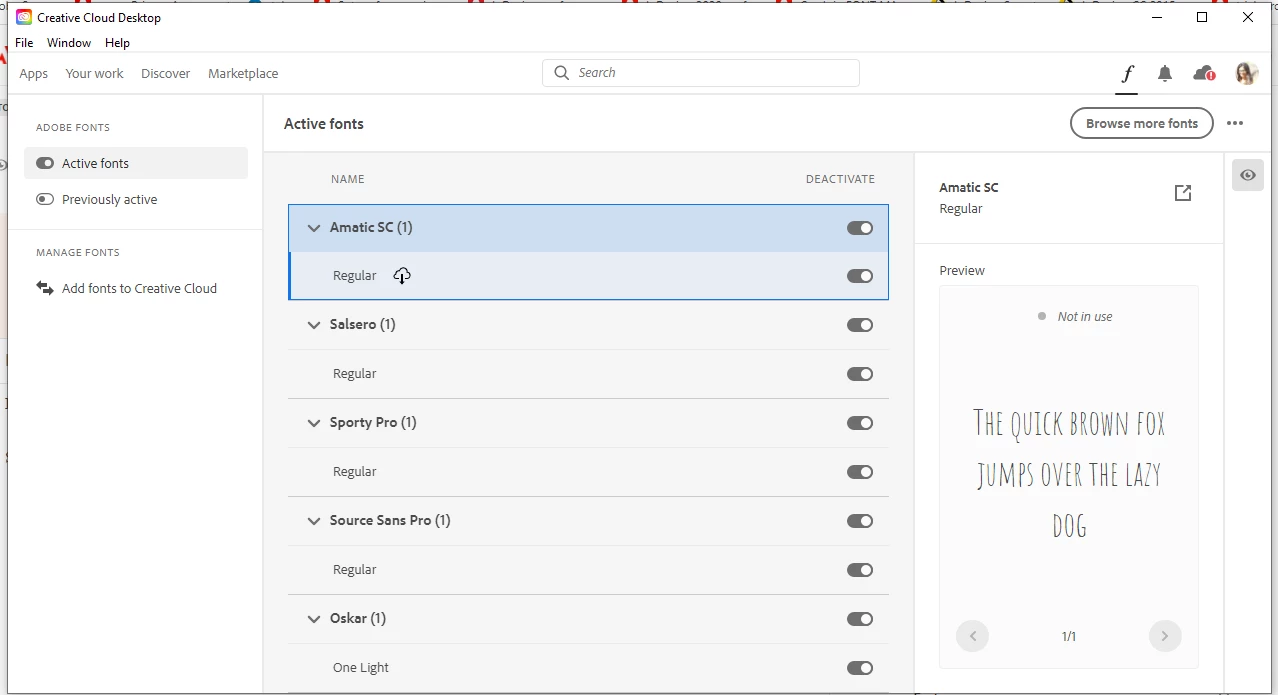
Sorry to hear about this trouble. Do you see these fonts in your Creative Cloud app? 


If not, please try following these steps ( https://helpx.adobe.com/fonts/user-guide.html/fonts/kb/troubleshoot-font-activation.ug.html ) and let us know how it goes. 


Regards,

Srishti

2 replies

Participant
January 10, 2022

I am having the same problem. I have activated all Lato styles in Adobe Fonts online and in Creative Cloud. They show as active in both places, but InDesign says that Lato Bold, Regular, and Italic are missing. It only gives me Hairline and Hairline Italic as options (neither of which I want). All of these fonts worked in InDesign on Friday and now are showing up as missing today. I have signed out of CC and Adobe online, closed InDesign and CC, and then re-opened and re-signed in. I have also deactivated and re-activated the fonts in CC and in Adobe Fonts online. Nothing seems to work. I'm supposed to finish this document and publish it today. Thanks for your help!

Participant
February 1, 2023

Did this ever get solved? I'm having the same issue with activated fonts in premiere.

BobLevine
Community Expert
Community Expert
February 1, 2023

This is an InDesign forum. Check with the folks in the Premiere forum, please.

Srishti Bali
Community Manager
Srishti BaliCommunity ManagerCorrect answer
Community Manager
January 29, 2021

Hi there,


Sorry to hear about this trouble. Do you see these fonts in your Creative Cloud app? 


If not, please try following these steps ( https://helpx.adobe.com/fonts/user-guide.html/fonts/kb/troubleshoot-font-activation.ug.html ) and let us know how it goes. 


Regards,

Srishti