Hi Dax!
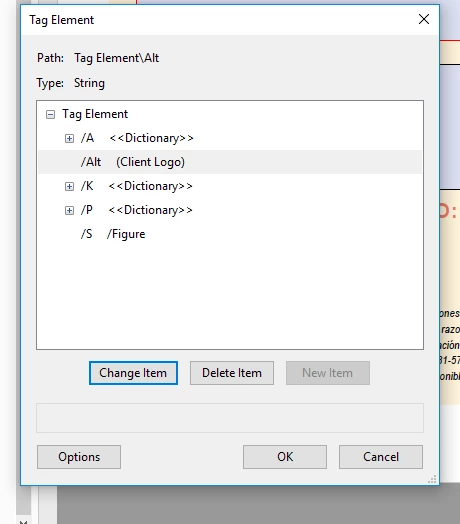
Form XObject is a relatively new feature in PDF and it's not working well with accessibility. Essentially it buries the Alt-text deep within the compound tag and prevents it from being fully accessible to all assistive technologies (AT).
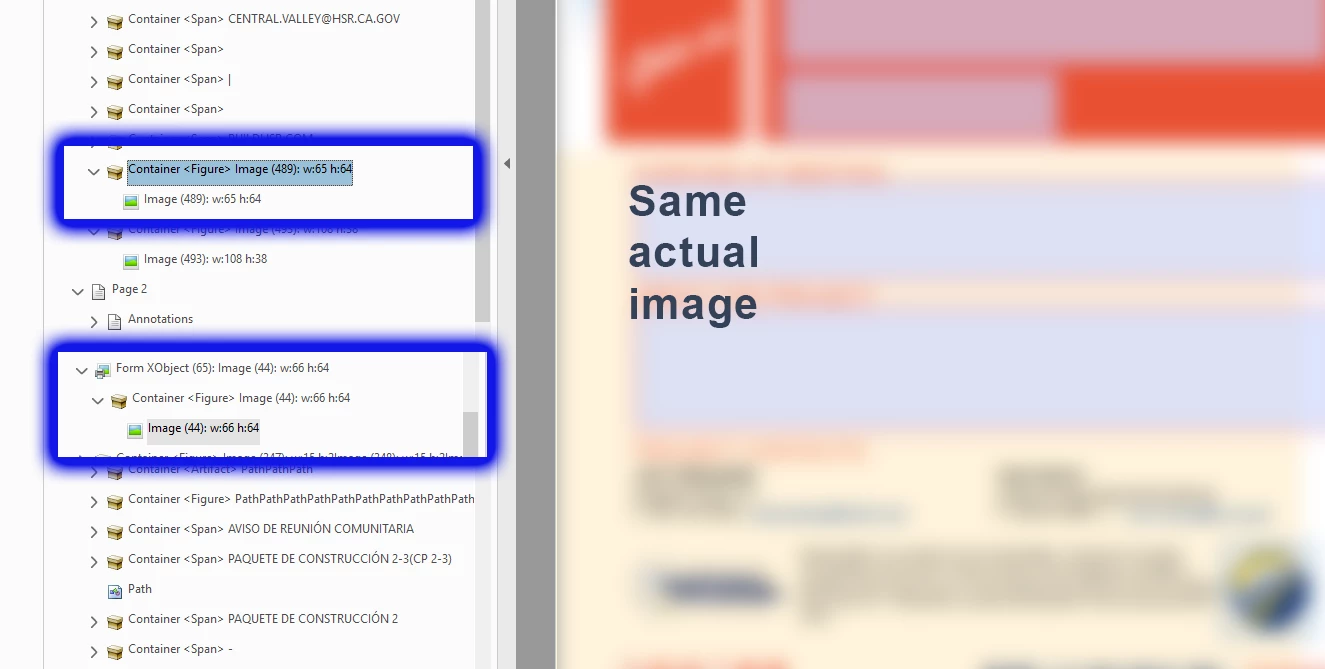
IIRC, it was intended to streamline PDFs by wrapping a repeated object (any kind of object, like your logo that's used twice) into a Form XObject so that it can be stored and processed once but referenced/used many times in the document. FYI, the "Form" part of its name has nothing to do with fillable forms, so don't let that confuse you.
This problem began creeping into PDFs exported from InDesign layouts about 2 versions ago. And repeated graphics on Master Pages tend to cause this. However, in most cases, stuff on MP's should be Artifacted
At this time, you don't want the <Figure>'s Container embedded into the Form XObject. The first version in your screen capture is correct, the second fails accessibility tests. You'll have to correct this in the PDF.
1) In the Content Panel, move the group of Container, <Figure>, and Image out of the Form XObject. Then delete the now-empty Form XObject.
2) Another method: in the Order Panel, delete the graphics from the Order tree. Then, using the TURO/Reading Order tool, select the graphic and tag it <Figure>. You'll have to put the Alt-text back on it.
3) File this as a bug with Adobe. It's not that Form XObjects are bad, it's that they aren't programmed correctly by the Adobe export utility and they end up failing PDF accessibility checkers. And they fail in screen readers, too. See Kenny Moore's accessibility blog on this at https://taggedpdf.com/508-pdf-help-center/dealing-with-form-xobjects/
Question: if these logos are on master pages, don't you want them Artifacted anyway? If so, they don't need Alt-text.




 AdChoices