
Participant
March 21, 2024
Answered

Add different suffix to each exported page in the same file

  • March 21, 2024
  • 1 reply
  • 421 views

Hello,

Is it possible to add different suffix to each exported page of the same file at the end of my .jpg ?

For example I have a product sheet I translate in different languages per page in the same document. 

Currently, I have this documents which finish with "product sheet", "product sheet2",... when I save. like this:
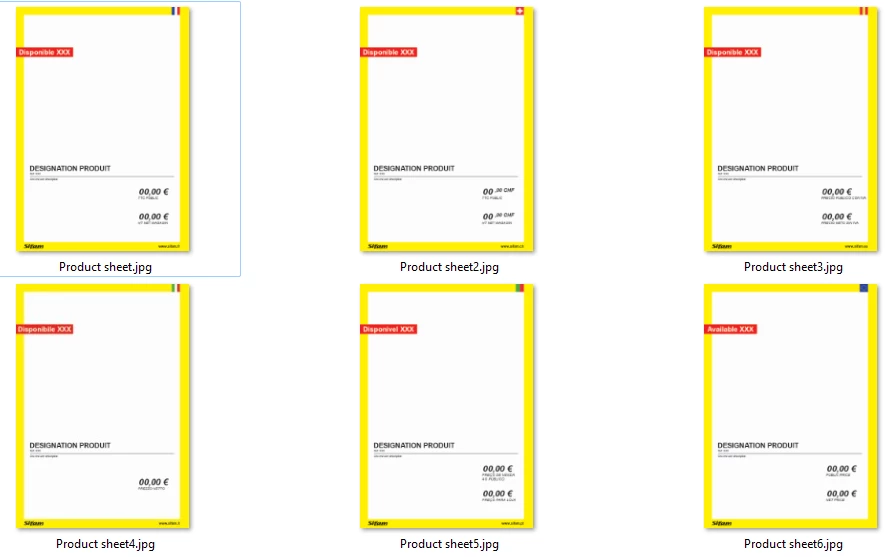
my goal is to have this documents which finish with "product sheet FRANCE", "product sheet SWISS",... when I save. without my intervention. like this:
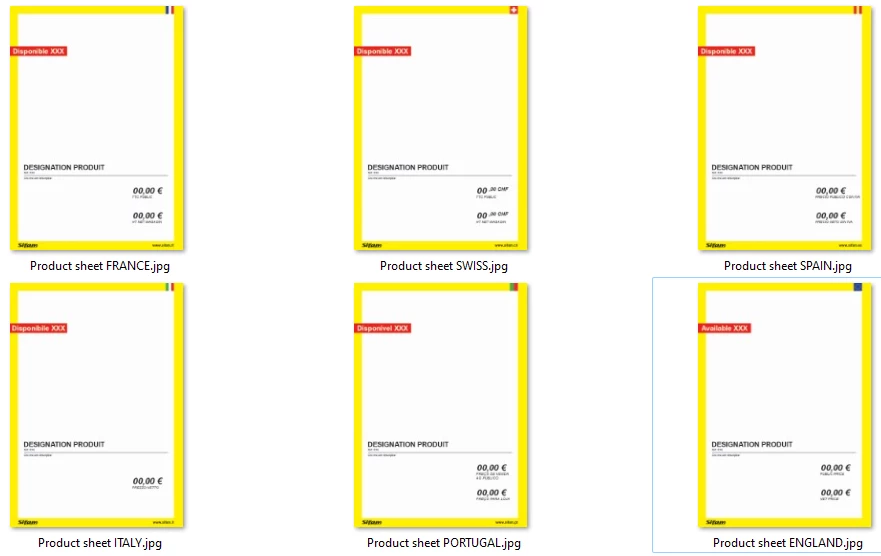


I couldn't find a topic that talked about this. If you have a link or a solution I'm interested.


best regards

This topic has been closed for replies.
Correct answer Eugene Tyson

You can batch rename with Adobe Bridge


And Mac Finder can do a batch rename too. 

1 reply

Community Expert
March 21, 2024

You can do it if you add a bookmark on each page and then split in Acrobat


I wrote about it over here some time ago

https://community.adobe.com/t5/indesign-discussions/how-to-save-separate-files-from-one-document-with-unique-name-on-each-other/td-p/9079991


VNICOLASAuthor
Participant
March 22, 2024

Hi Eugene,

It's a good solution if you have 200 page but I've got less than 10 page per files.

I think I take less time rename manually the .jpg . thanks anyway !

Eugene TysonCommunity ExpertCorrect answer
Community Expert
March 22, 2024

You can batch rename with Adobe Bridge


And Mac Finder can do a batch rename too.