Known Participant
March 19, 2017
Answered

adding Adobe typekit fonts

  • March 19, 2017
  • 1 reply
  • 3742 views


I've followed directions (? -- Add fonts to your desktop from Typekit ) but don't see the font in my ID font menu choices.

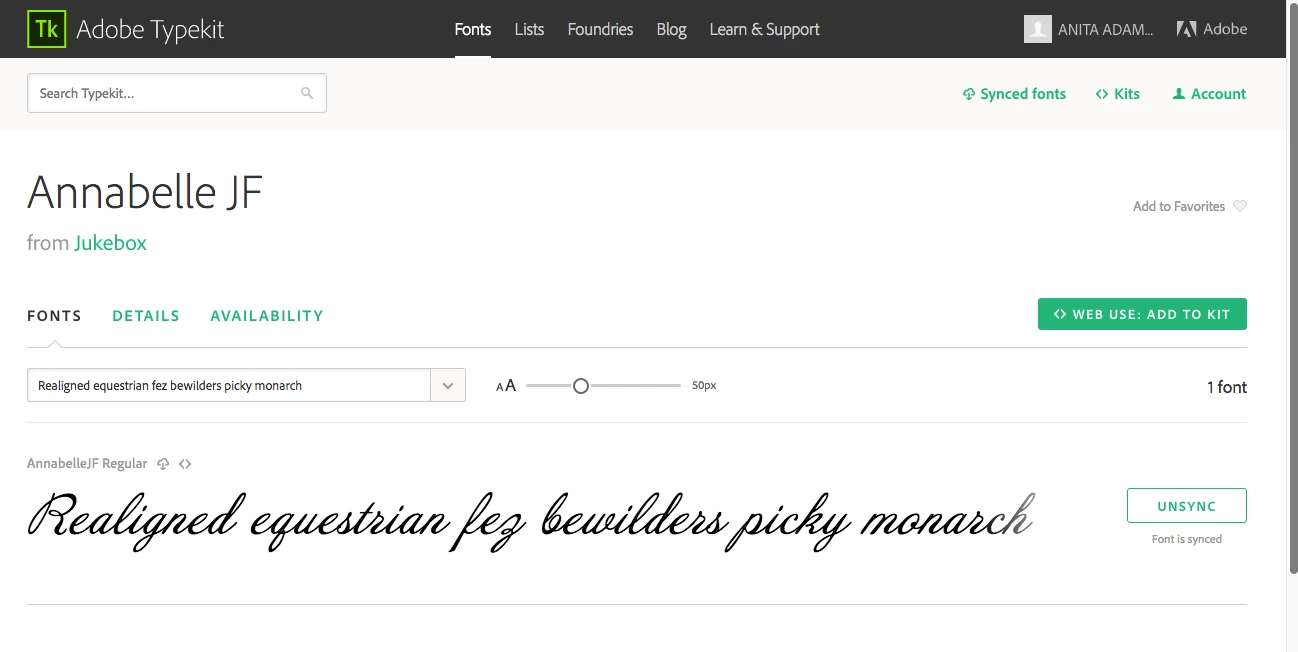
Can't figure out what to fix. It's sync'ed as shown in screen shot below, just don't see it in my ID CC 2017 available fonts.  Alternately, if it's even do-able,  does anyone download fonts and load them through Font Book?

Font will be needed for both website and print brochure, right now trying to use for brochure.
    This topic has been closed for replies.
    Correct answer Steve Werner


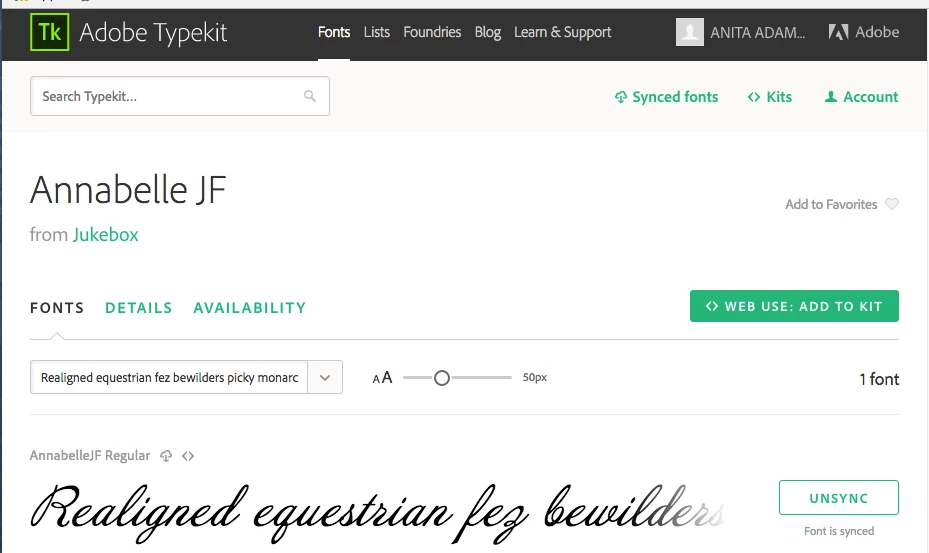
    It shows my account as logged in and that the font is synced:


    Try this Typekit font troubleshooting guide:

    Troubleshoot font syncing problems in Typekit

    1 reply

    Barb Binder
    Community Expert
    Community Expert
    March 19, 2017

    In InDesign you can filter the display of fonts. I wonder if a filter is keeping Annabelle JF from showing?

    Play with the Star and Tk buttons at the top of the list. Does that make a difference?

    ~Barb at Rocky Mountain Training
    anita1390Author
    Known Participant
    March 19, 2017

    Helps a little... when I click TK next to the star it does tell me it's not seeing the synced font.

    Barb Binder
    Community Expert
    Community Expert
    March 19, 2017

    That's when Annabelle JF should show.

    What happens if you click the Add Fonts from Typekit button shown in your screen shot? When you get to the site are you logged in? Is it the same Adobe ID? Does the still font show that it is synced?

    ~Barb at Rocky Mountain Training