Answered
Adding object, table and cell styles to CC Libraries
Is it possible to add Object, Table and Cell styles to CC Libraries?
Why that "cloud+arrow" icon doesn't apear in pannels? Am I doing something wrong?
Is it possible to add Object, Table and Cell styles to CC Libraries?
Why that "cloud+arrow" icon doesn't apear in pannels? Am I doing something wrong?
Those attributes cannot be directly added to CC Libraries. They are only used in InDesign.
However, if you select objects in an InDesign file, and drag them to a CC library, you create a "Graphic." It is saved in two formats: (1) It save an InDesign snippet. If you drag the graphic to another InDesign file, the snippet will "reconstitute" itself into the same InDesign objects.
The InDesign "graphic" is also saved as a PDF file which can be viewed and printed in another application (e.g., Illustrator).
Original file with Object Style:
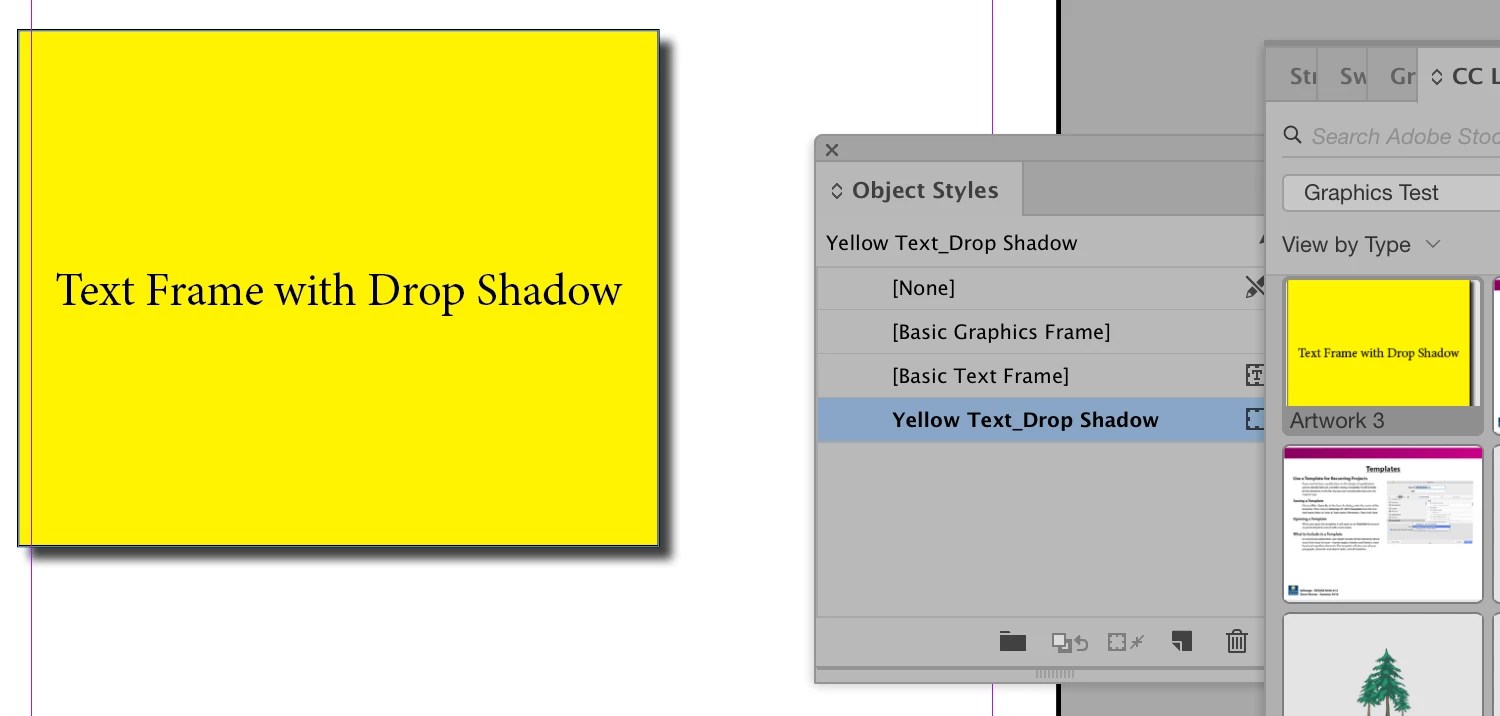
I dragged the frame to the Graphics Test CC Library. Click on the menu under the + icon and choose Graphics to pick the right attributes to copy
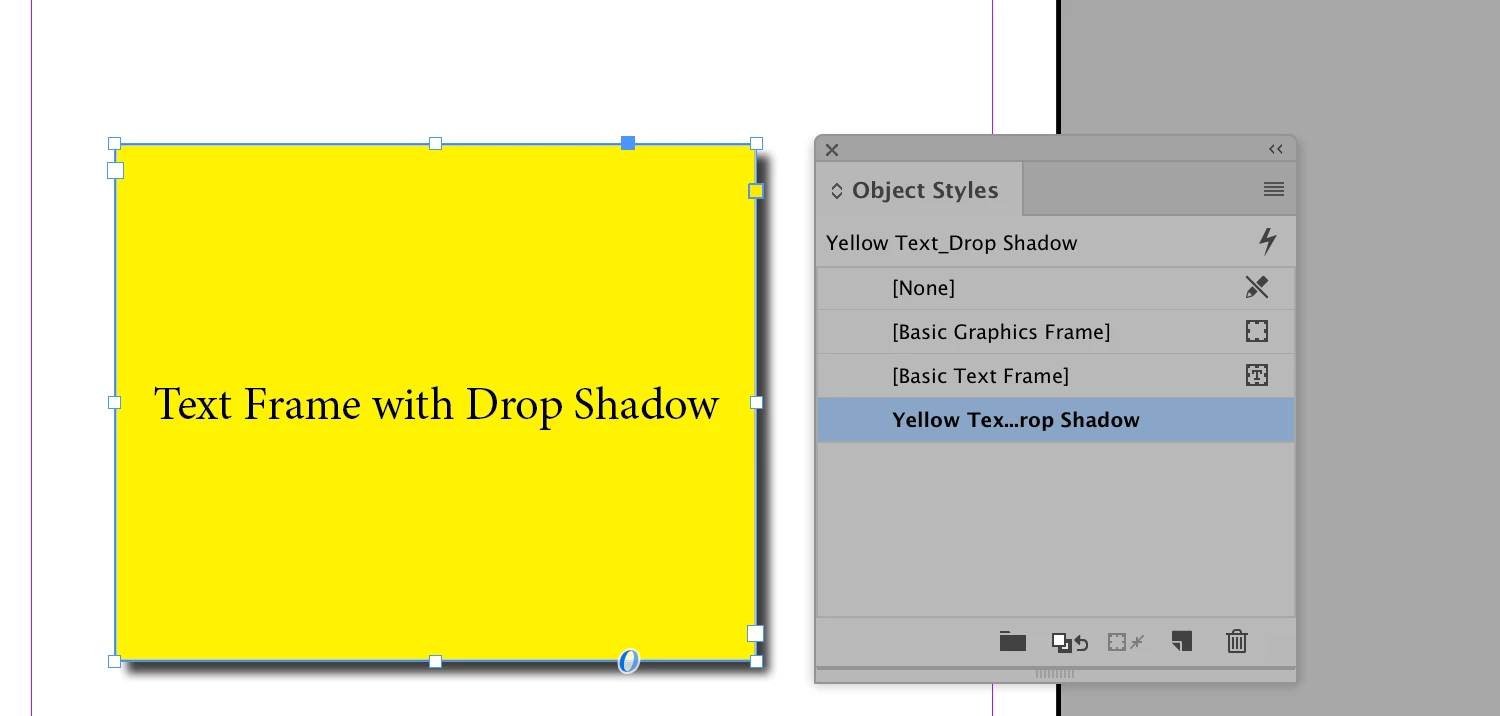
Then I dragged it into a new file (shown below):
Already have an account? Login
Enter your E-mail address. We'll send you an e-mail with instructions to reset your password.
 AdChoices