
Adding pages within a document
- July 11, 2025
- 5 replies
- 376 views
One necessary skill completely eludes me. (Actually, lots do, but I only need to add this one now.)
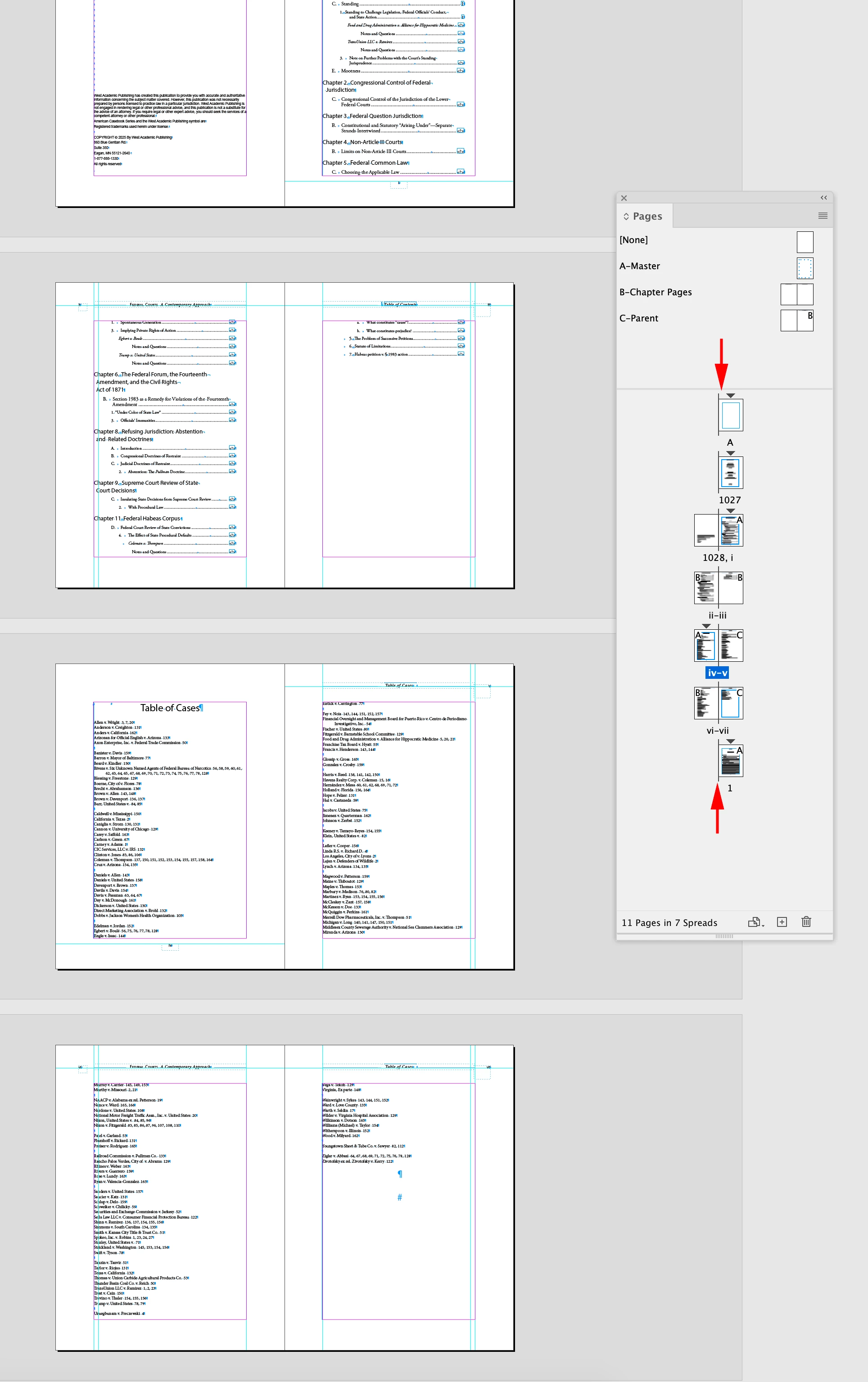
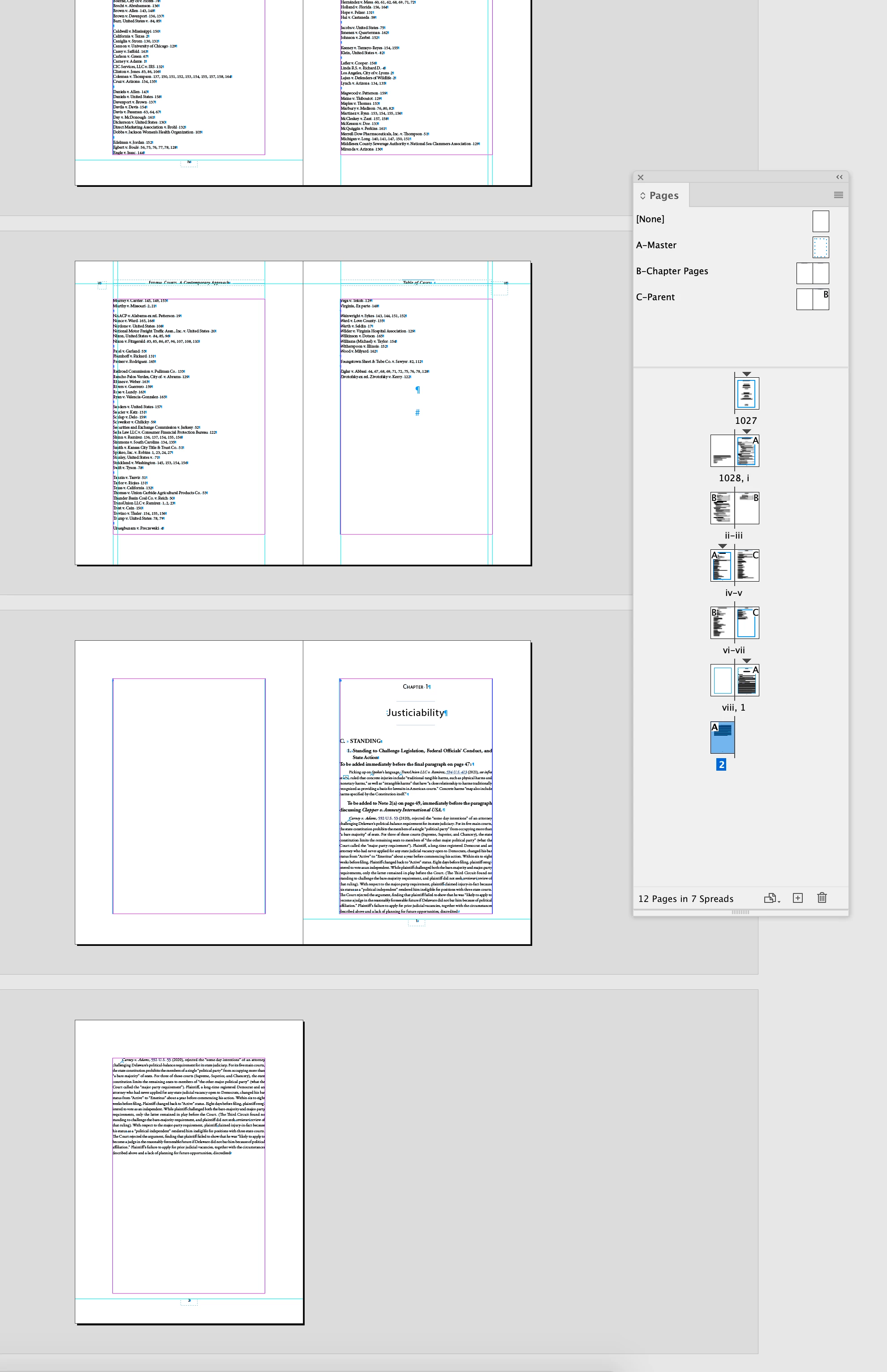
I have a multipage document. I need to add a page in the middle of it. I know how to add a page and how to draw a text box in it. What I cannot seem to grasp is how to fit that added page within the flow of threaded pages rather than as a separate story. I'm annexing a file so I can express my problem in concrete terms. I need to have a page viii following page vii. I know how to thread between vii and viii. Then I need viii to thread to page 1, and that's where I get messed up. When I click on viii's out box, I get a loaded cursor. If I position that loaded cursor in the upper left-hand corner of page 1 and click, the page 1 material ends up starting on page viii, and then I can't add the text I need to.
Will it work if I type my new text before the page 1 material and then add a next page break? (I apologize if I'm not making much sense.) If not, can someone give me a step-by-step? I've looked at lots of videos online, but either they are addressing a different problem or I'm just not understanding them.
Thanks to all.


 AdChoices