
Adding photo only pages inside primary text frame
Hi, I have set up a 150-page book with a primary text frame throughout. I am trying to add four pages in different parts of the book that have only one photo on each of them and no text. I haven't been able to find instructions on how to do this, and have experimented with all the ways I can think of but nothing works.
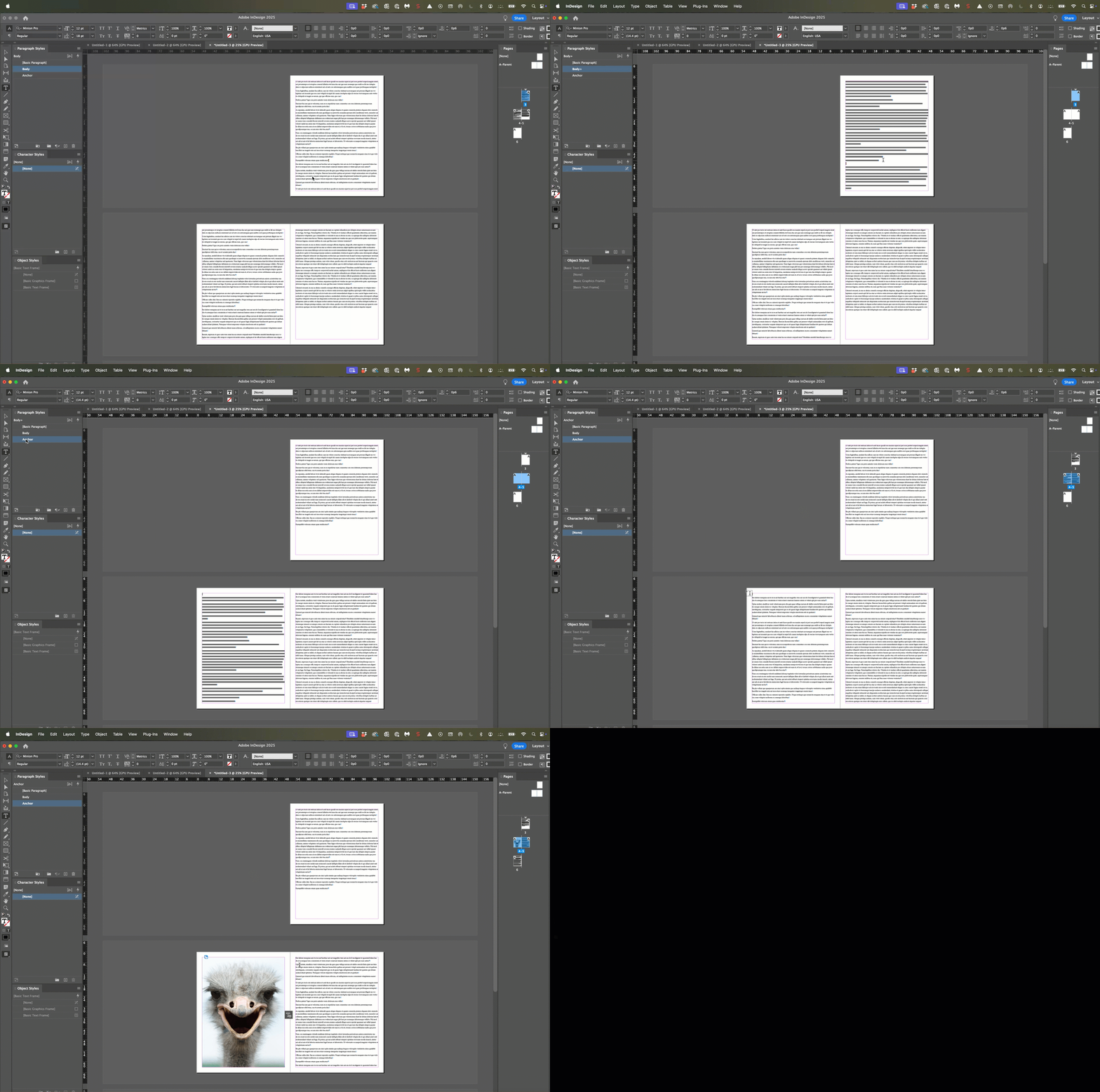
As one example, I used File/Place to place a photo in a blank page inside the primary text frame and anchored the photo to the top of the following page of text. (I also tried anchoring the photo to the end of the previous page).
But no matter what I do, when I make changes elsewhere in the document, the photo moves somewhere other than where it should be. There is no apparent logic to where it moves for the significant number of times I tried to achieve my objective. Sometimes it moves off the design altogether to the side. Other times it places itself over text in other parts of the document. Or the photo moves up so half of it sits on top of the primary text frame (off the page) and half on the page. And I'm unable to move it.
As always, I try to self-resolve before asking for help here. But after hours, I have to admit defeat. Many thanks in advance.


 AdChoices