
mikie11590029
Participating Frequently
September 19, 2019
Question

Adjust layout doesn't actually adjust margins?

  • September 19, 2019
  • 2 replies
  • 395 views

Hello!

I'm trying to use the adjust layout feature to change a book's top and bottom margins. When I go to file>layout adjustment, these are the original settings:
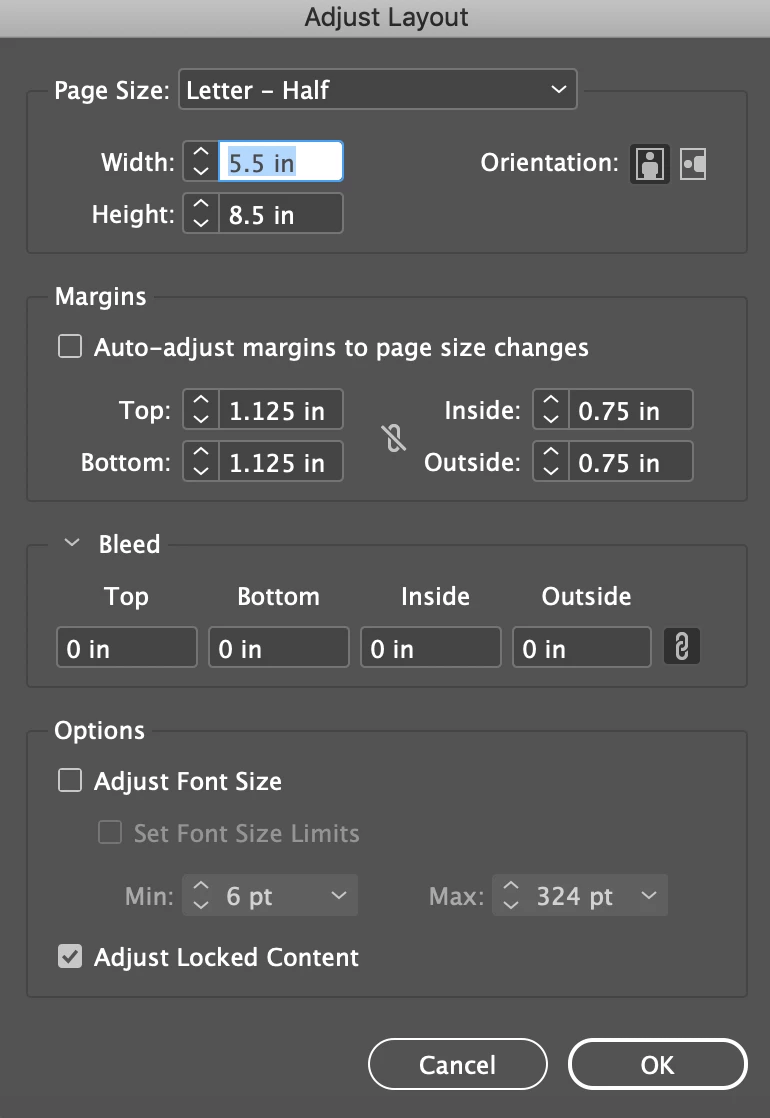
This is what I change them to:
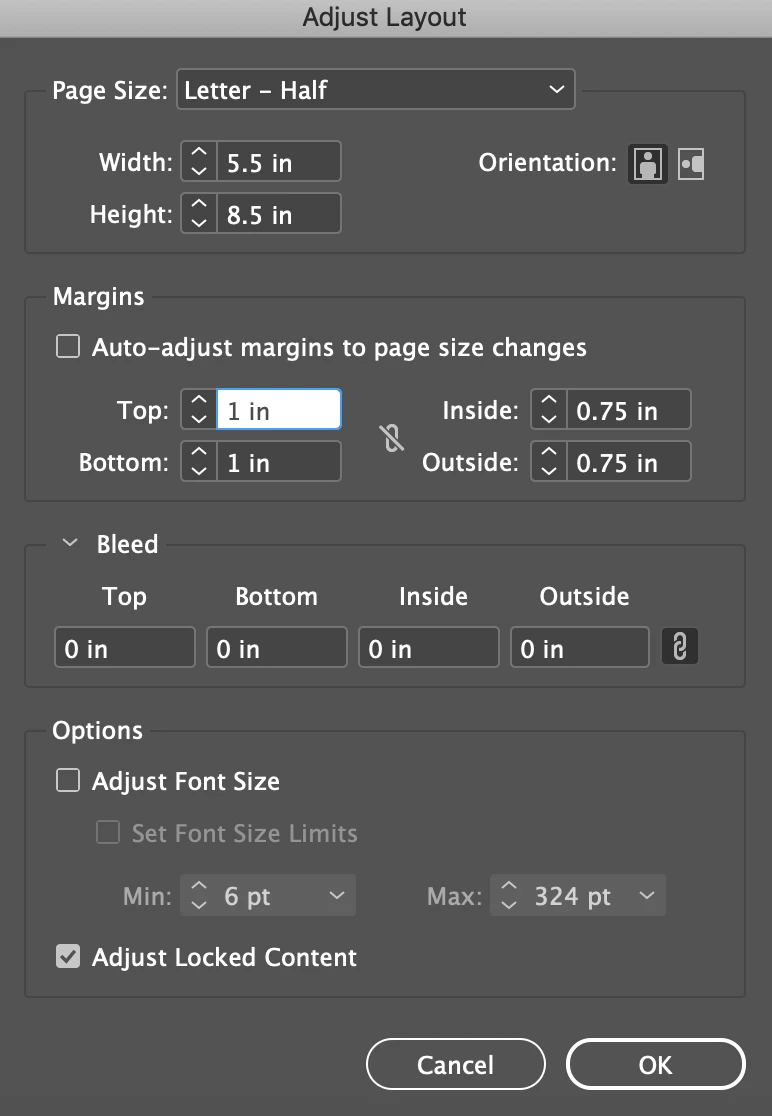
After the layout adjustment is complete, if I go file>document setup, I see the same settings I chose:
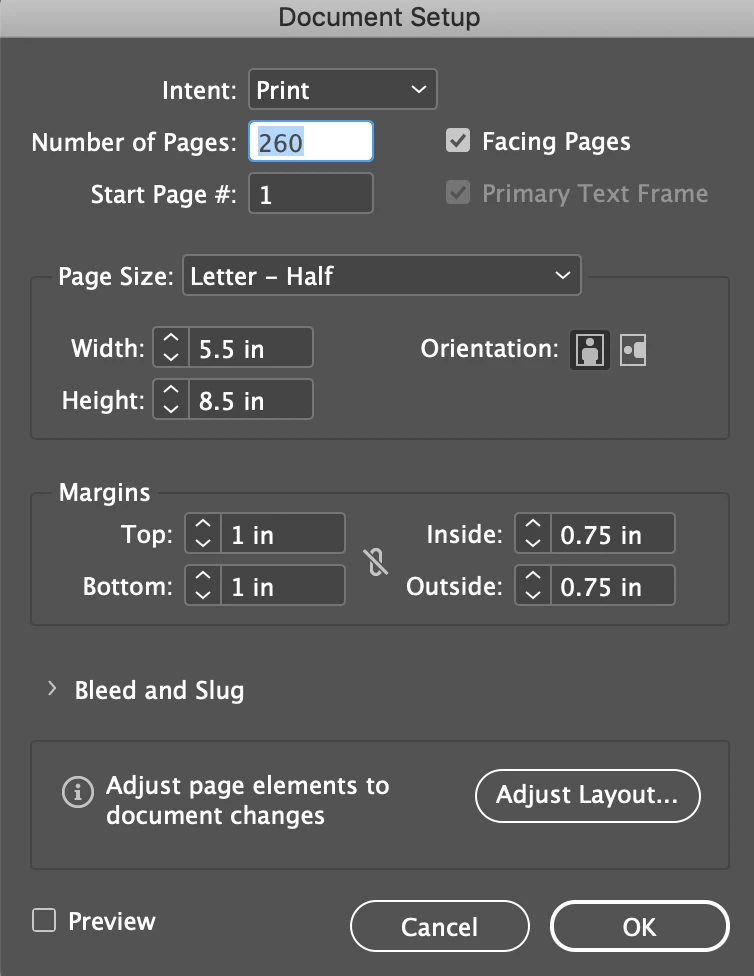
If I go layout>margins and columns, however, I see the original margins:
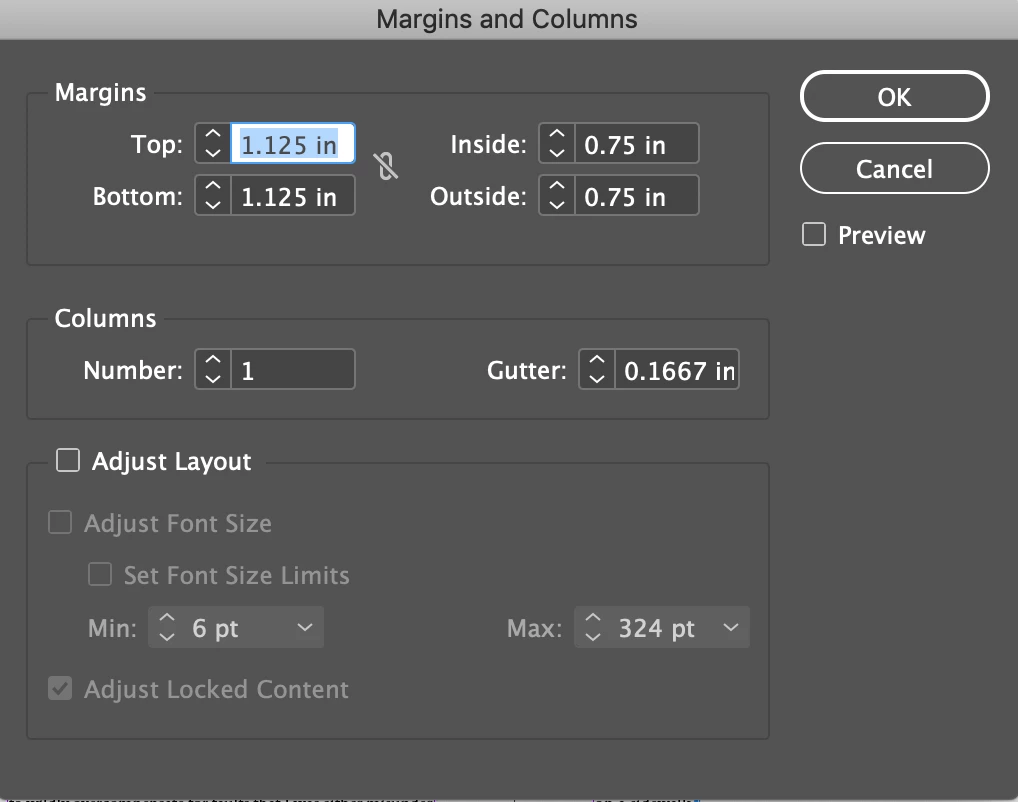
And when I measure the margins with a ruler, they're the original 1.125 instead of 1.


I've had a similar problem in other documents where I need to change the trim size. In file>layout adjustment, I'll change the page size and check "auto-adjust margins to page size changes." After the adjustment, same problem—the margins haven't changed.


Am I using the feature wrong? Is there a bug?


Thanks for your help!

This topic has been closed for replies.

2 replies

Barb Binder
Community Expert
Community Expert
September 19, 2019

Hi Mikie:


File > Adjust layout will change the margins on the master pages, which in turn will update the body pages that don't have overrides. Layout > Margins and Columns will do the same thing if you are on a master page when you select the command, but will override the body page margins if you access the command from a Body page. Once you add an override to the body page(s), updates to the master page margins will be ignored on those pages. 


So, check your master pages. Do they reflect the updated margins? If yes, return to the body page(s) and reassign the master pages. 


~Barb

~Barb at Rocky Mountain Training
Community Expert
September 19, 2019

Hi mikie,

could be a bug, could be something else.


Important: Recently there was an update for InDesign CC 2019 to version 14.0.3 that fixed some issues with Layout Adjustment. But not all, I think. Are you running version 14.0.3 ? Was the document created with InDesign CC 2019? Or was it created in a previous version and you worked on in the latest version?


FWIW: Please reply with the blue Reply button at the top of the thread of this new forum.

The other reply offered would only allow for a single line reply and create an inline message that is hard to follow.

Thanks!


Regards,
Uwe Laubender

( ACP )