
Answered
Adjusting auto column rules
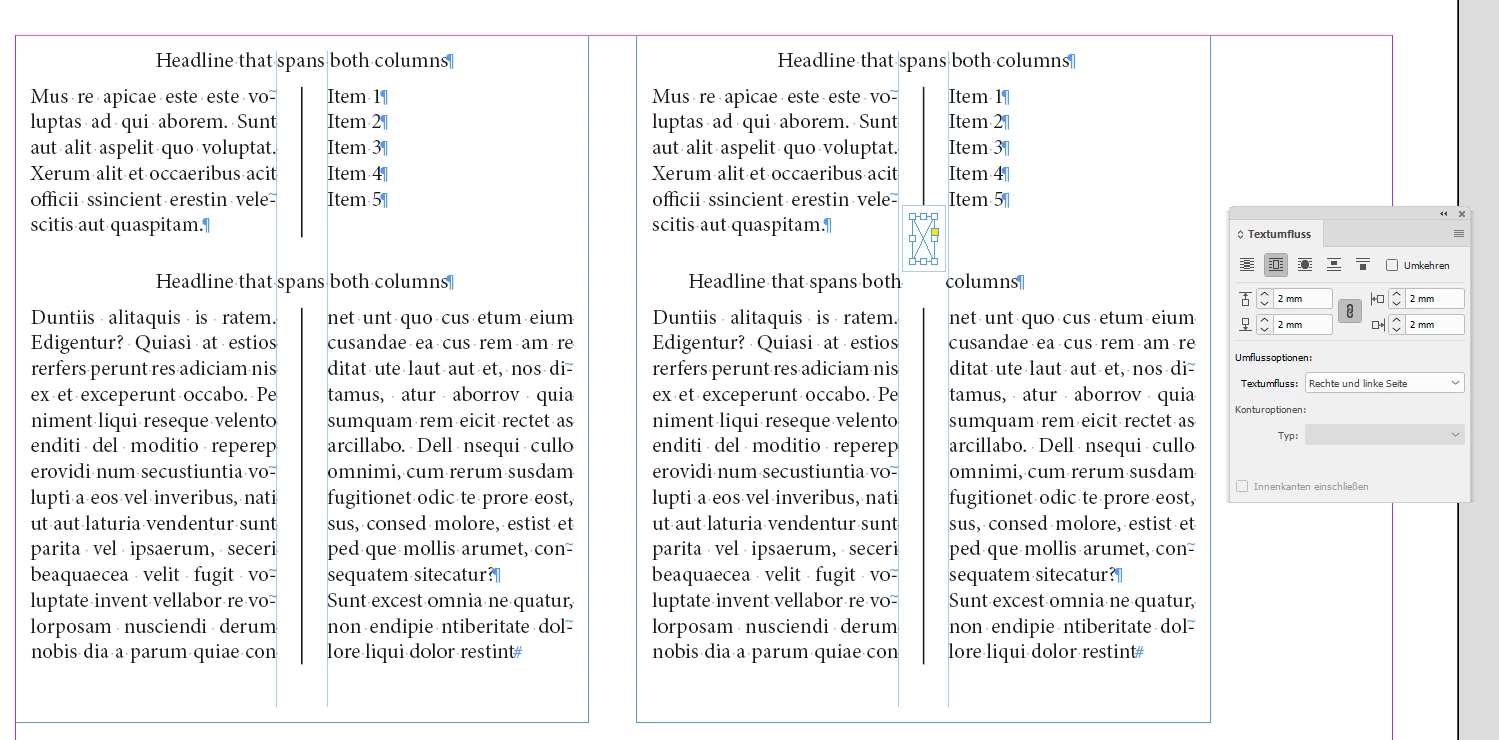
I have a sidebar box set to two columns, with labels over two sections set to span the two columns. I've applied column rules between the two columns. What I can't figure out how to do: Shorten the column rule in the top section to the exact depth of the type in that section. As you can see in the screengrab, the rule works nicely in the bottom section but the top one extends beyond the guide showing the descender mark. Any way to fix this? I've tried adjusting and turning off Space Above and Below, the leading, and the controls in the Text Options dialogue box itself, but I'm missing something.


 AdChoices