
Participant
June 3, 2022
Answered

Adjusting gradient on a circle

  • June 3, 2022
  • 1 reply
  • 303 views

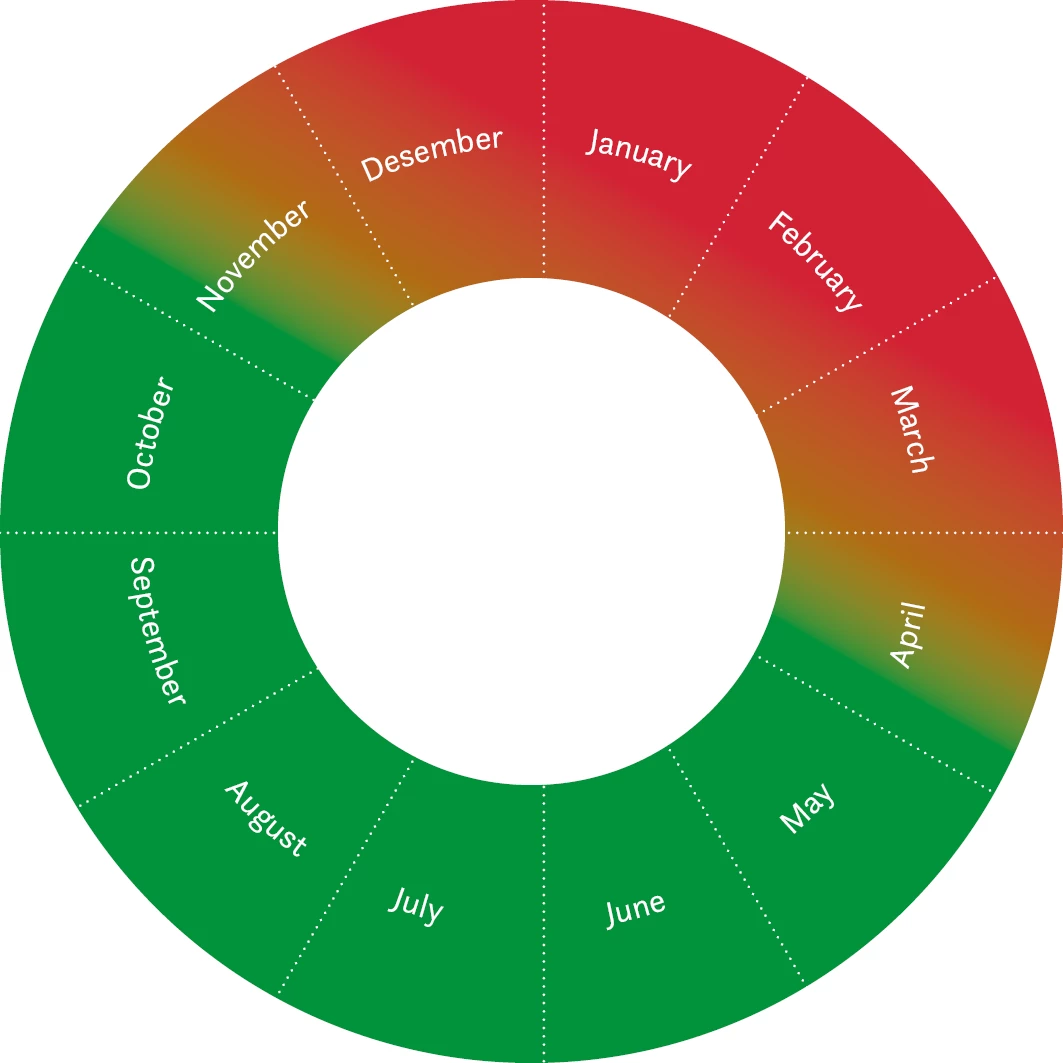
I want to add a color gradient on a circle, like the one below. Sometimes the green area needs to cover only a month og two, and the rest should be red, with a orange zone between them. Other times it will be the opposite. Is there a easy way to do that? With the linear gradient it doesnt work.  


This topic has been closed for replies.
Correct answer petera82998231

You don't have a CC subscription? Try a test subscription, so you can use it for a limited time.


I do have a subscription, but only for Indesign since I never use Illustrator. I need to do this many times a year, a test subscription is not sufficient, and therefor I was wundering if there is a way to do it in Indesign.  
But I found a way to do this. I simply divided the circle in 12 pieces, and changes the color on each of them seperately, and with a gradient on the orange ones. 

1 reply

Willi Adelberger
Community Expert
Community Expert
June 3, 2022

Make this ring in Illustrator, there you have more possibilites with gradients, save as AI and place it in InDesign.

Participant
June 3, 2022

Thanks for the answer. Unfortunately I don't have access to Illustrator. So there is no way to do this in indesign?

Willi Adelberger
Community Expert
Community Expert
June 3, 2022

You don't have a CC subscription? Try a test subscription, so you can use it for a limited time.