Participant
March 12, 2023
Question

Adobe apps window change

  • March 12, 2023
  • 4 replies
  • 1331 views

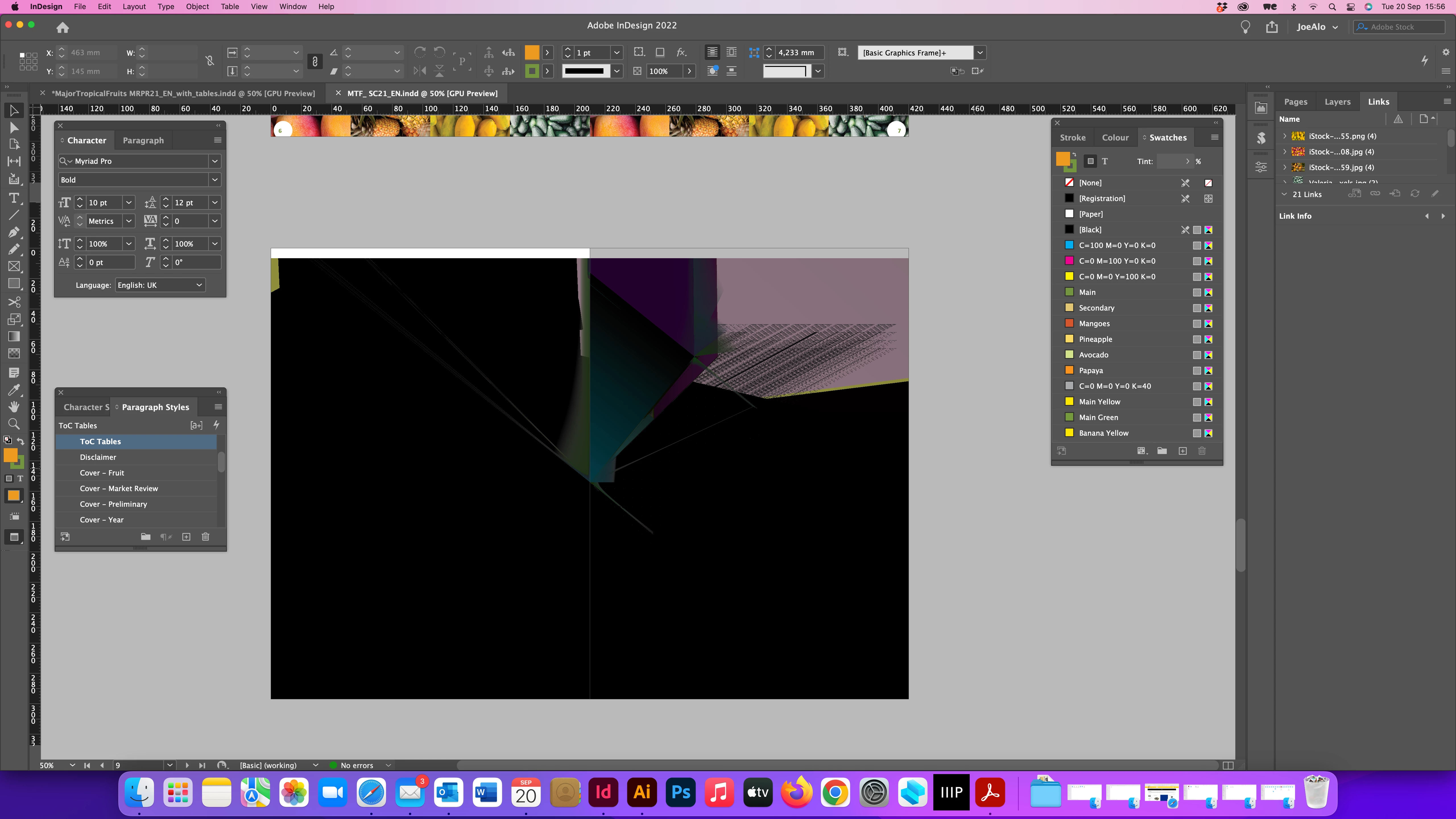
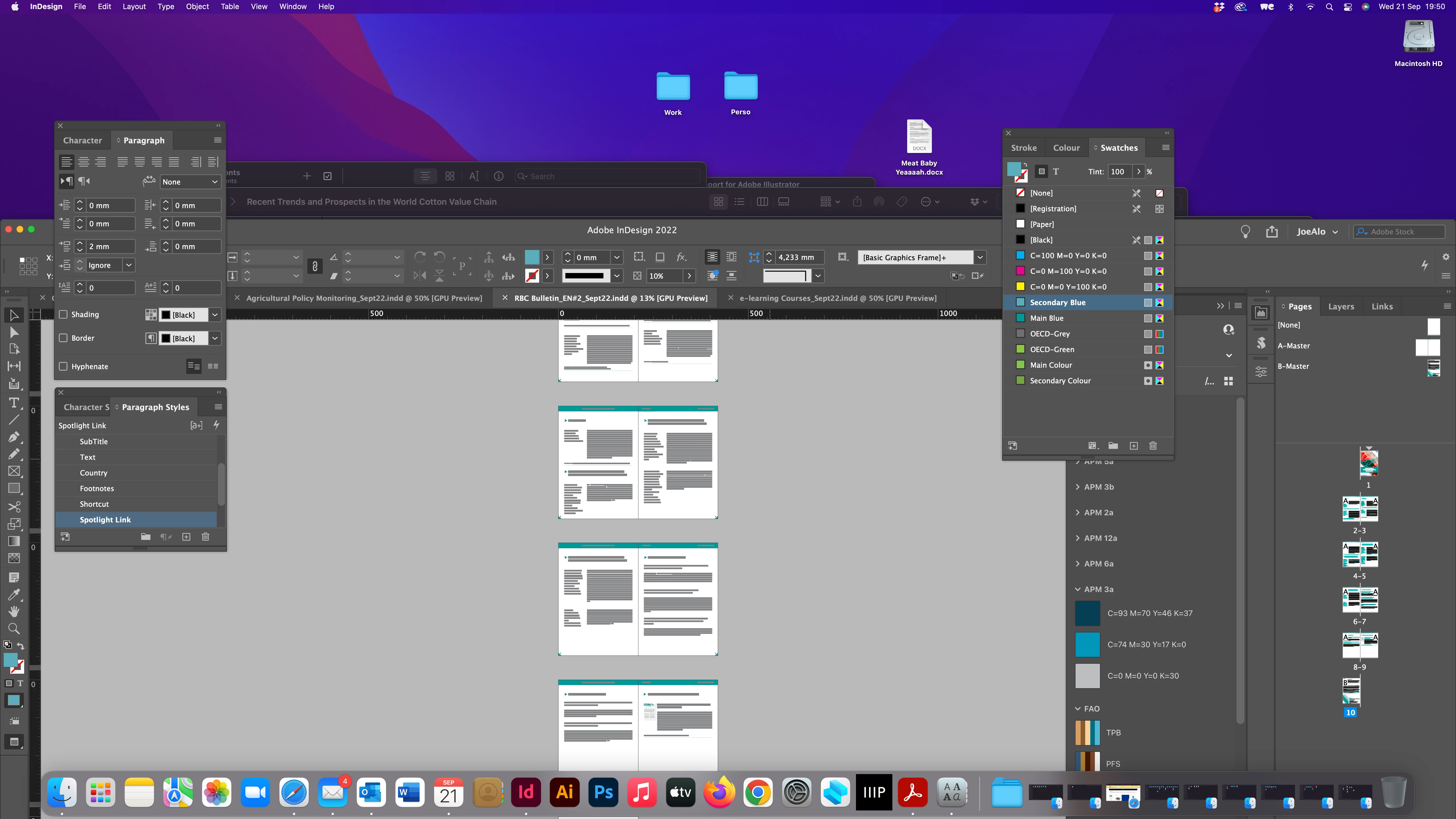
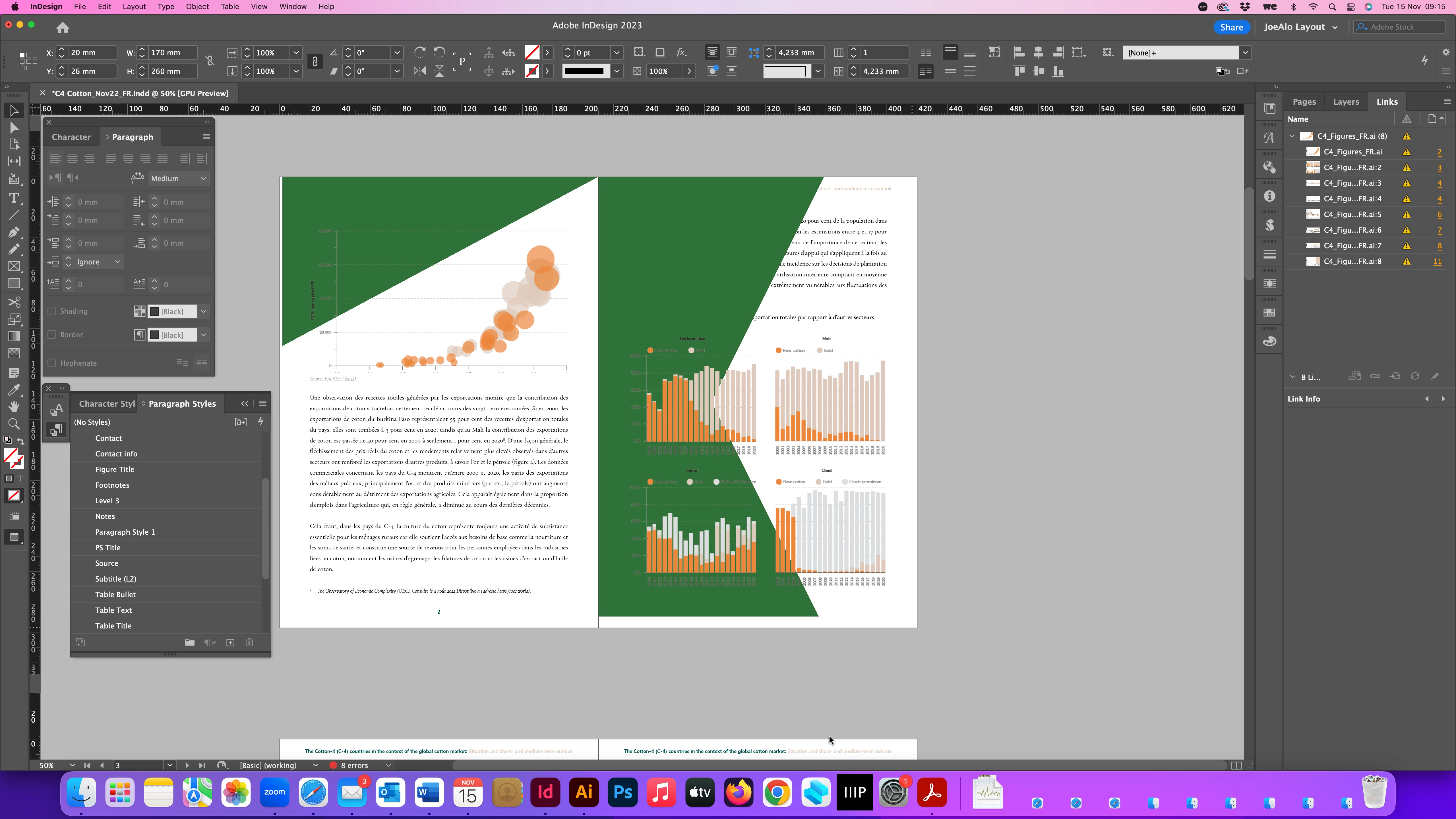
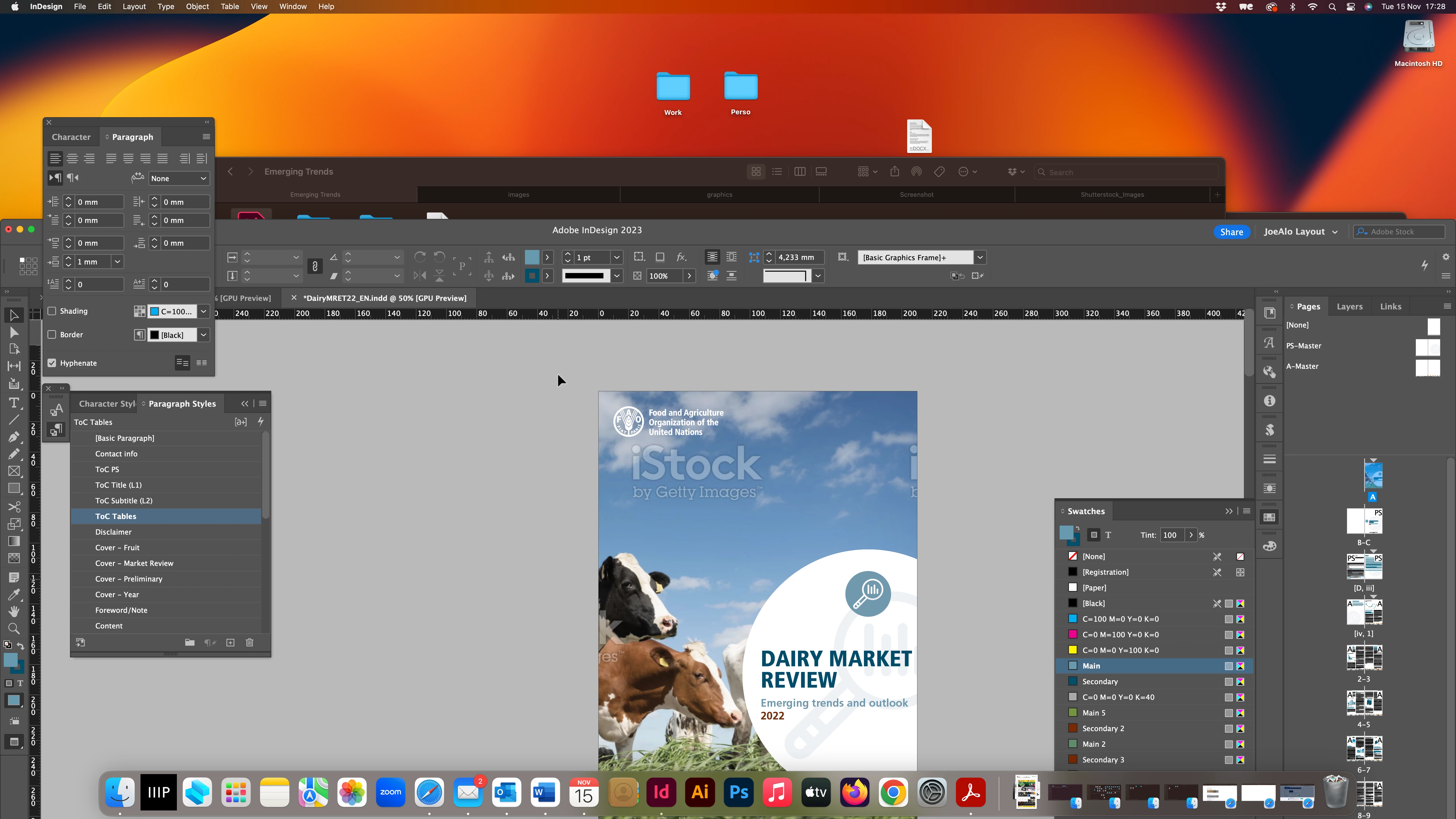
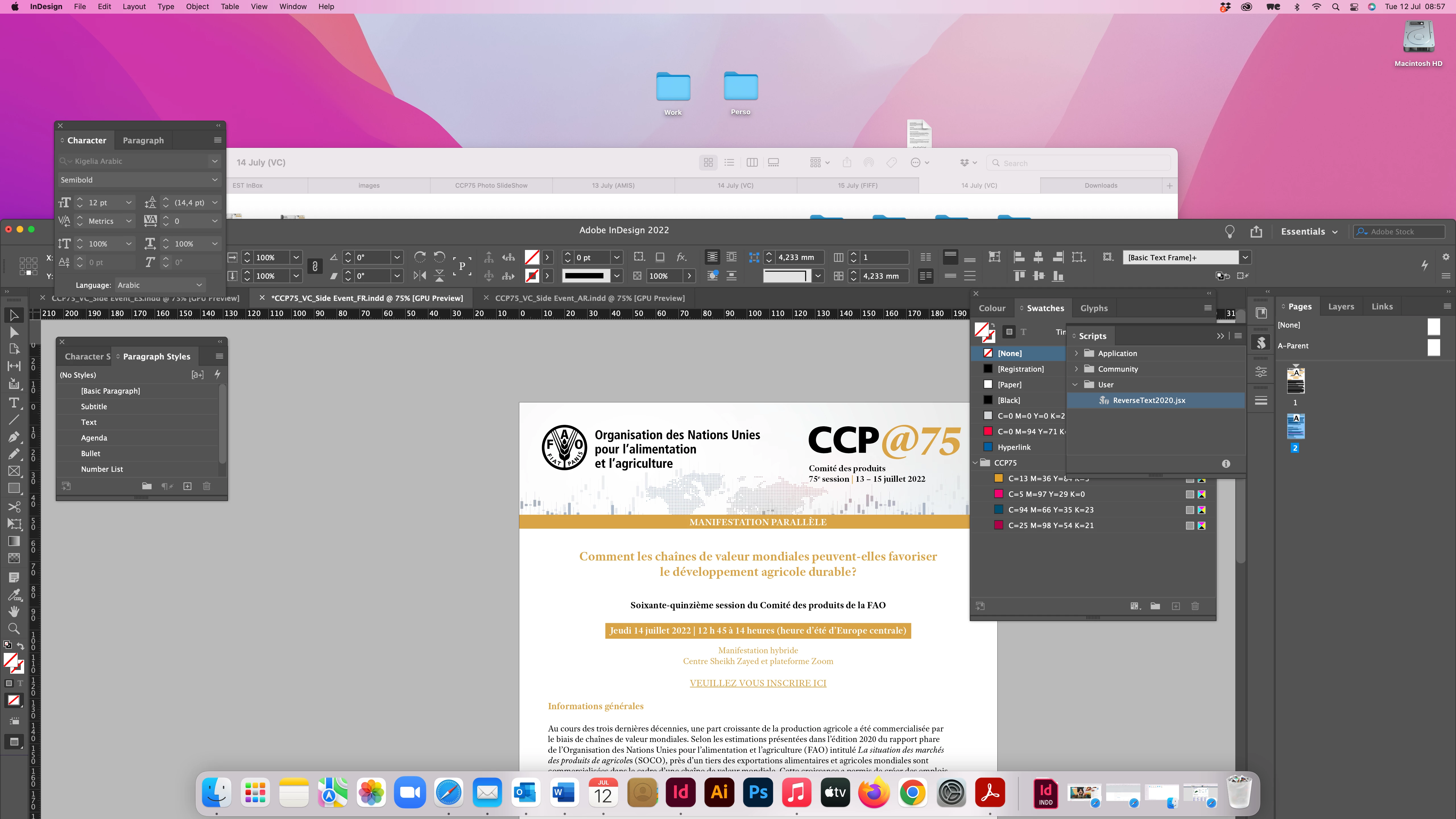
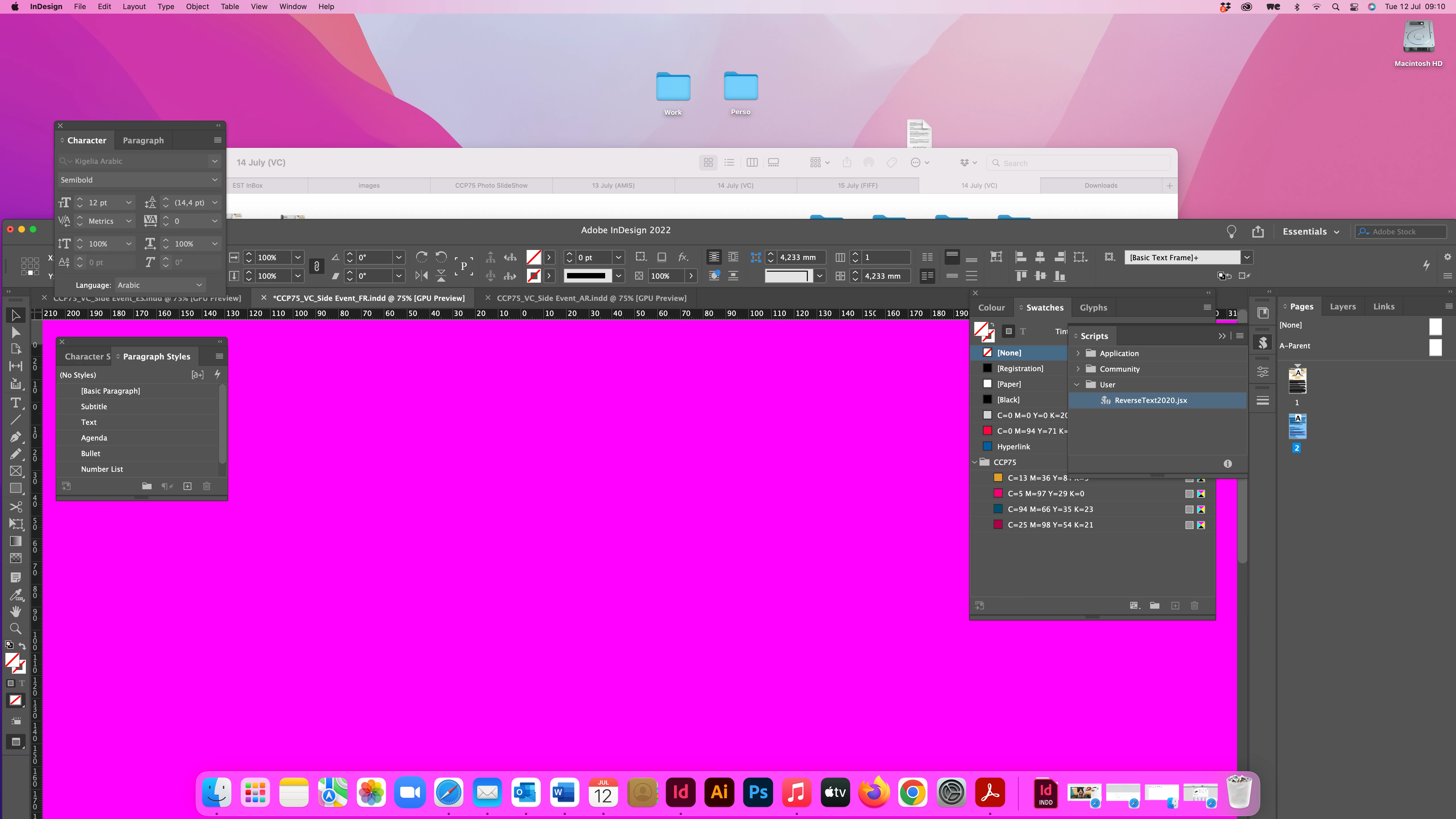
Hi there, I use Adobe InDesign, Illustrator and Photoshop a lot for work on my MacStudio and Studio Monitor and very often the windows (when I leave the computer for a while) move, tools change position and sometimes even magenta fills the windows.


I have attached some pictures here for reference. 


Could you tell me what the issue is please? Adobe Acrobat doesn't do this and neither do all of my other apps. This is an Adobe app issue only.


Also, in InDesign, occasionally as I switch viewing mode (command+w), the content of my page disapears or strange geometric forms take over the page (see video).


Help!


Jonathan
This topic has been closed for replies.

4 replies

Participant
June 5, 2024

Hello dear colleague, I can't say anything on this matter, but I have to say, I noticed that you're working on FAO. I am also a graphic designer in FAO Ukraine. I think we have to stay together to achieve our common solutions.

Inspiring
March 14, 2023

I've had this issue for more years than I can remember. Never found a fix.

BobLevine
Community Expert
Community Expert
March 13, 2023

Just a shot in the dark here but are you allowing your monitor to go to sleep? 

Participant
March 13, 2023
Yes, and it is when the computer wakes back up that the windows move from there original position..


J.


Digital Publishing and Design


Markets and Trade Division

Economic and Social Development stream


Food and Agriculture Organization of the United Nations

Rome, Italy
BobLevine
Community Expert
Community Expert
March 13, 2023

Have you checked any of the Apple forums? This does not sound like it's an InDesign to me.

Steve Werner
Community Expert
Community Expert
March 12, 2023

I have two ideas to stabilize the way you view your InDesign file (as well as Illustrator and Photoshop):


1) It's much more professional, and gives you much more stability of the way the panels appear in your applications if you turn on the Application Frame in your applications (Window > Application Frame). Then you will view one application at a time. For example, InDesign will look like this, instead of seeing your Desktop and parts of other applications visible:


2) Create one or more workspaces in Windows > Workspace which arrange the panels you're using in the way you need. You can return them to their original position at any time by choosing Reset [Workspace Name] from the workspace menu.


3) If you see strange geometric shapes, you should try turning off the GPU Preference in Preferences > GPU Preference.

Steve Werner
Community Expert
Community Expert
March 12, 2023

I've taught InDesign, Illustrator, and Photoshop classes for a long time, and this is what I teach in class. It will make your work much more productive.