



Answered
Adobe Indesign: Can't Access Text in Project File
Hi --
I rarely work in Adobe InDesign, but I had to modify an existing INDD file today and I cannot access some of the text boxes in my spread.
For reference, I am using Adobe InDesign 21.6 | 64-bit.
I’ve looked at previous posts, and they mentioned to try the following steps:
- Get your Black Arrow/Selection tool.
- Place your cursor directly above the text you can see, but not modify. Click the mouse button. Most likely, you'll see a larger element is selected than your mystery line of type.
- Hold down the Cmd key (Mac) or Ctrl key (Windows), then click again. This lets you select elements beneath the top one in the stacking order.
- If that doesn't get you there, select the Object>Unlock All on Spread menu command to release any and all locked elements, then try it again.
None of the above options worked for me.
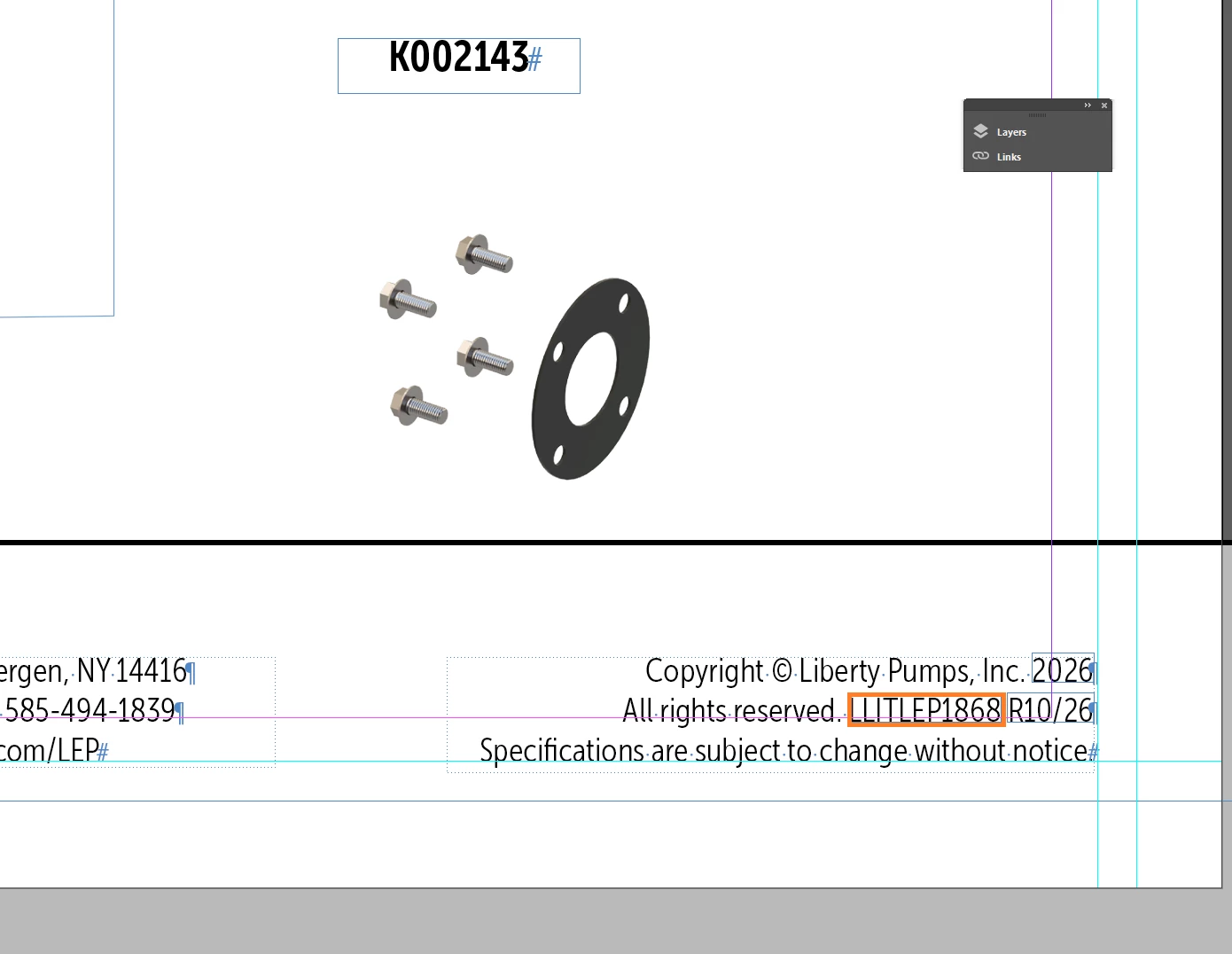
Here is a screenshot of what I’m working on. The text I need to modify is highlighted in orange:
Thank you!

 AdChoices