
Known Participant
March 7, 2018
Answered

Adobe InDesign Interactive Drop Down Menu Fonts

  • March 7, 2018
  • 2 replies
  • 1926 views

Hello! I'm wondering if there is a way to change the font once you've created an Interactive Drop Down menu. It seems that it automatically uses Times New Roman, but I would like to be able to change it to the front I am using throughout the rest of my document, that way it looks consistent. Thanks all!
This topic has been closed for replies.
Correct answer Barb Binder

Hi Emily:

No, not in InDesign, you can just set the type size at the bottom of the panel.

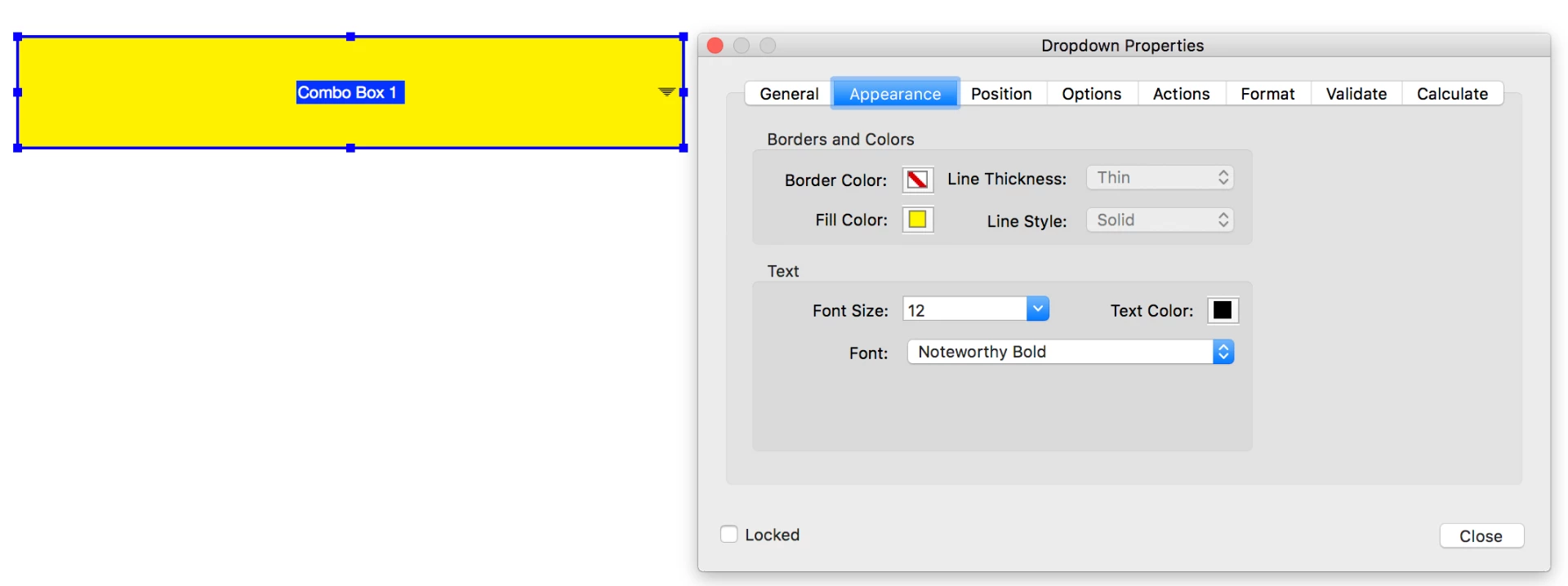
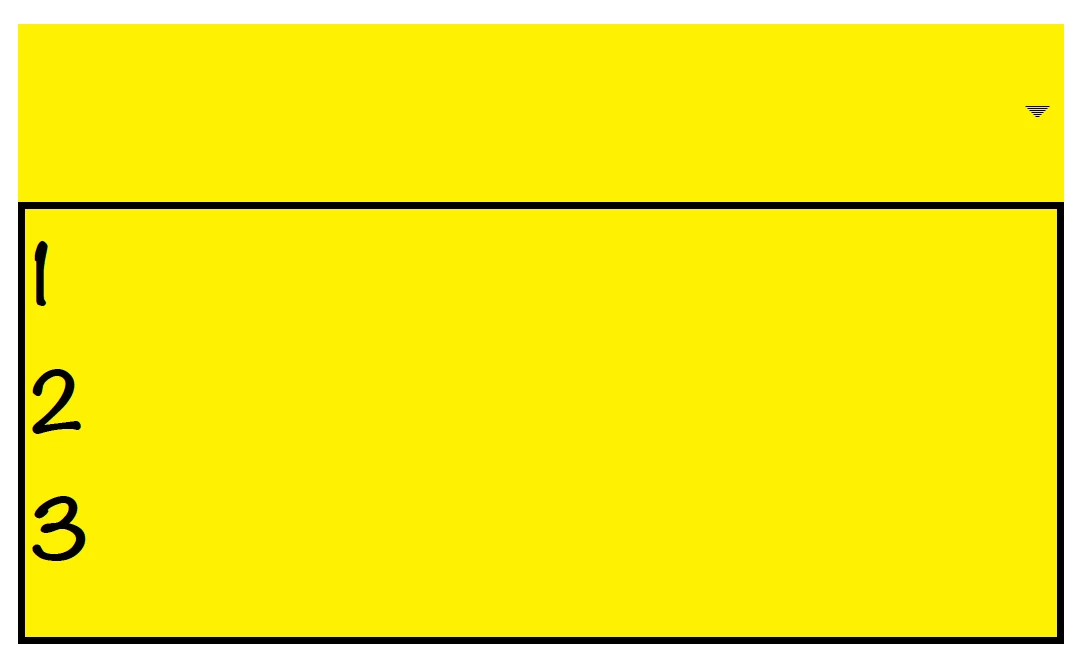
But you can adjust the font after you create the PDF in Adobe Acrobat via Properties > Appearance.

~Barb

2 replies

Colin Flashman
Community Expert
Community Expert
March 8, 2018

I note on the "Adobe Wishform" that the ability to add formatting options for interactive form fields is gaining some traction:

More options when creating Forms via InDesign – Adobe InDesign Feedback

So with enough votes, it may be considered a feature/upgrade to add in future releases.

ID-Extras has a paid solution that may assist you if changing the font is important: FormMagic | Id-Extras.com

I have an acrobat-based solution that works without going anywhere near the prepare form button - it's an Acrobat Action sequence. I highlight the solution at the end of one of my interactive data merge videos: Episode 18: Data Merge to Uniquely Named INTERACTIVE PDFs - YouTube

Unlike ID-Extras' solution, my solution does require going into Acrobat to change the font, but goes nowhere near the prepare form button.

If the answer wasn't in my post, perhaps it might be on my blog at colecandoo!
Barb Binder
Community Expert
Barb BinderCommunity ExpertCorrect answer
Community Expert
March 7, 2018

Hi Emily:

No, not in InDesign, you can just set the type size at the bottom of the panel.

But you can adjust the font after you create the PDF in Adobe Acrobat via Properties > Appearance.

~Barb

~Barb at Rocky Mountain Training
Known Participant
March 7, 2018

Hi Barb!

Thank you for this helpful information. If I export my InDesign document to a PDF am I still able to change the font with that PDF? Or would I need to make the drop down menu text box in the PDF?

Thanks,

Emily

BobLevine
Community Expert
Community Expert
March 7, 2018

You have to do that in Acrobat.