Inspiring
Feb 21, 2026 2:09 PM UTC
Answered

Adobe InDesign Text Not Showing in Text Frame

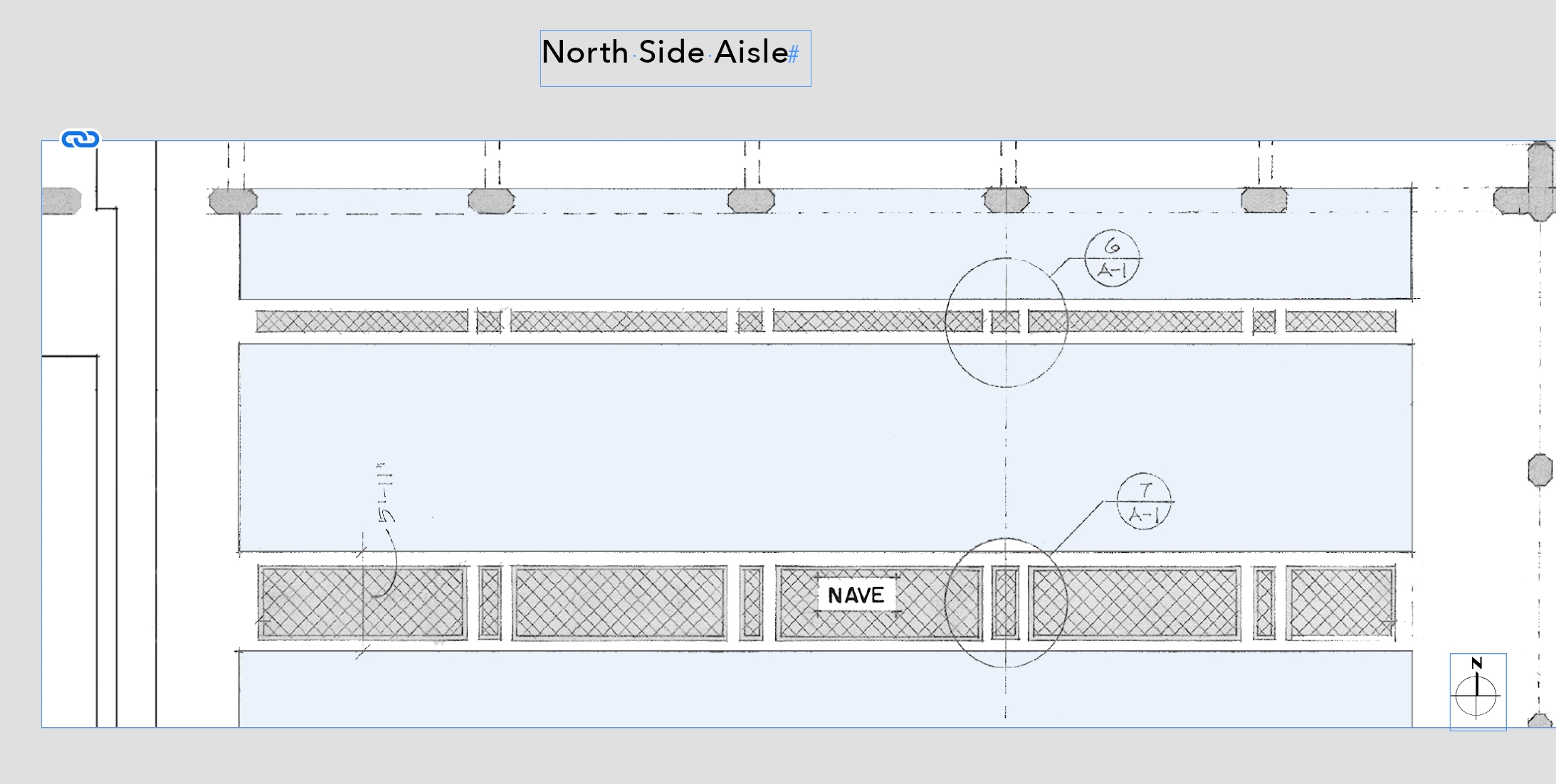
• See Screenshot 01: I have an object box showing a partial floor plan- it is sent to Back. I also have a text box - It is sent to Front.

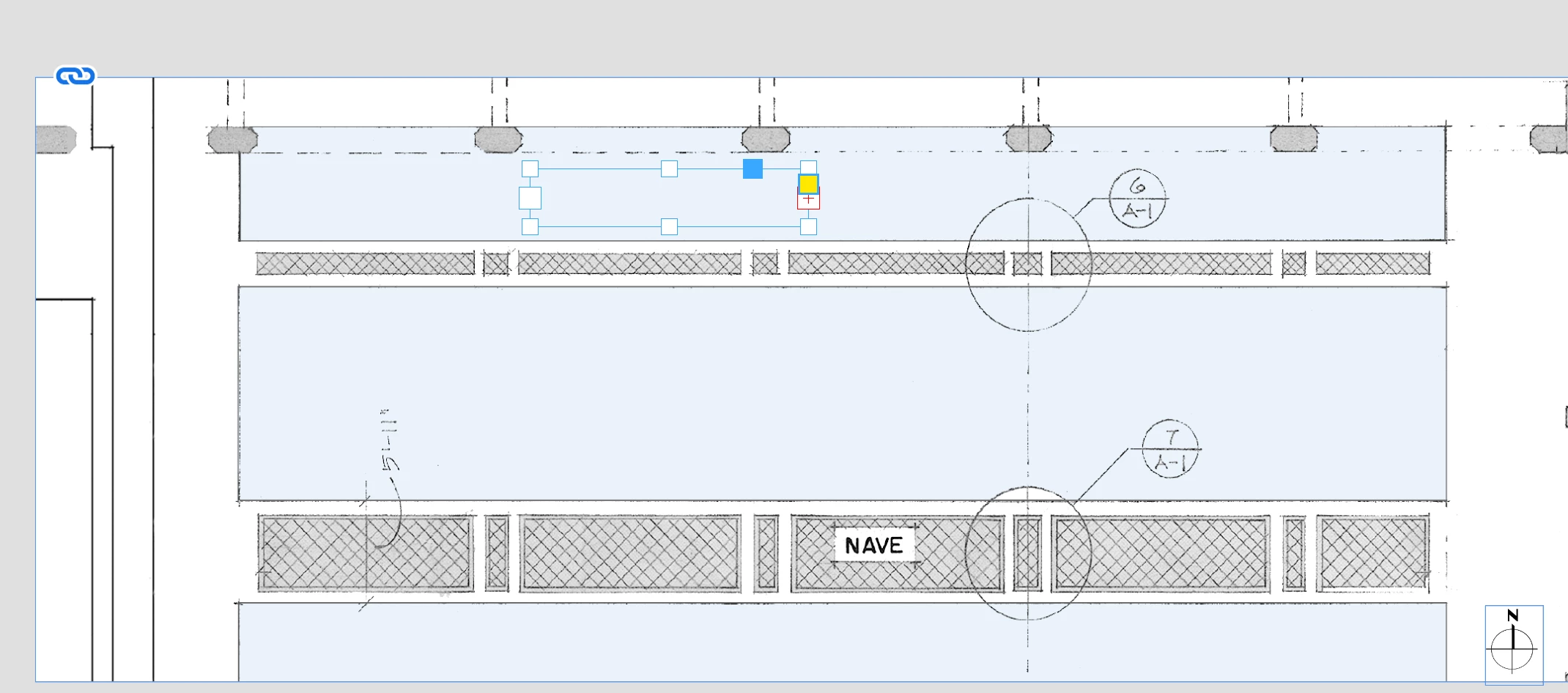
• See Screenshot 02: The text does not show when I move it onto the plan - I can see the edges and handles of the box but not the text. Neither box has text wrap turned on.

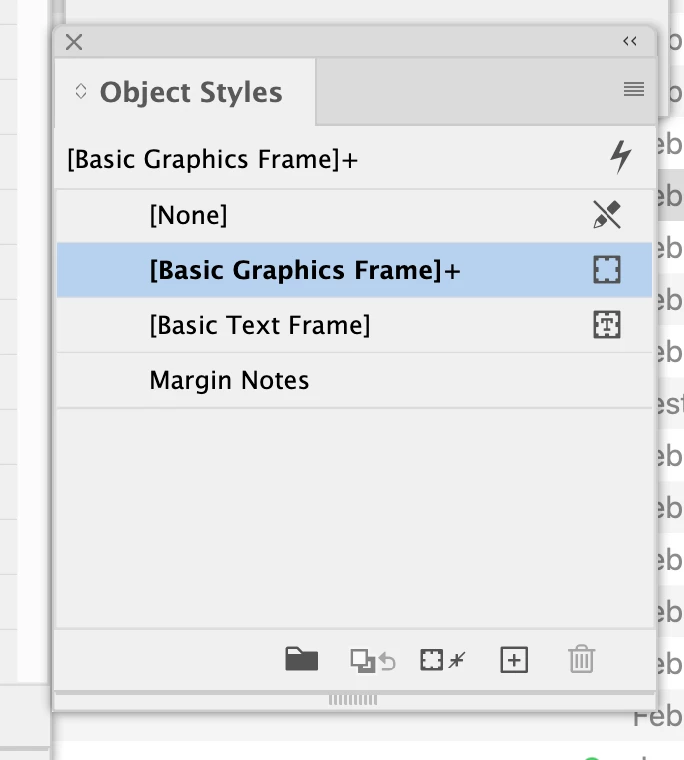
• See Screenshot 03: In Object Styles the Graphic Box has a + sign appended (I do not know what this means)

I have applied text on top of an object box numerous times this way but never had this result - what is happening ?
 

    Michael J BCorrect answer
    Inspiring
    Feb 21, 2026 3:26 PM UTC

    Text wrap was very clearly not applied to either and the text was on its own layer st to front.

    I created a new box added the pal and everything worked just fine.

    Something twitchy, I guess.

    Thanks for the reply.

    5 replies

    Frans v.d. Geest
    Community Expert
    Community Expert
    Feb 22, 2026 6:04 PM UTC

    Select the Text frame with the plus, choose Text Frame options (you can right-click for that option), check Ignore Text Wrap.

    Or: the text is aligned to baseline grid, (and the baseline does not fit to where your text box - frame -is), untick that option in Paragraph options

    Translate
    rob day
    Community Expert
    Community Expert
    Feb 21, 2026 5:04 PM UTC

    Hi ​@Michael J B , Can you share the InDesign file?

    Translate
    BobLevine
    Community Expert
    Community Expert
    Feb 21, 2026 2:14 PM UTC

    Put the text on its own top layer and make sure there’s no text wrap applied to the graphic. The + means that something is being overridden. My guess: text wrap but if you hover your mouse over it, you should see a pop up telling you.

    Translate
    Michael J BAuthorCorrect answer
    Inspiring
    Feb 21, 2026 3:26 PM UTC

    Text wrap was very clearly not applied to either and the text was on its own layer st to front.

    I created a new box added the pal and everything worked just fine.

    Something twitchy, I guess.

    Thanks for the reply.

    Translate
    Peter Spier
    Community Expert
    Community Expert
    Feb 21, 2026 4:38 PM UTC

    Text wrap can be deceiving. It might be applied to the image itself rather than the image frame, or to a group that the image frame is part of.

    Translate