

dublove
Legend
Nov 8, 2026 4:36 PM UTC
Answered

After running the script to open the path, click on the InDesign icon on the taskbar, but the software does not respond

Hello everyone.

Try this script below and see if you have this strange phenomenon?

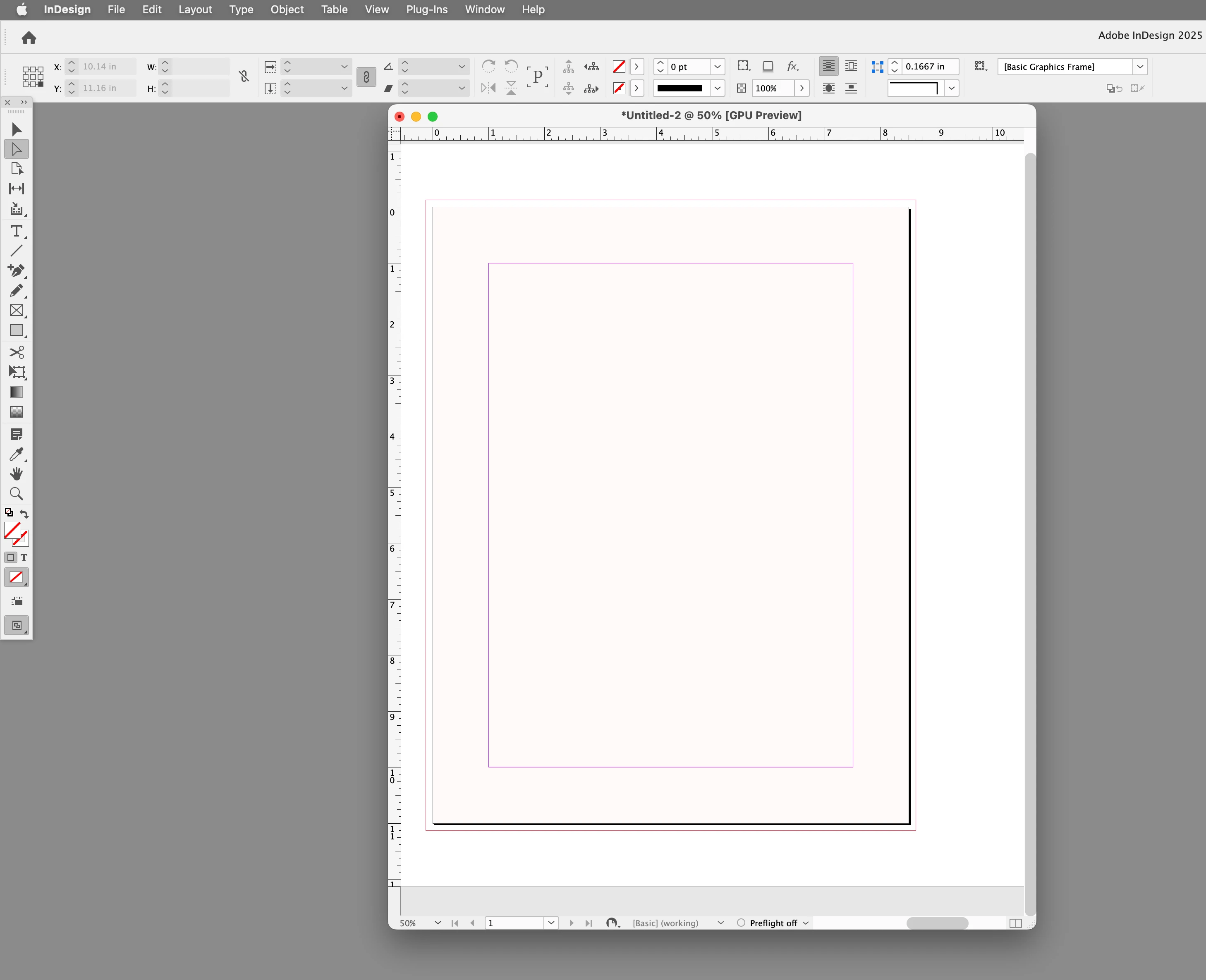
When I run the script from Indesign and successfully opened a folder.But at this moment, I realized that by clicking on the InDesign icon on the taskbar, I could activate it.

Other windows can be freely activated and switched.


I could only minimize the other windows and found that the ID software was hidden in the last layer, but it was functioning normally.

How to modify the code so that the ID software is not obscured? Fake death?

//Application Support Folder’s Parent folder ~/Library
var appPath = Folder.userData.parent;
Folder(appPath).execute();
 

    rob day
    rob dayCorrect answer
    Community Expert
    Nov 8, 2026 8:42 PM UTC

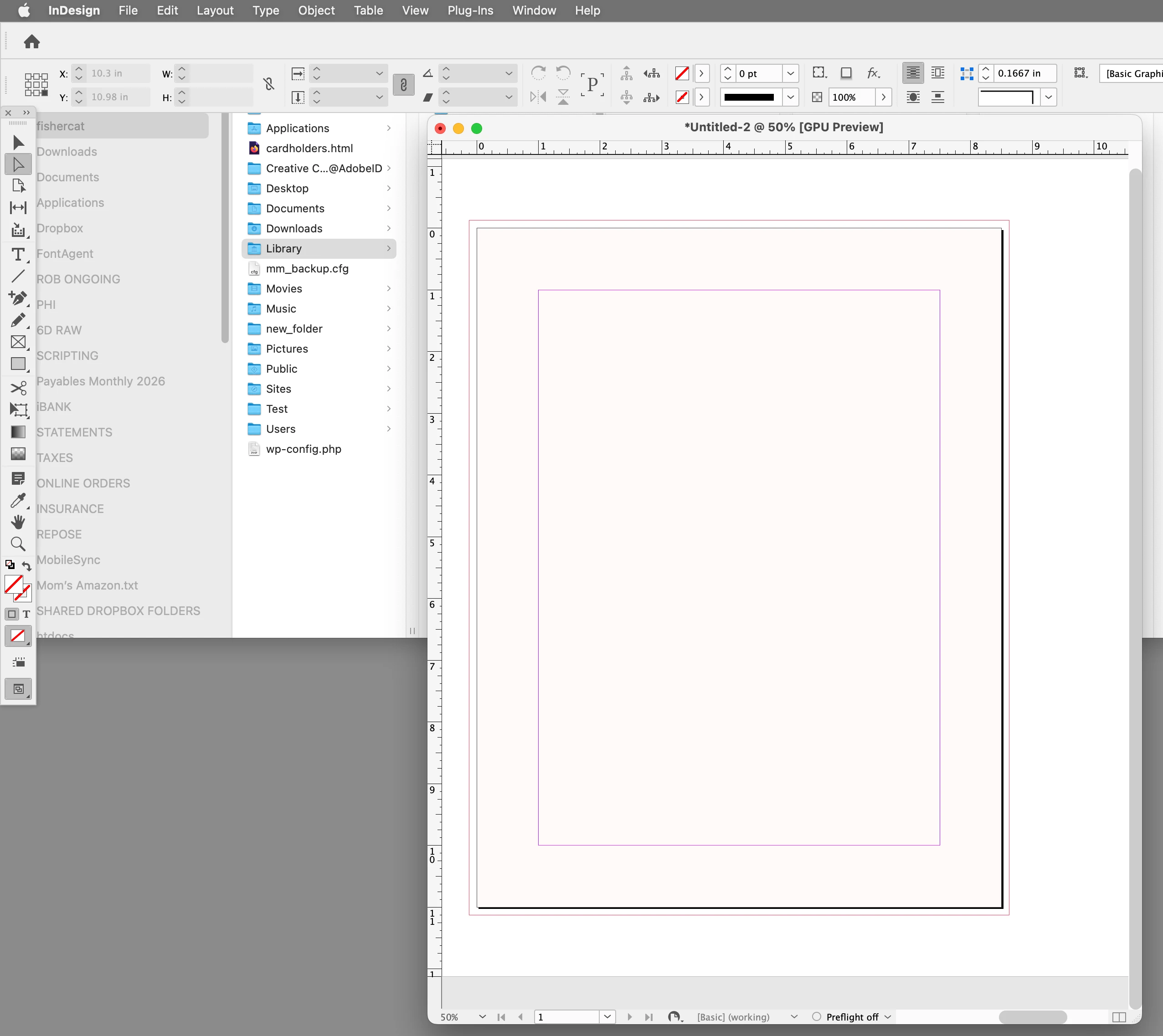
    Not sure I’m following, but you can bring InDesign back to the front by activating it:


    var appPath = Folder.userData.parent;
    Folder(appPath).execute();
    app.activate()

    Before and after


    2 replies

    rob day
    Community Expert
    rob dayCommunity ExpertCorrect answer
    Community Expert
    Nov 8, 2026 8:42 PM UTC

    Not sure I’m following, but you can bring InDesign back to the front by activating it:


    var appPath = Folder.userData.parent;
    Folder(appPath).execute();
    app.activate()

    Before and after


    Translate
    dublove
    dubloveAuthor
    Legend
    Nov 9, 2026 3:03 AM UTC

    Hi ​@rob day 

    Thank you very much.

    I don't know why, but when I woke up the next day, everything was normal again.
    But I did come across it frequently before.
    I have decided not to use app. activate() for now;
    Wait until the next encounter and try again, but it won't work.

    Translate