graphics_4075
Inspiring
June 10, 2026
Question

AI Alt-text setting turning itself back on after importing settings

  • June 10, 2026
  • 3 replies
  • 35 views

Hello, 
 

This is my 2nd day this week posting a very frustrating bug on InDesign and I consider this one far worse. In trying to figure out a bug with workspaces on Monday, I exported my current settings, reset InDesign preferences, and imported my settings back in. 


I did not check the settings. I should have. The generate AI Alt-text box had been rechecked, and I had NEVER manually done that. I have recreated this issue more than 5+ in a row by:


  1. Resetting my InDesign preferences to the default and restarting.
  2. Reopening InDesign, checking off both Generative AI boxes in preferences
  3. Export those settings, reset preferences back to default on reset, and reopen InDesign
  4. When you reopen InDesign and import your preferences (they should be default with both Gen-AI boxes UNCHECKED), the “Auto-generate Alt Text when placing images” WILL BE TURNED ON EVERY TIME WITHOUT FAIL.

I have a screen recording of this process working and showing that the boxes WILL check themselves upon importing settings. However I am not sure how to put it in this message, and I reccomend just trying this process for yourself. I am able to consistently recreate it.


I cannot explain how upset I am by this bug. I am nearly insisting this broken and destructive feature be pulled from the app because it has only been a nuisance for most users I have spoken to. If there is an feature that can automatically affect 100+ photos in a document, why is there not a feature to automatically remove any changes? Why on earth to I have to manually fix the AI’s mistake that I didn’t even ask for???


I spent the past 3 days working on files that now have had AI Alt text generated for them without me knowing. I have had those settings off since they first came out. 


I have absolutely no way to know which files have been affected because AFAIK there is no history log.


BONUS TIME!!


I would also love to point out that the Alt-text tag is affected by layers. If your photo bleeds behind an object, the alt text symbol will be hidden. Maybe this is not new, but almost feels like another step to further hide AI alt text generation from users. 
 

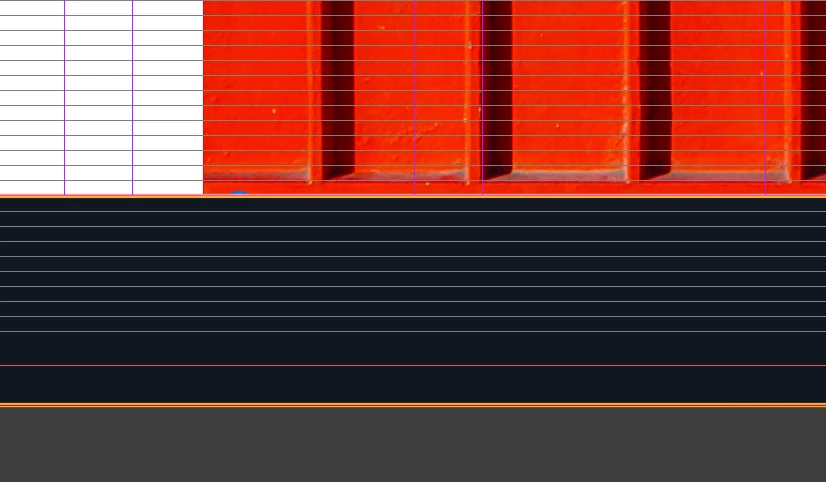
Presentation mode: impossible to see alt text tag
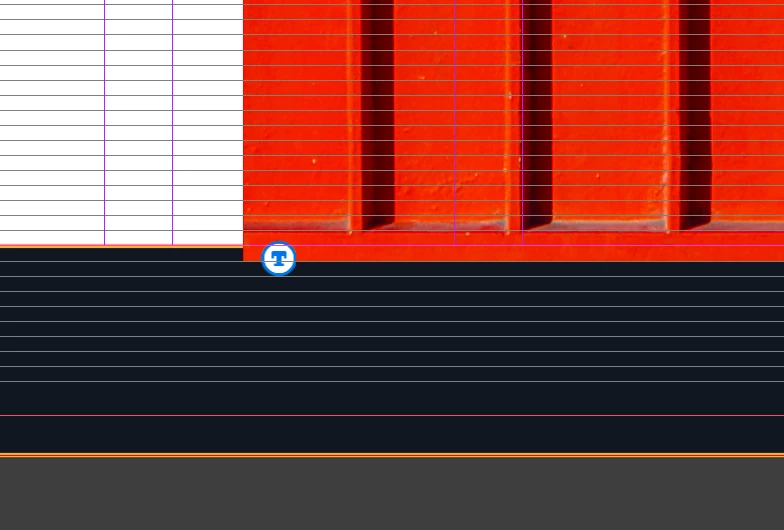
Normal view: just a little peek….
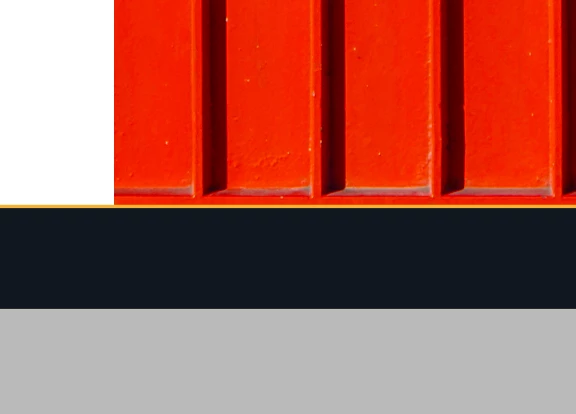
Brought the image to the front and BOOM. Stop hiding from me!!


This bug has pretty much broken me on this problem and made me furious. Are there even bug testers for these features? I am a designer, not a software engineer, yet this is my second InDesign bug found this week that has seriously impacted my workflow and made me take time out of my work day to address it. I am furious. At this point I feel I deserve compensation lmao.


InDesign 21.3 on Mac M1 Ultra Tahoe 26.5.1

    3 replies

    Abhishek Rao
    Community Manager
    Community Manager
    June 10, 2026

    Hi ​@graphics_4075 ,


    Thank you for sharing the detailed steps and the screen recording. I was able to review the information and have also been able to observe similar behavior during my testing.

    I'm currently checking this further with the product team to understand whether this is expected behavior or an issue with how the Generative AI Alt Text preference is being persisted and restored. I'll update this thread as soon as I have more information or feedback from the team.

    Thank you again for taking the time to document the workflow and provide the recording. It has been very helpful for the investigation.


    Thanks,
    Abhishek

    graphics_4075
    Inspiring
    June 10, 2026

    Thank you, I very much appreciate your attention and it’s good to hear that someone other than me is able to replicate this. I am glad that I was able to help. 


    I do just want to take this moment to emphasize my frustration with this feature. I speak only for myself, but I know my sentiment is shared by many others: if I do not want to use a feature, it should not insert itself into my documents, especially without my knowledge. This is the only generative AI feature in all Adobe apps that I know of that is ON by default. Why has that choice been made for consumers? I would hope that it is not on by default to possibly exaggerate AI usage numbers by consumers… When a human is removed from the process of an AI decision/action, it gains the potential to do something unintended and possibly destructive. I have appreciated Adobe’s approach to AI in terms of consumer protection, but this single tool goes against all of that. If a feature has the ability to “go wrong,” perhaps it is not ready for publishing.


    Having this feature be toggled on would not affect anyone in the slightest. However, having this feature be On by default ONLY goes to hurt your customers that do not want it on at all. It is frustrating and baffling. This does not feel like a well-thought out decision.


    Cheers
    graphics_4075
    Inspiring
    June 10, 2026

    Screen recording of my process

    Cheers
    Community Expert
    June 10, 2026
    graphics_4075
    Inspiring
    June 10, 2026

    Thanks Eugene, 

    I already made a bug report post on the UserVoice but will link it in the comments of your feature request. 

    Cheers
    Community Expert
    June 10, 2026

    Thanks for doing that