Sean5CF1
Inspiring
May 15, 2023
Answered

Align different sized text

  • May 15, 2023
  • 6 replies
  • 3244 views

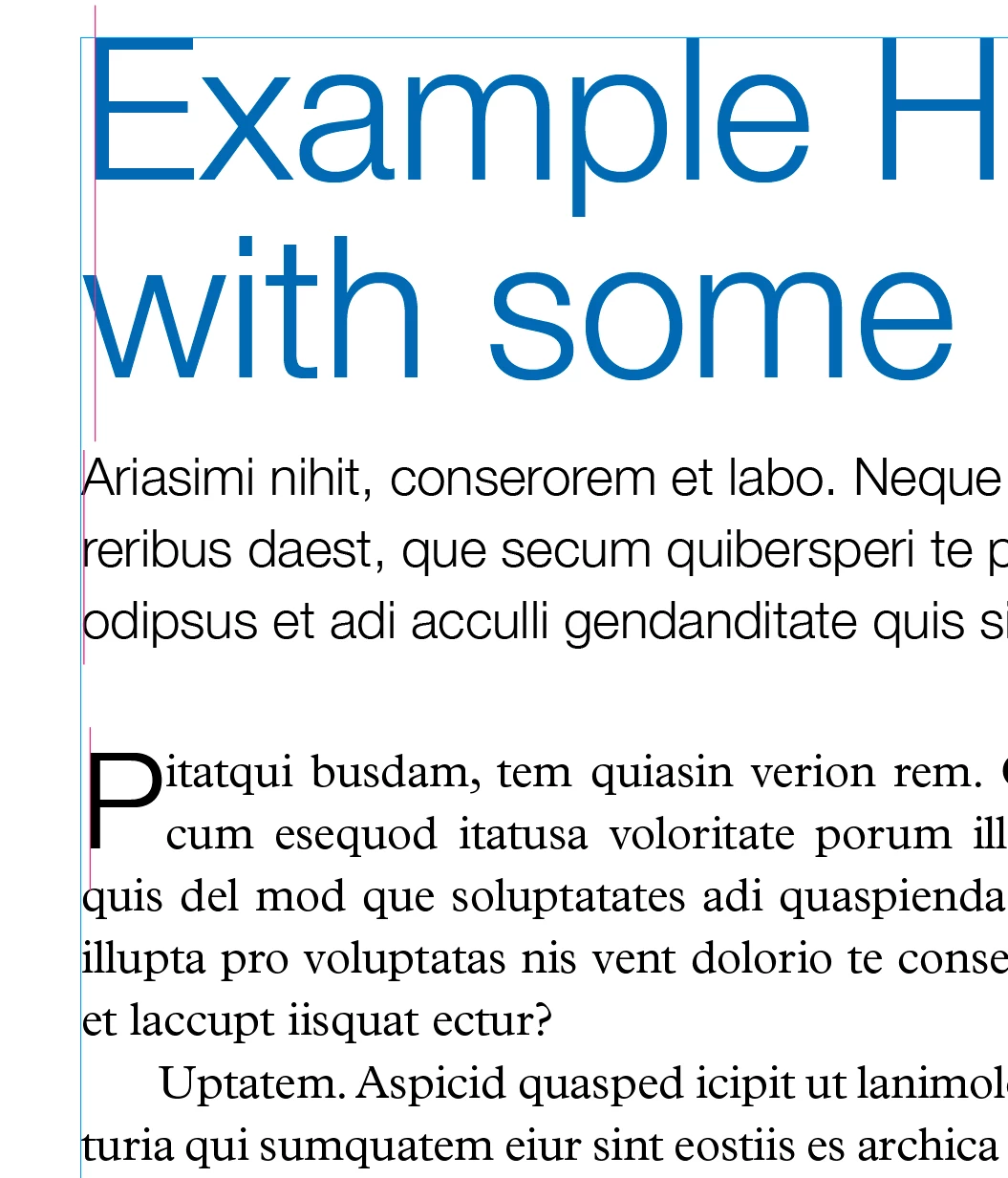
Hi Im simply trying to align left different sized text

I've read the community posts and googled re: why it occurs, the sloppy fixes (the best is to convert by "create oulines"), etc

Surely this is a bug that has been fixed?


This topic has been closed for replies.
Correct answer rob day

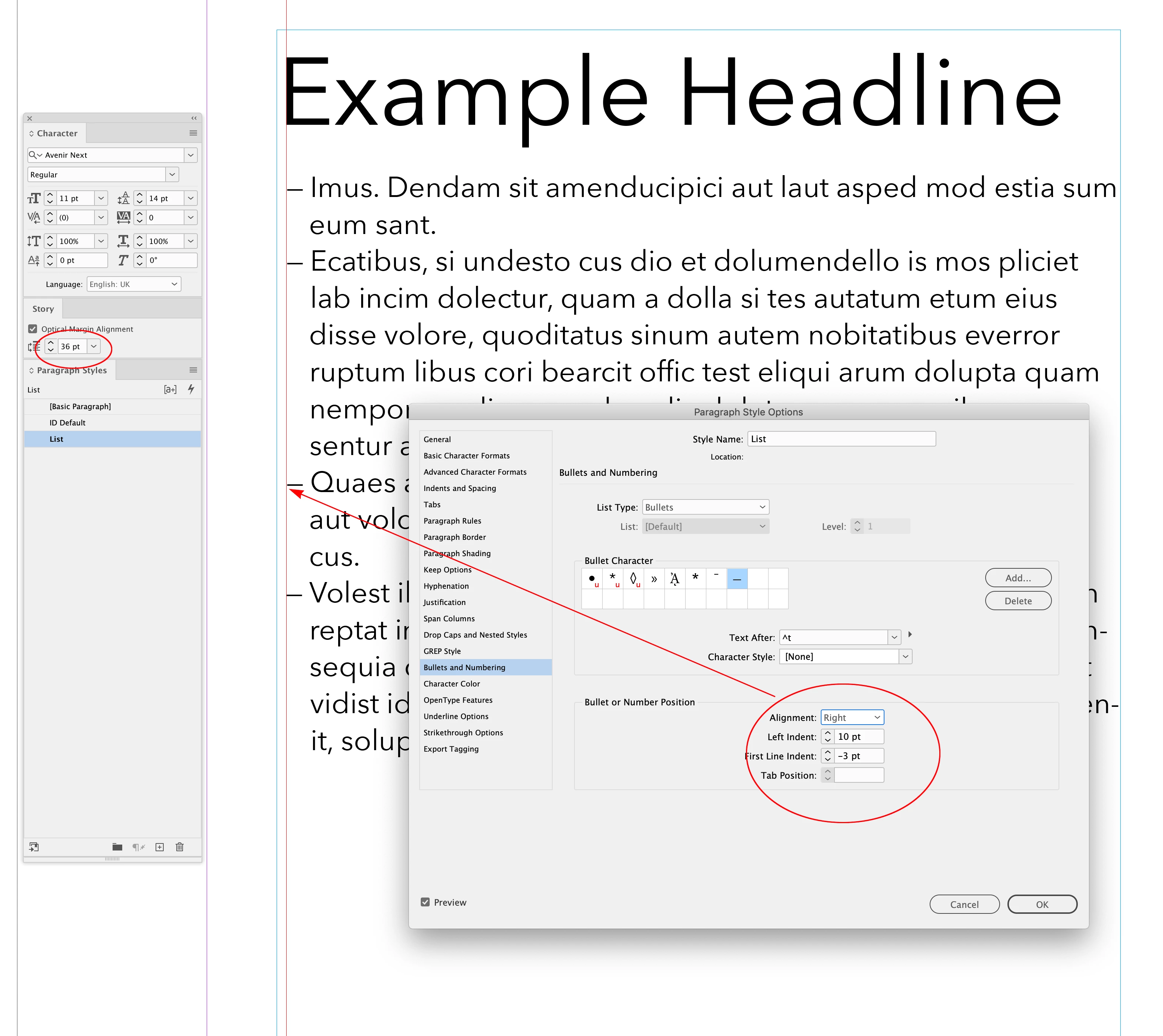
Adjust the Paragraph Style’s Bullet or Number Position setting:


6 replies

rob day
Community Expert
Community Expert
May 15, 2023

Optical Margin Alignment usage:


The text’s OMA set to the header’s point size


Sean5CF1
Sean5CF1Author
Inspiring
May 16, 2023

As above Rob

Bullets realign

Attempts to correct bullets leads to unwanted spaces - a similar space i try to remove initially


Note while etxt shifts right, all bullets shift left


TᴀW
Legend
May 16, 2023

...

id-extras.com | InDesign tools & scripts for typesetters, form designers, and translators
Willi Adelberger
Community Expert
Community Expert
May 15, 2023
  1. That is not a bug. It is part of the font design. The designer does not want a geometric pure line, an optical alignment is important.
  2. Never outline text in InDesign. It is a no-go. The only purpose to convert fonts to outline is for graphic purposes like filling a letter with an image or to manipulate a letter.
Sean5CF1
Sean5CF1Author
Inspiring
May 16, 2023

Thanks Willi

While this might be true (designers not wanting a geometric pure line), it looks sloppy

Optical alignment changes all following bullet and heading alignment in the same text box

So far outlining text is the only pure fix i have found, whether im using it to align text (manuipulate a letter) or for graphic design purposes. But this is also sloppy

rob day
Community Expert
Community Expert
May 15, 2023

Hi @Sean5CF1 , This comes up occasionally—the cause is the font’s metrics not an InDesign bug. All fonts include a side bearing dimension, and InDesign’s text alignment is optical which can be adjusted somewhat via the Story panel’s Optical Margin Alignment setting.


If you want to align a specific character you would have to kern a space before—see David Blatner’s CreativePro article here:


https://creativepro.com/removing-space-along-left-edge/


Sean5CF1
Sean5CF1Author
Inspiring
May 16, 2023

Thanks Rob

Researched all this previously and read the articles

Using optical margin alignment reconfigures all bullet points and headings alignment in the same text frame 

My whole 600 page manual has only 1 font with consistent formatting throughout. 


Legend
May 15, 2023

The text looks left aligned to me (allowing for design overhang in the individual characters - which was absolutely deliberate). There is no bug if that's how the font was designed, it would be a bug to ignore the font's design.

JR Boulay
Community Expert
Community Expert
May 15, 2023

[MOVED TO THE INDESIGN DISCUSSIONS]

Acrobate du PDF, InDesigner et Photoshopographe
kglad
Community Expert
Community Expert
May 15, 2023

acrobat?

-----------

in the future, to find the best place to post your message, use the list here, https://community.adobe.com/


p.s. i don't think the adobe website, and forums in particular, are easy to navigate, so don't spend a lot of time searching that forum list. do your best and we'll move the post if it helps you get responses.


<moved from using the community>

Sean5CF1
Sean5CF1Author
Inspiring
May 15, 2023

Im so glad you mentioned how difficult the forums and website is to navigate. I feel like a noob everytime i come here (twice a year)

I realy would appreciate if you could move my post if that isn't a big imposition. i could be here another half hour, as i was posting the last post


thank you

sean

kglad
Community Expert
Community Expert
May 15, 2023

i moved it to the acrobat forum.  is that the app you're using or would indesign be better?