
Inspiring
February 10, 2020
Answered

Align table cell line with baseline text

  • February 10, 2020
  • 2 replies
  • 1172 views

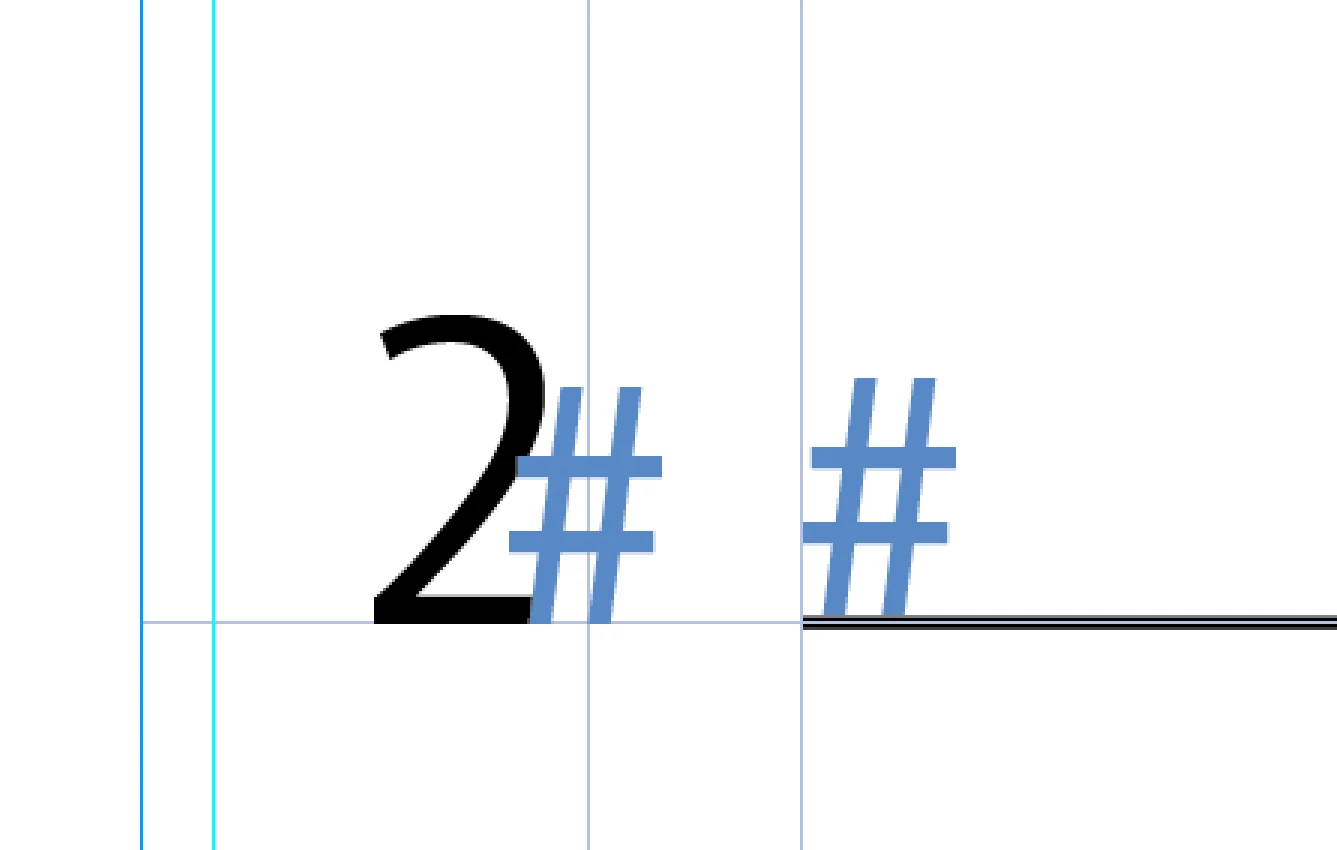
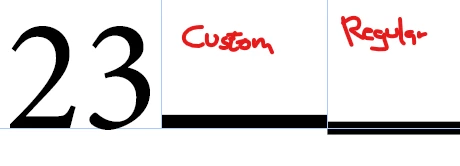
Hi there, I'm working on a simple table with a numbering flushing right in a cell, followed by an empty cell for spacing, followed by a cell which is only populated by a line on the cell bottom. However, these lines are centered on the cell border which means that the line is only half in the cell and half in the cell beneath (see screeshot). Is there a way to elevate the line so that the bottom of the line aligns with the text baseline? Just like stroking a frame where there's the option to have the stroke aligned inside, outside or middle. TIA.
This topic has been closed for replies.
Correct answer Jongware

You create a custom Stroke Style, of type Stripe, and only use a single black half -- from 0% to 50%. Then you use this with *double* the intended weight:


2 replies

Jongware
Community Expert
JongwareCommunity ExpertCorrect answer
Community Expert
February 10, 2020

You create a custom Stroke Style, of type Stripe, and only use a single black half -- from 0% to 50%. Then you use this with *double* the intended weight:


Inspiring
February 10, 2020

Wow, that's even quicker. And with 50% to 100% you get a stoke aligning under the baseline. Thanks!

Barb Binder
Community Expert
Community Expert
February 10, 2020

How about defining the rule as a rule below paragraph in lieu of a cell rule? You can control the position that way. You will need a character on the line, however. I used a space.


~Barb


~Barb at Rocky Mountain Training
Inspiring
February 10, 2020

Thanks Barb! That should do the trick.