
Aligning Numbers on the " ) " or " , " with an Imported Table
- 15 replies
- 1972 views
- Translate
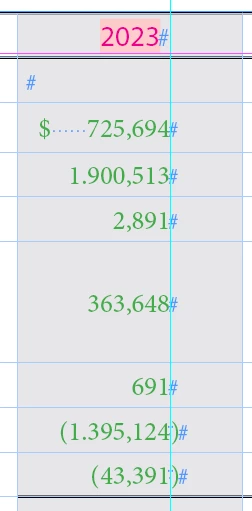
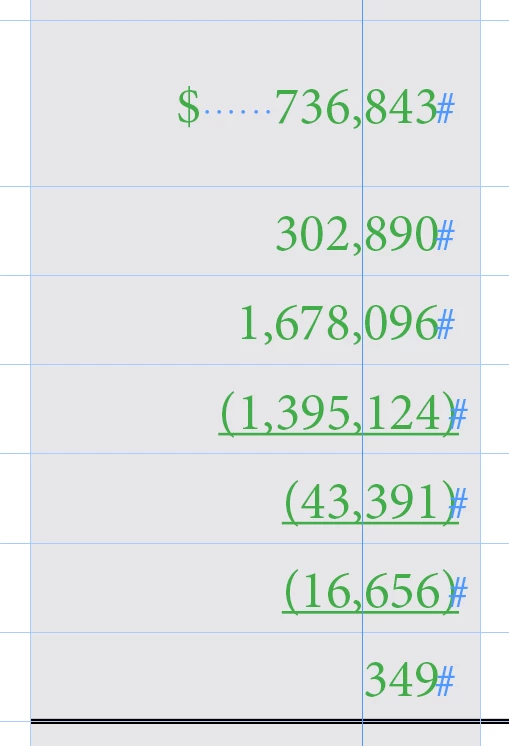
Hey y'all, I'm having a hard time getting my numbers to line up on this table. None of the tutorials I've tried online have been working. For some background:
This table was imported from an Excel file and they are linked
The column width is set to 1.17 in for all number cells
I've already tried "Align to Decimal" under "Tabs" in "Paragraph Styles". I've done various sizes for X and tried setting it to both " , " and " ) ", none of which has worked
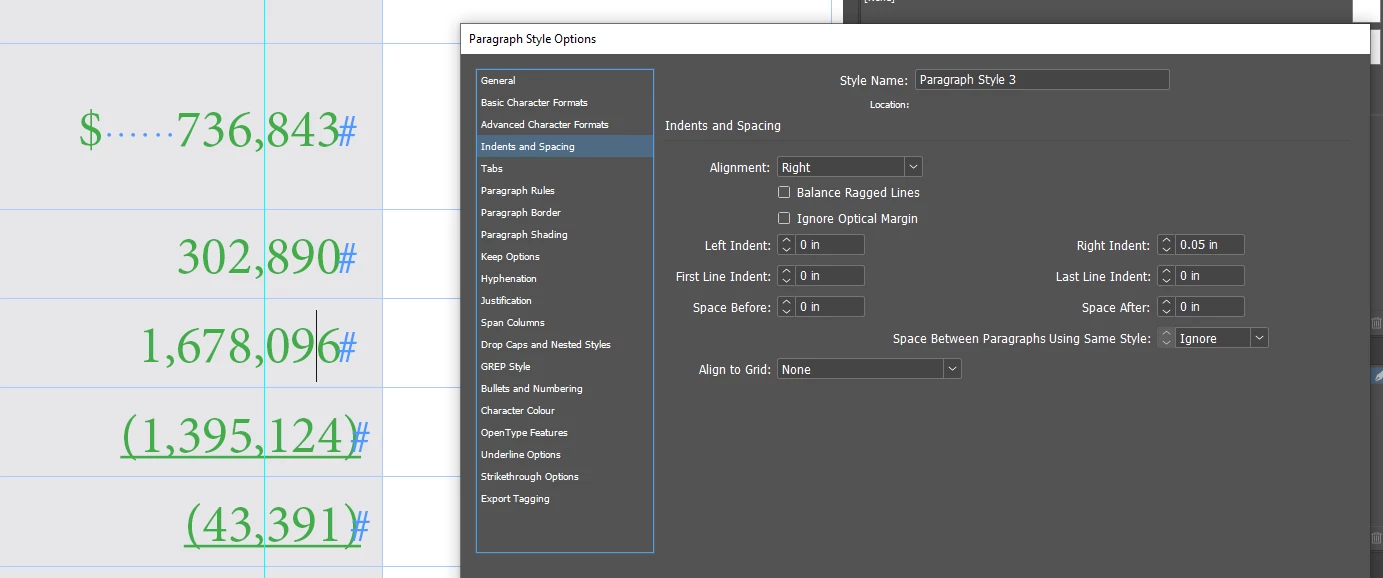
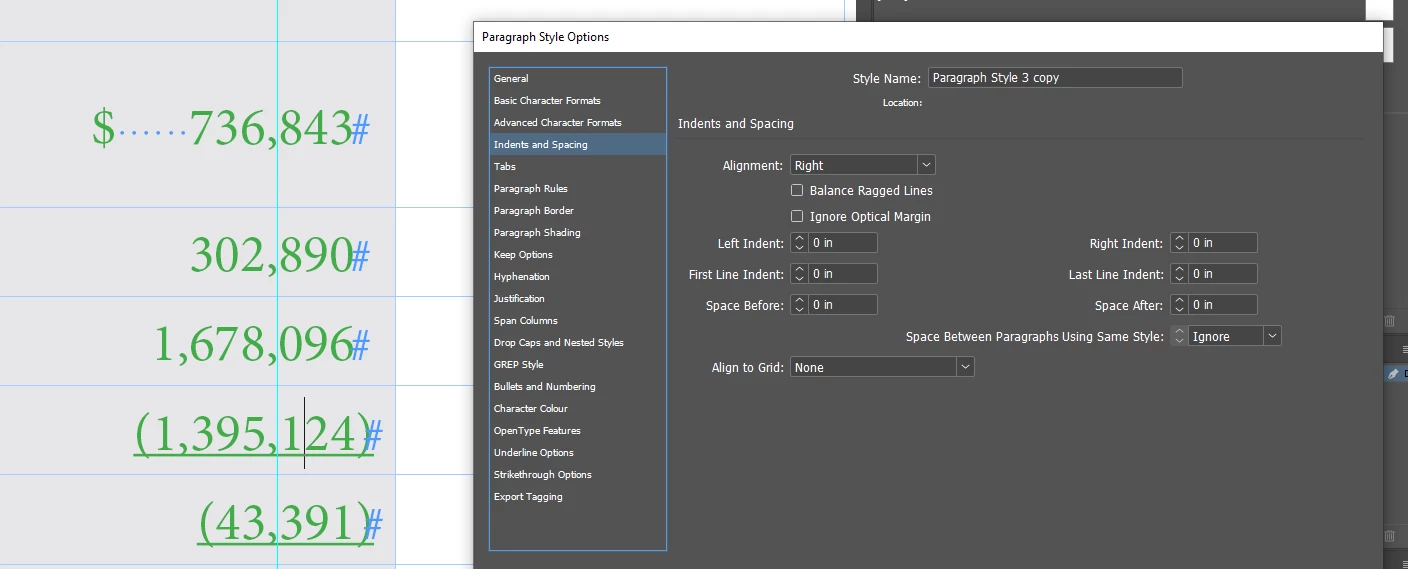
Most everything is based on Paragraph Style 3 and Cell Style 3, and all specialized styles reference these two or iterations of them. (i.e. Underlined Body Rows references Cell Style 3, and Fill Underlined Body references Underlined Body Rows)
I want the " , " to line up for the numbers, even if there is a parenthesis. I'm wondering if the table being imported from Excel removed any "Tab" function that you would normally get from making a table from scratch in InDesign, because nothing seems to be working. I also don't know if my nested style groups may be canceling each other out somehow.
Am I missing something, or is there another way I should be doing this? Any help y'all can provide would be greatly appreciated.



 AdChoices