Inspiring
April 2, 2019
Answered

Aligning paragraph shading offset to margin

  • April 2, 2019
  • 3 replies
  • 2043 views

Hi all,

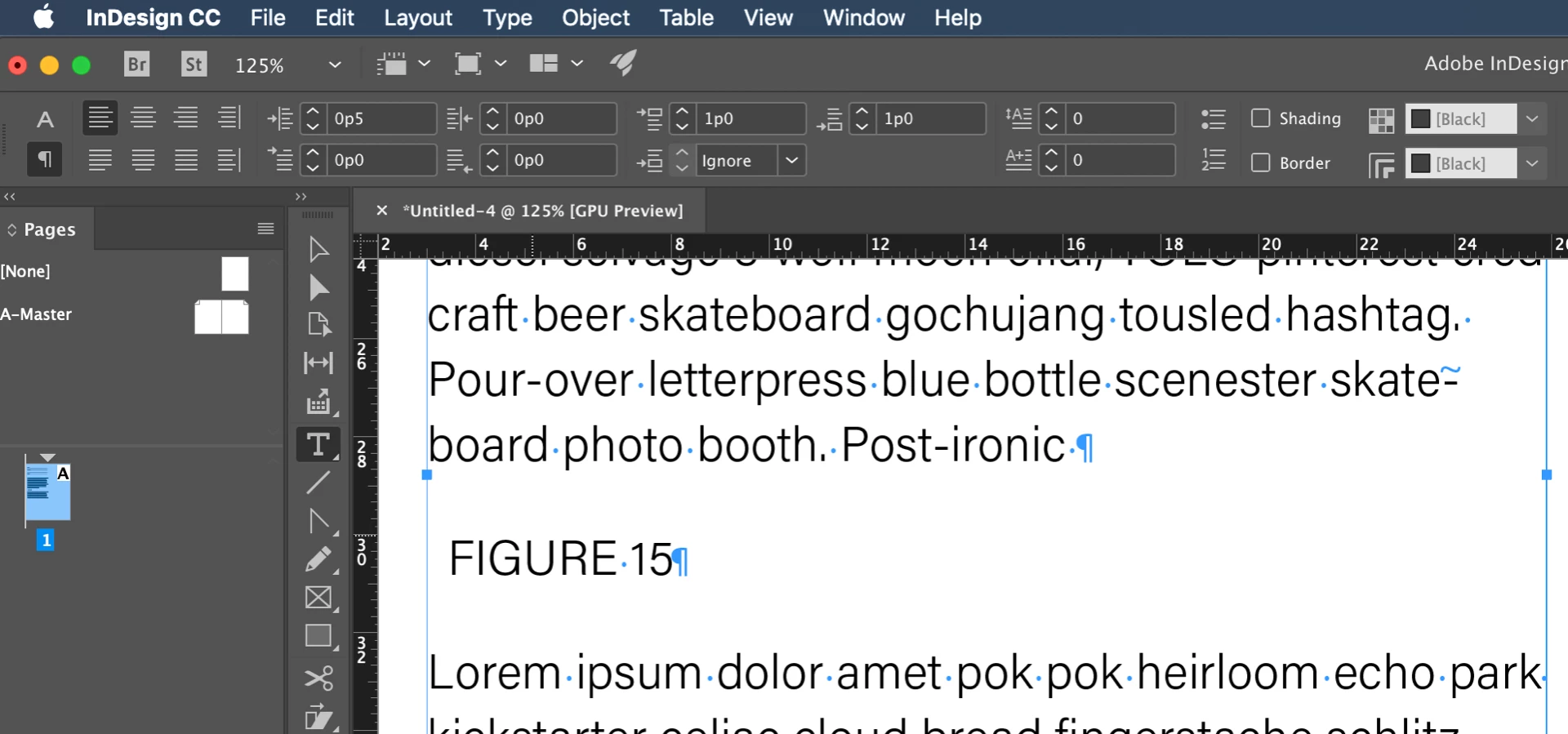
I use paragraph shading with offset to create a box for title name of graphs (FIGURE 15).
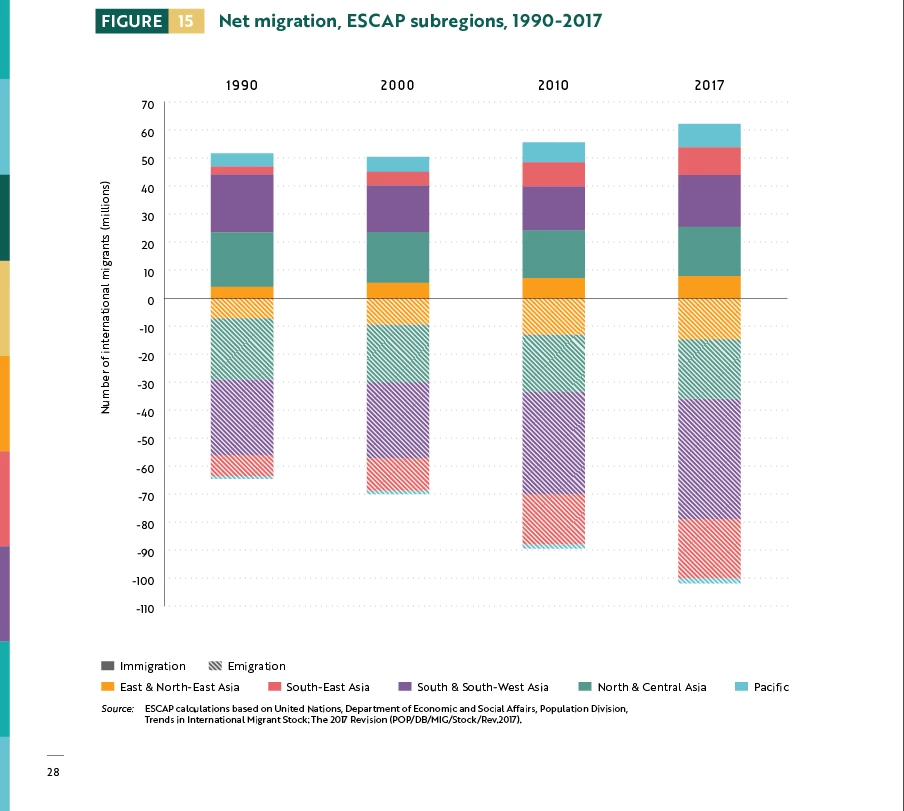
However, the offset goes over the margin:
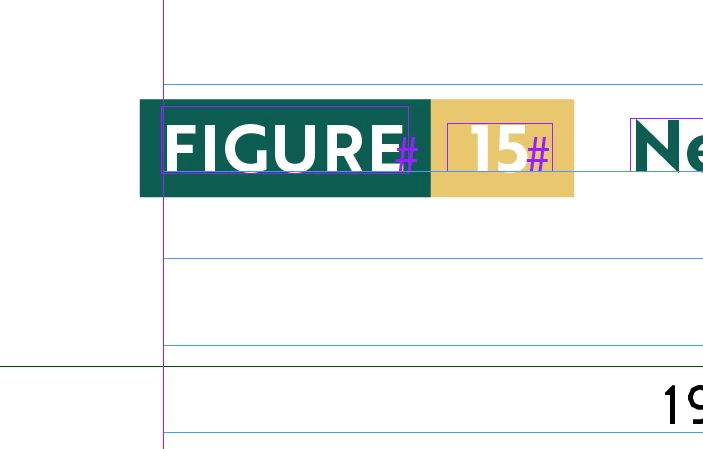
How do I make it so the text box automatically adjust so that the green shading offset aligns perfectly with the margin? I tried using paragraph style inset but it doesn't work. I used Object Style Size and Position options and it does work. Is there a way to set this using paragraph style only, without using object style?

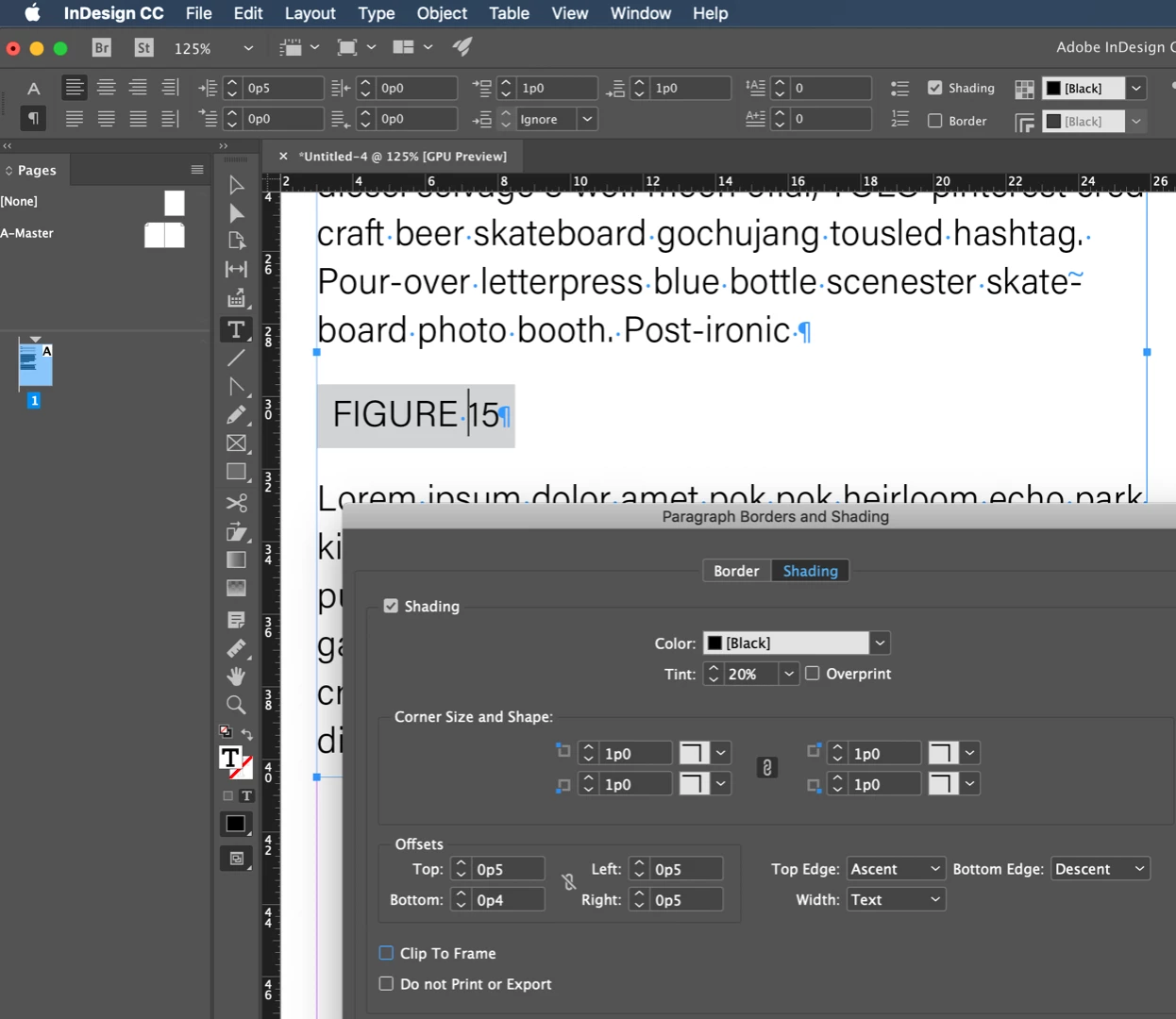
Here's my screen cap for paragraph shading style:
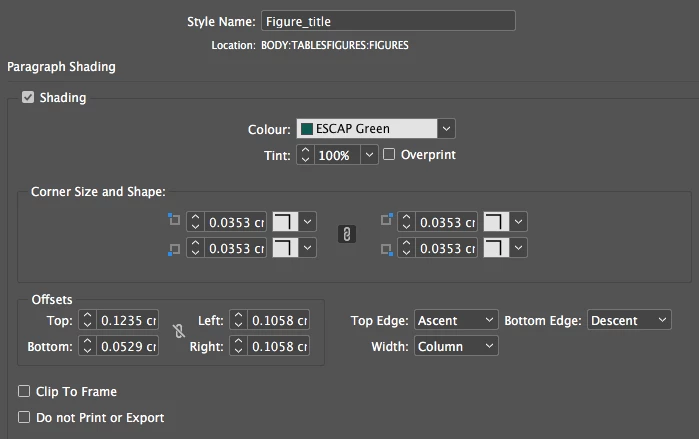
    This topic has been closed for replies.
    Correct answer Barb Binder

    Hi wuts23143389 :

    I would set up a paragraph style as follows:

    1. Define a left indent for the figure title.
    2. Adjust the offsets as desired.

    ~Barb

    3 replies

    Barb Binder
    Community Expert
    Community Expert
    April 2, 2019

    And yes to GREP find/change to add the myriad em spaces (and figure space for the single digits).

    Did you understand what I meant about the nested styles?

    Starting here:

    After defining the nested styles (total of 2—you don't need one for the text without a colored background), it's one click to format:

    ~Barb

    ~Barb at Rocky Mountain Training
    Barb Binder
    Community Expert
    Barb BinderCommunity ExpertCorrect answer
    Community Expert
    April 2, 2019

    Hi wuts23143389 :

    I would set up a paragraph style as follows:

    1. Define a left indent for the figure title.
    2. Adjust the offsets as desired.

    ~Barb

    ~Barb at Rocky Mountain Training
    Inspiring
    April 2, 2019

    Thank you Barb, that works. I forgot to clear the left offset after applying left inset, you made me re-evaluate my paragraph style and now it works

    Before I marked this thread as answered, can I also ask you the same question as I asked Willi?

    How do I make the figure heading into single text frame instead of multiple ones? Willi suggested nested style but I don't know how to apply green paragraph shading to the word "figure", then yellow to the number, then no paragraph shading for the text.

    Barb Binder
    Community Expert
    Community Expert
    April 2, 2019

    Hi wuts23143389 :

    Sorry, I meant to address that earlier—border and shading are paragraph level commands so if you want different shading they have to be different paragraphs, which them means that they won't be able to appear on the same line, as they do now. Unless you want to draw manual boxes behind the text, which I don't recommend.

    As I tell my students, sometimes it is worth letting go of a look that you like and redesigning the document in a way that works with the software, rather than fighting it.

    ~Barb

    ~Barb at Rocky Mountain Training
    Willi Adelberger
    Community Expert
    Community Expert
    April 2, 2019

    Either make an inset in the paragraph style or make an offset in the frame settings (cmd+B) and save both in styles (Paragraph or Object Styles or both).

    I would strongly recommend you to use one (1!!!!) single frame instead 3 as you do now.

    Alternatives are: Paragraph Linke, Underline and Strike Through to accomplish it with a single frame and a single Paragraph Style with Nested Styles.)

    Inspiring
    April 2, 2019

    Hi Willi thank you so much. I managed to fix the problem according to your advice.

    I'd love to do single text frame as well; however I want the word "Figure" to have green shading, the figure number to have yellow shading, and the following title to have no shading. How do I do that with nested style? Nested style only allows me to apply character styles, not paragraph styles? Is there a way to include shading in character style?