


Hosun
Inspiring
July 24, 2024
Answered

Alignment on Id and EPUB

  • July 24, 2024
  • 1 reply
  • 427 views

Hi, 


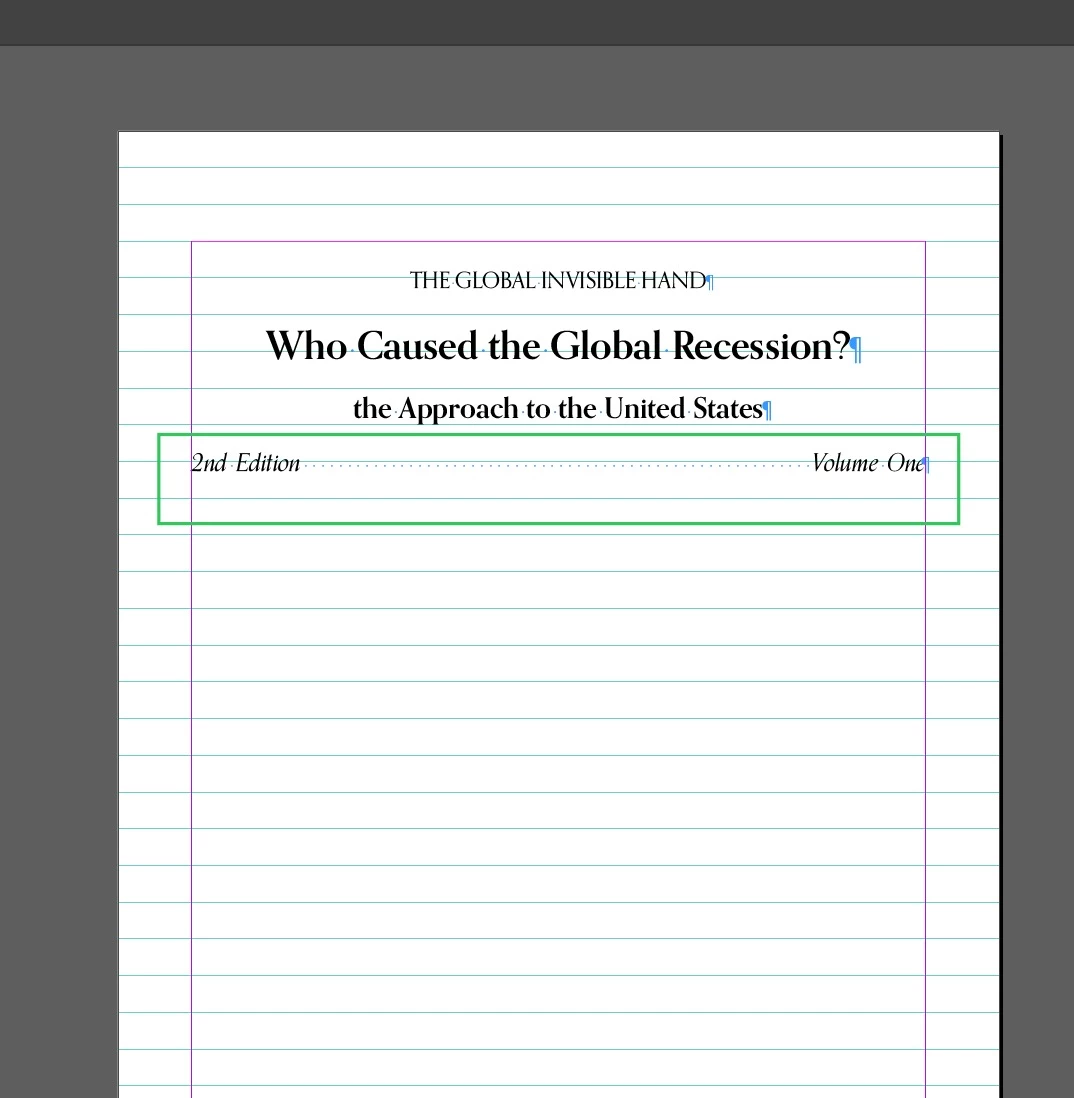
In Screenshot 1, a line is justified in Id.

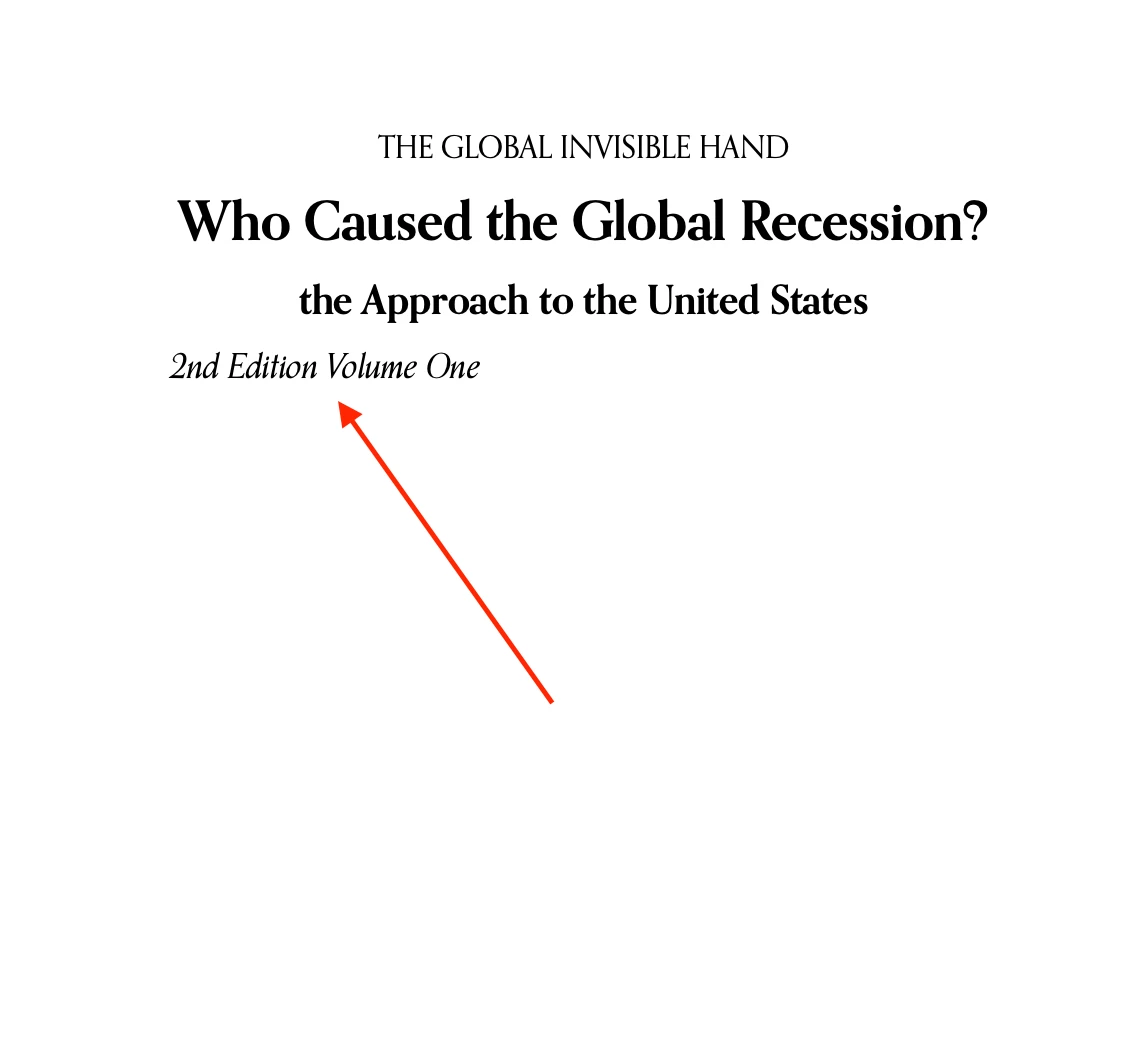
But it's aligned left on Books app. 

Is there way to make a line justified?


Hosun


Screenshot 1 (Id)
Screenshot 2 (Books app)
 

This topic has been closed for replies.
Correct answer James Gifford—NitroPress

There are no tabs in EPUB (or HTML) so that closes most doors for this. I'd try setting the style to Justified and putting a nonbreaking space between each of the two-word elements, leaving a regular space in the middle to "spring" apart.


And that will work only  — you guessed it — if the reader decides to handle the justification that way.


The other alternative would be to use two paragraphs with two styles, and collapse spacing so that they end up on the same line. This trick works in ID if you juggle things right, and might work in EPUB. I can't remember which style should have a zero leading to make the lines overlap; you'd need to experiment.


The most absolute method would be to use a table with two cells, defined to have invisible borders, and use two styles to push the text left and right.

1 reply

James Gifford—NitroPress
Legend
July 24, 2024

There are no tabs in EPUB (or HTML) so that closes most doors for this. I'd try setting the style to Justified and putting a nonbreaking space between each of the two-word elements, leaving a regular space in the middle to "spring" apart.


And that will work only  — you guessed it — if the reader decides to handle the justification that way.


The other alternative would be to use two paragraphs with two styles, and collapse spacing so that they end up on the same line. This trick works in ID if you juggle things right, and might work in EPUB. I can't remember which style should have a zero leading to make the lines overlap; you'd need to experiment.


The most absolute method would be to use a table with two cells, defined to have invisible borders, and use two styles to push the text left and right.

Hosun
HosunAuthor
Inspiring
July 25, 2024

I tried your 1st and 3rd options and got the results. 
It's better presented on Mac than iPhone. 
It's hard to make look good on all screen sizes. 


Thank you very much. 

Hosun


Screenshot 1 (Id)


Screenshot 2 (Books app on Mac)


Screenshot 3 (Books app on iPhone)

