Participating Frequently
June 24, 2024
Question

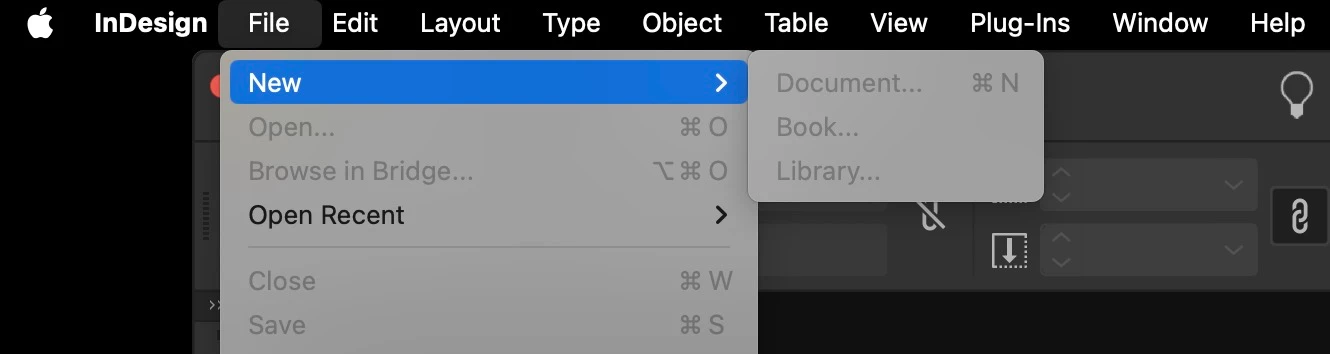
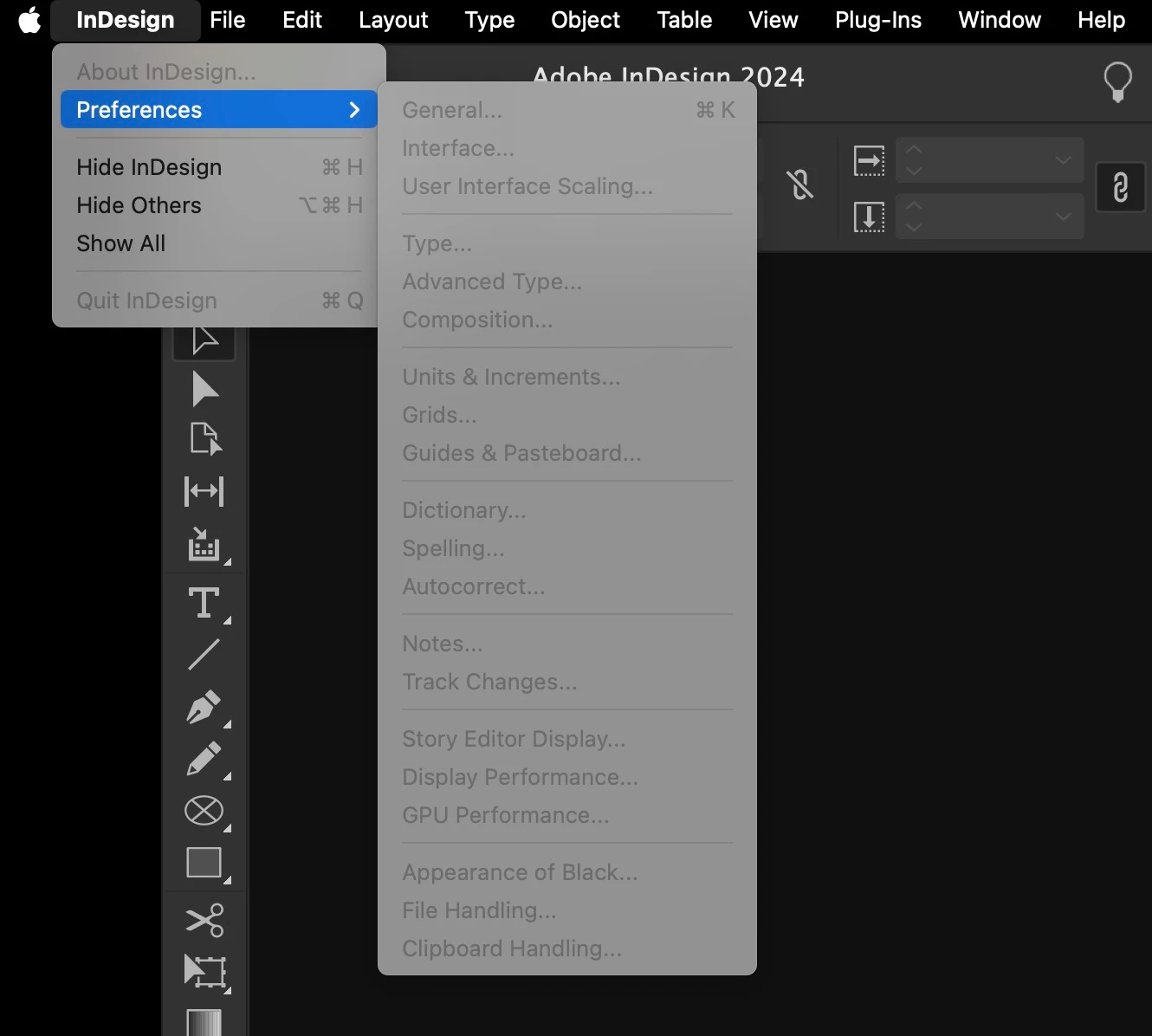
All the menu panel options are greyed out on InDesign 19.4 on macOS 14.5

  • June 24, 2024
  • 2 replies
  • 385 views

InDesign has been running on my Mac fine, up until today. Suddenly I cannot create a new file or access my Preferences (all greyed out - see screen grabs). Am I just being stupid?! Can anyone help?


Jack


InDesign 19.4

Mac Studio running Sonoma 14.5


<Title renamed by moderator>

This topic has been closed for replies.

2 replies

Robert at ID-Tasker
Legend
June 24, 2024
Harshika Verma
Community Manager
Community Manager
June 25, 2024

Hi @jackj1747930,

Thank you for reaching out and sorry that you're experiencing issues while using InDesign. The panels looks fine on my end on the same machine. Could you please try the suggestion shared by our expert? We would also request you to please try signing out of the Creative Cloud Desktop app, restart the machine, sign back in and launch InDesign from the Creative Cloud Desktop app.


Let us know if that helps. We would be happy to help you further.


Thanks,

Harshika

kglad
Community Expert
Community Expert
June 24, 2024

in the future, to find the best place to post your message, use the list here, https://community.adobe.com/

p.s. i don't think the adobe website, and forums in particular, are easy to navigate, so don't spend a lot of time searching that forum list. do your best and we'll move the post (like this one has already been moved) if it helps you get responses.


<"moved from cc desktop bugs">