
Known Participant
May 11, 2018
Answered

Alphabetizing table of content

  • May 11, 2018
  • 2 replies
  • 2965 views

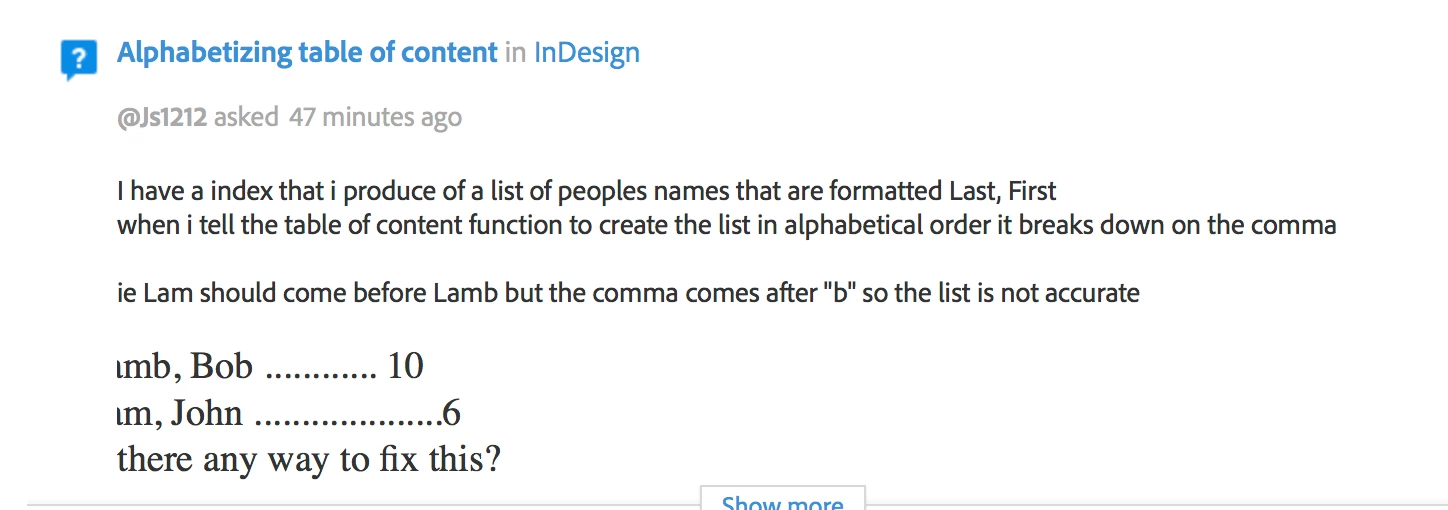
I have a index that i produce of a list of peoples names that are formatted Last, First

when i tell the table of content function to create the list in alphabetical order it breaks down on the comma

ie Lam should come before Lamb but the comma comes after "b" so the list is not accurate

Lamb, Bob ............ 10

Lam, John ....................6

is there any way to fix this?

scott
    This topic has been closed for replies.
    Correct answer Barb Binder

    As a heads up, for some reason, on both of your posts, and in both Chrome and in Safari, the left edge of your info is being cut off, so I couldn't see the beginning of the line. No idea why, and I looked around—it's only happening on those two posts.

    Anyway...

    I am using the TOC function to create a index hence the confusion...lets just call it a TOC

    That's the issue. To address both of your questions, you'll need to use the index feature to create the index, and not the TOC to get the results you are looking for, unless you are OK manually editing the results after you generate it.

    ~Barb

    2 replies

    @Js1212Author
    Known Participant
    May 11, 2018

    thank you...i glanced at indexing and it does appear that is my problem...

    is there any easier way to create entries into the index? for the TOC i just needed to assign a particular paragraph style and it was done. can index entry be based off of a paragraph style?

    scott

    Barb Binder
    Community Expert
    Community Expert
    May 11, 2018

    No, sadly. Indexing requires adding index markers, but there is an option to locate and mark the same word multiple times.

    ~Barb

    ~Barb at Rocky Mountain Training
    Barb Binder
    Community Expert
    Community Expert
    May 11, 2018

    To alphabetize a TOC, check Sort Entries in Alphabetical Order:

    That said, I'm not clear if you are trying alphabetize a TOC or an Index—they are two entirely different features in InDesign.

    ~Barb

    ~Barb at Rocky Mountain Training
    @Js1212Author
    Known Participant
    May 11, 2018

    I am using the TOC function to create a index hence the confusion...lets just call it a TOC

    I am aware and am using "sort entries in alphabetical order" function but it is breaking down in the example i provided where a shorter name will come after a longer name with the same first characters because of the comma that is placed after a last name when the name is listed as First, Last

    ie

    Lam, John should come before Lamb, Bob but it does not because a comma comes after a b. i need indesign to ignore the comma for alphabetical purposes

    Barb Binder
    Community Expert
    Barb BinderCommunity ExpertCorrect answer
    Community Expert
    May 11, 2018

    As a heads up, for some reason, on both of your posts, and in both Chrome and in Safari, the left edge of your info is being cut off, so I couldn't see the beginning of the line. No idea why, and I looked around—it's only happening on those two posts.

    Anyway...

    I am using the TOC function to create a index hence the confusion...lets just call it a TOC

    That's the issue. To address both of your questions, you'll need to use the index feature to create the index, and not the TOC to get the results you are looking for, unless you are OK manually editing the results after you generate it.

    ~Barb

    ~Barb at Rocky Mountain Training