Participant
August 13, 2026
Question

Alt Text Not Appearing in PDF

  • August 13, 2026
  • 8 replies
  • 88 views

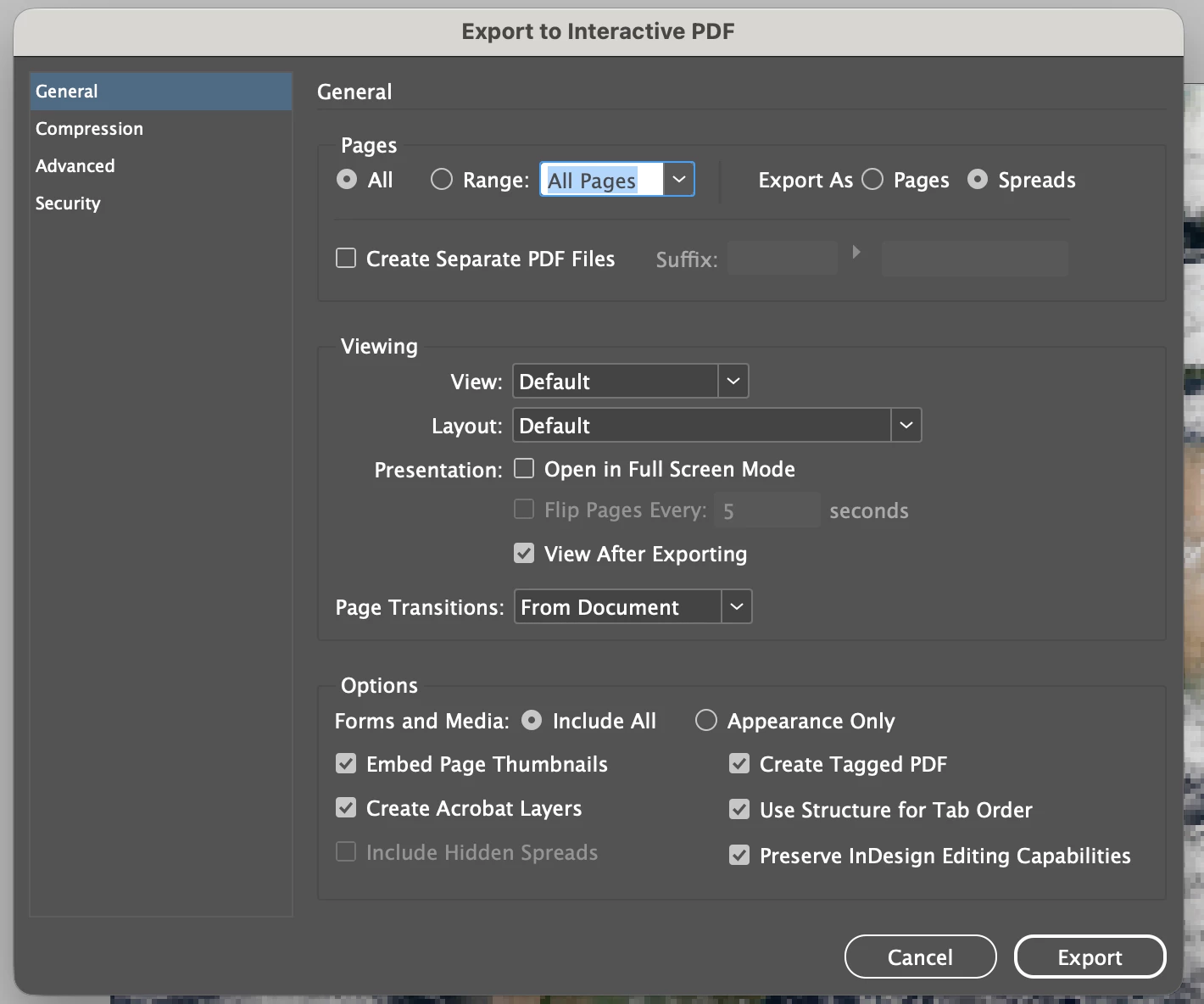
Hello! So my team and I have been adding alt text to images in PhotoShop and then using Object Export Options with “From XMP: Alt Text (Accessibility)” selected for the Alt Text Source. In InDesign, this works great. We can see the alt text. But it does not seem to transfer to PDF when exported. We have triple checked that the “Create Tagged PDF” option is selected when exporting to PDF. What are we doing wrong? 
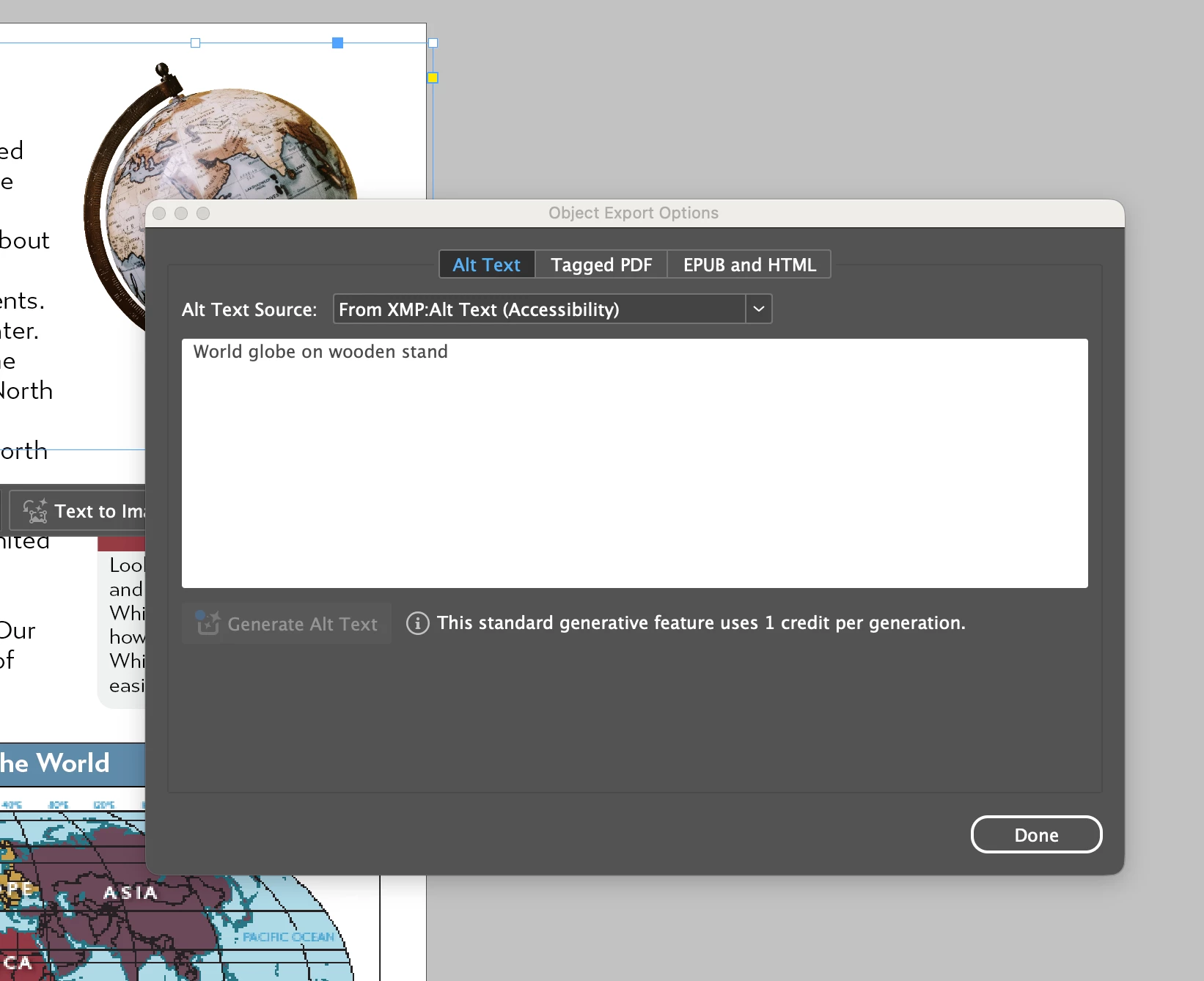
Object Export Options example
Export options selected


    8 replies

    Mike Witherell
    Community Expert
    Community Expert
    August 28, 2026

    Hi Anna,

    Click to the center tab marked “Tagged PDF”. I generally fill out both.

    You might also want to turn off the switch for “Preserve InDesign Editing Capabilities”. This is actually embedding an InDesign document within the PDF and the file size will be gigantic.

    Mike Witherell
    nik.m
    Community Manager
    Community Manager
    August 28, 2026

    Hi ​@Anna Morgan24411099hbys, I just wanted to follow up to see whether you still need help or have found a solution.

    If one of the suggestions in this conversation or something else helped, please let us know. If you’re still experiencing the same behavior, we’d be happy to assist you further.

    Thanks,
    Nikunj

    _7_
    Participant
    September 9, 2026

    🙄

    Joel Cherney
    Community Expert
    Community Expert
    August 13, 2026

    How do you know it’s not transferring into your PDF? Are you looking at the “Alternate Text for Images” field in the Object Properties in the Accessibiliy Tags pane in the PDF in Acrobat?


    If there’s no tag there for your image, then I’d wonder what was in the “Tagged PDF” tab of your Object Export Options dialog in InDesign.


    Participant
    August 14, 2026

    Hey! Thank you for responding - I have looked at the Accessibility Tags pane and it says “No Tags available.” I also followed your advice and looked at the “Tagged PDF” tab of the Object Export Options to double check that we had selected “From XMP: Alt Text (Accessibility)” in that tab as well. I tried playing around with different “Apply Tag” options and it didn’t seem to make a difference in the PDF. 


    graphics_4075
    Inspiring
    August 14, 2026

    Is your alt-text just not showing up under Accessibility Tags, or not showing up at all? Try going to Accessibility → Set Alternate Text in Acrobat, you can then cycle through all images in your document and see/customize their alt text. Mine showed up there, although it didn’t show up under Accessibility Tags.

    Cheers