
saram68774335
Participant
July 4, 2025
Question

Alt-text not exporting from InDesign to Acrobat consistently

  • July 4, 2025
  • 1 reply
  • 264 views

I'm assuming this is an InDesign issue, but am happy to be corrected if it's Acrobat. Either way, the problem is that even though there is alt-text embedded in every linked image's metadata, it's not always exporting into Acrobat. The metadata for every image was edited in Bridge, saved, and the links updated so that's not the problem. 


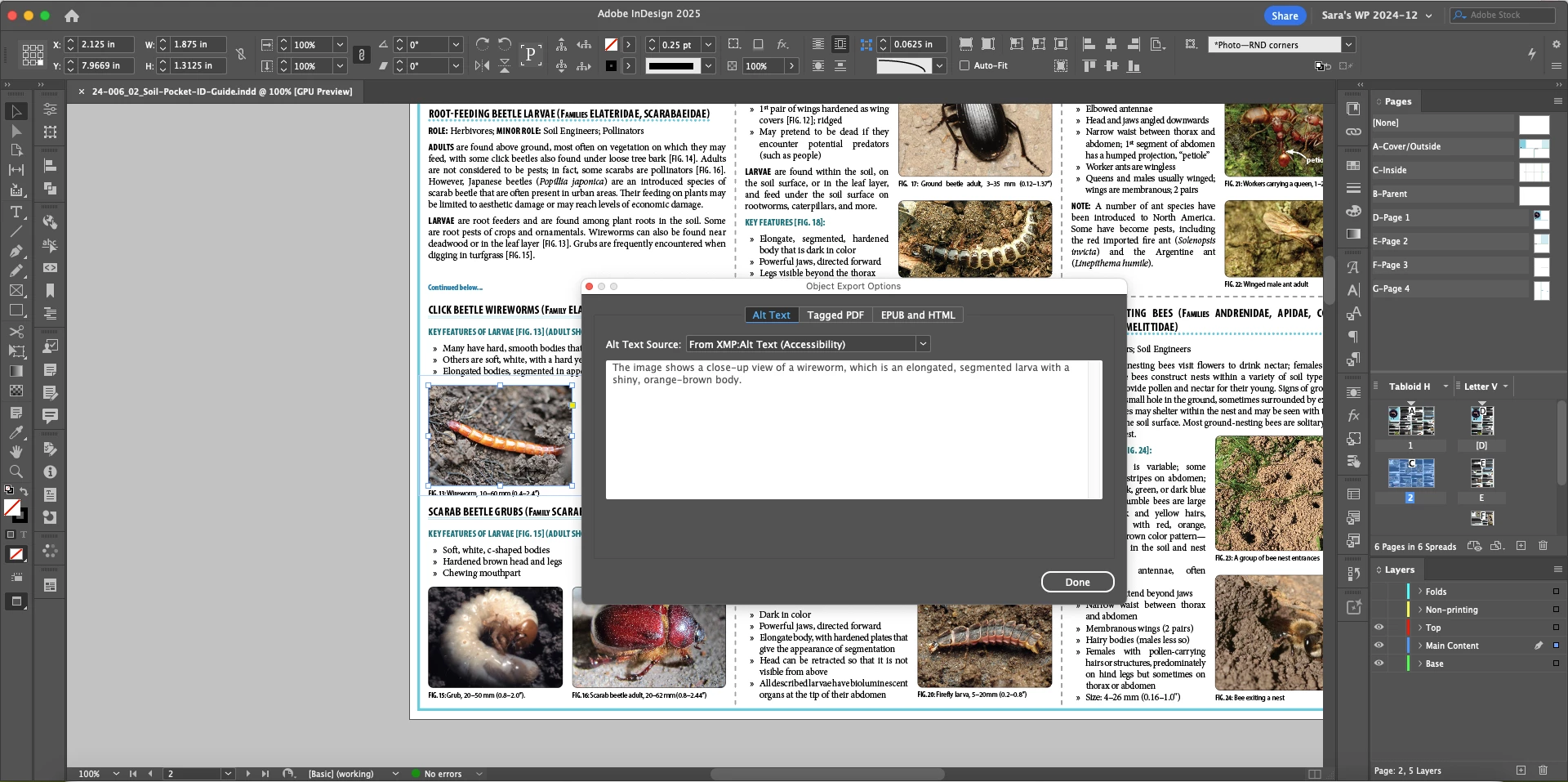
And the alt-text is clearly there in the InDesign file:


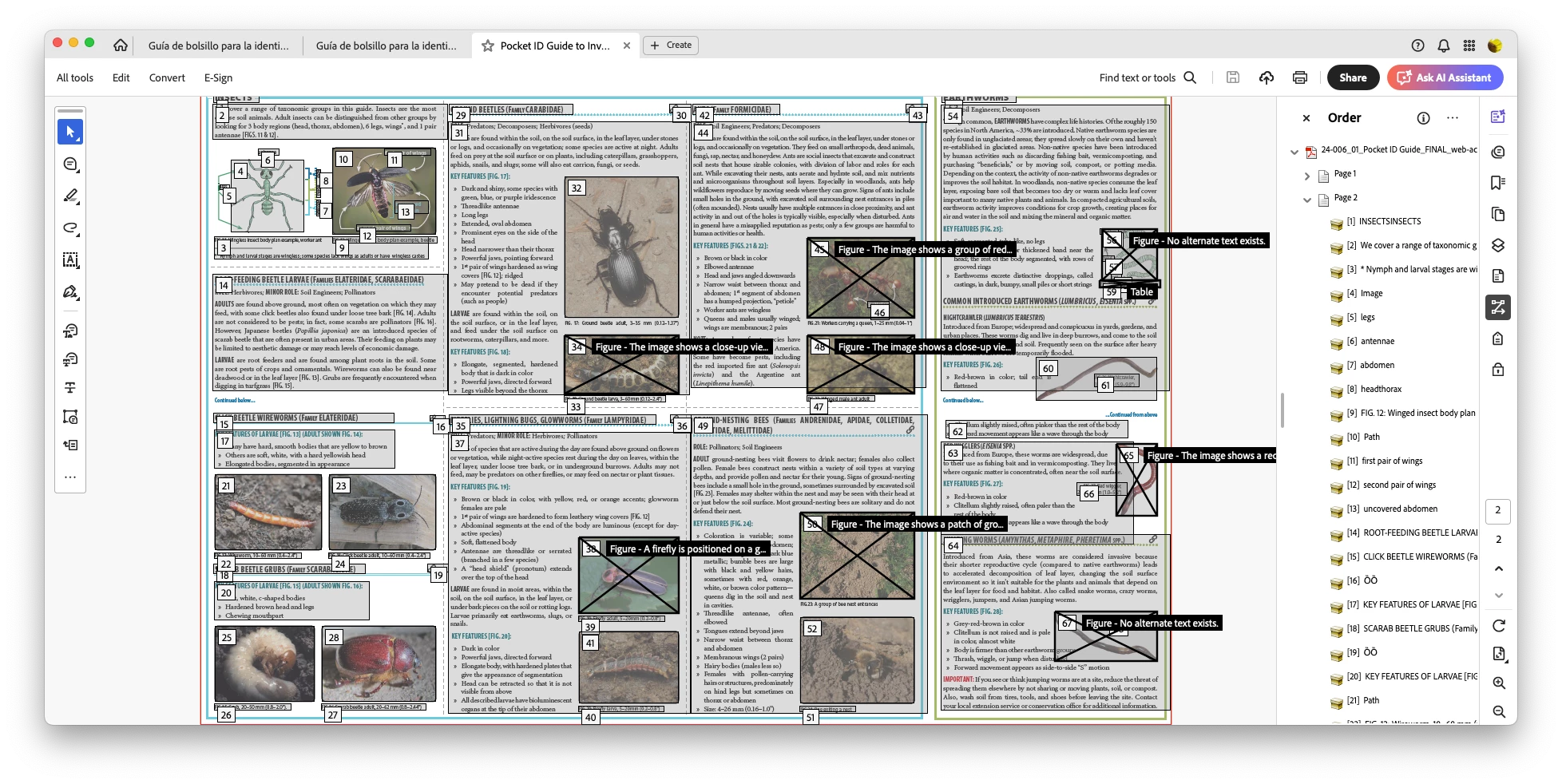
But it always doesn't export with the PDF:
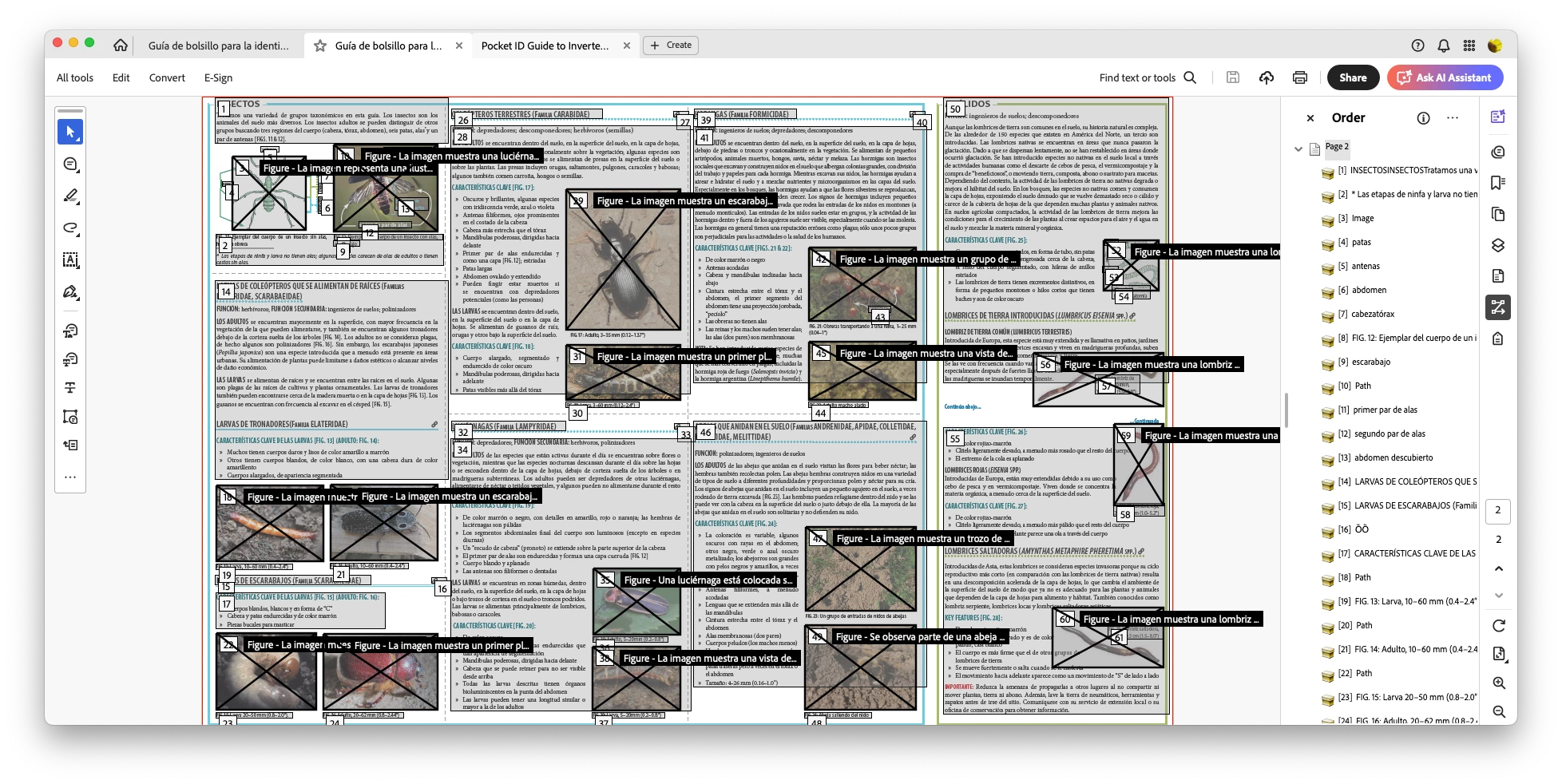
 Adding to the confusion is the fact that the Spanish language version is exporting the alt-text correctly:
 We used the English version as the basis for the Spanish file, so I'm even more baffled than ever. All of the images are grouped with captions then anchored in the text where referenced, the same for both language versions. They're all tagged as Figures, too, so there's no reason for Acrobat to be treating them like Artifacts.


Has anyone seen something like this before? Is this a problem within the InDesign file, a problem with the export process, or is it an issue with Acrobat?


Thank you in advance!

1 reply

Abhishek Rao
Community Manager
Community Manager
July 4, 2025

Hi @saram68774335,


Thank you so much for sharing all the details (and the screenshots, super helpful!). I completely understand how frustrating this must be, especially since the Spanish version is working just fine.

From what you described, it sounds like the issue might be related to grouping and anchoring the images with their captions. I suggest ungrouping the images and captions first, then applying the alt text directly to the image itself (not to the group). After that, re-anchor the image on its own and export the PDF again to see if the alt text transfers correctly to Acrobat.

Also, please double-check in your export settings under the "Advanced" tab that "Create Tagged PDF" is enabled.

When you get a chance, could you also let me know which InDesign version and OS you're using? And if possible, sharing a sample affected file where this issue occurs would be really helpful. You can package it and share it here or send it via DM if it's sensitive.


Looking forward to hearing how it goes!

Abhishek