
Alternating text color in a table in InDesign CC 2020?
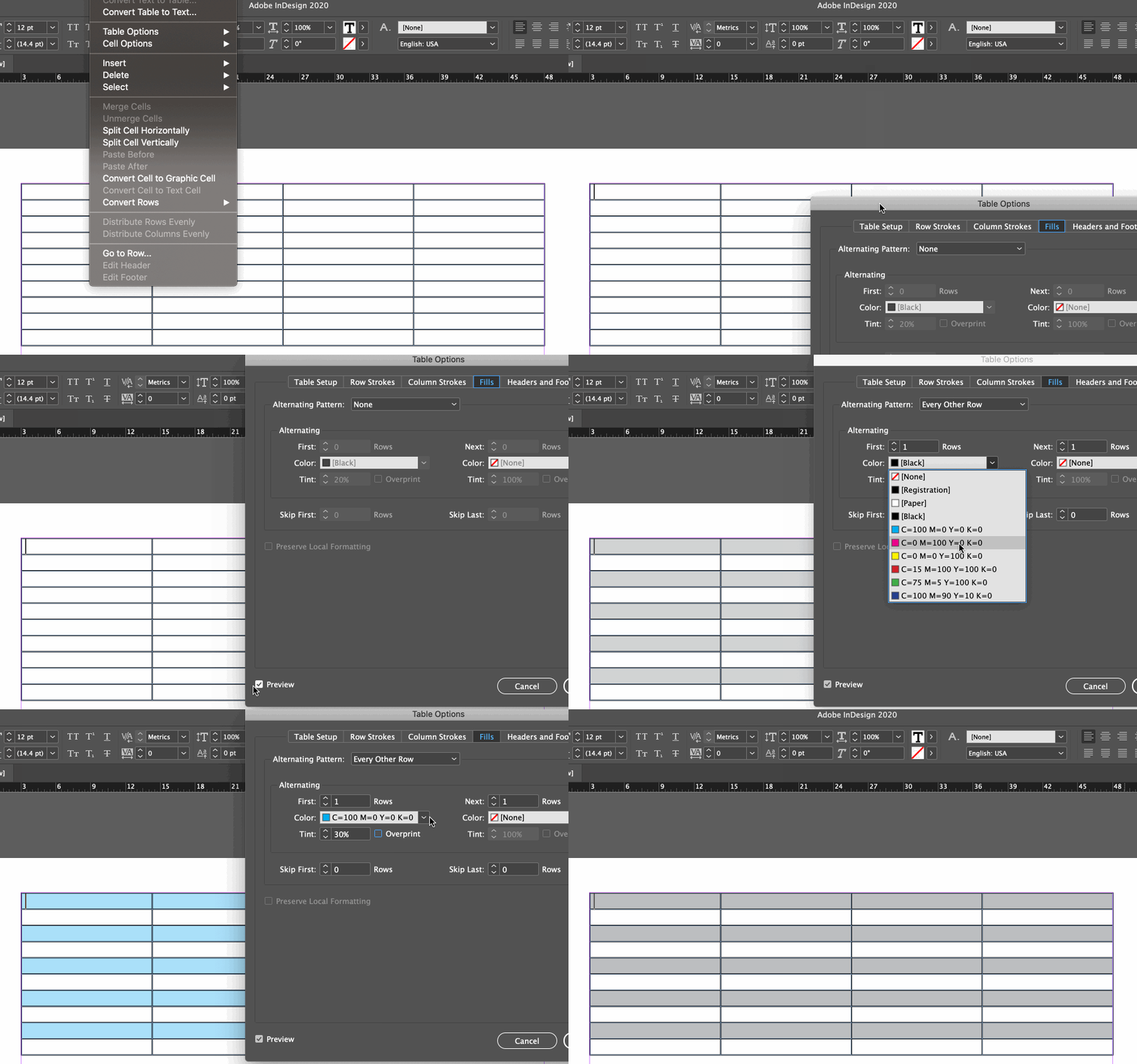
Wondering if there is a simple solution for changing the text color in a table without going row by row. I know you can select the cell and with the T selected, easily change the text color but how do you do it quickly for the whole table? I'm working with a table that was previously set up with no paragraph styles. I suppose you can set it up using paragraph styles and have your character color set that way? That would be just as long at this point rather than selecting each row. Basically I want one row's text color to be black, the following to be white. (There is a soft return between two lines of info in the cell as well.) I didn't see the option to change text color under Table Styles either ... Maybe this is an easy thing I just can't think of how to do? Thank you!
 AdChoices