
Answered
Amazing, endless questions: Why don't the rows come up afterward?
Amazing, endless questions: Why don't the rows come up afterward?
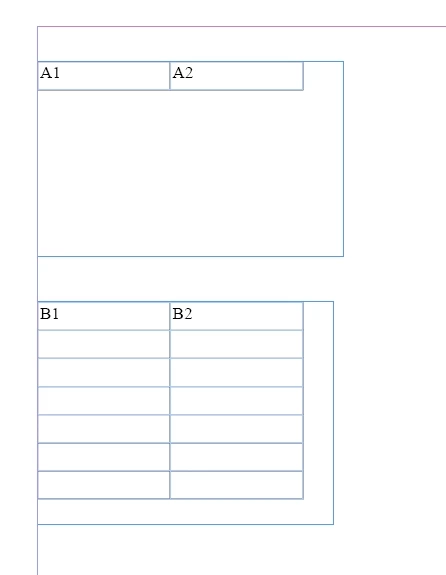

Amazing, endless questions: Why don't the rows come up afterward?
Since no one has replied yet: this is really weird. Never had that. If I create a new table in the first text box, the problem doesn't occur. But I found it out: there is a cell option set, most likely to B1, B2 or both:
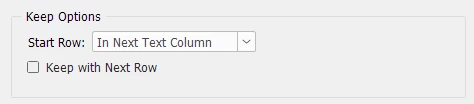
If you switch that to
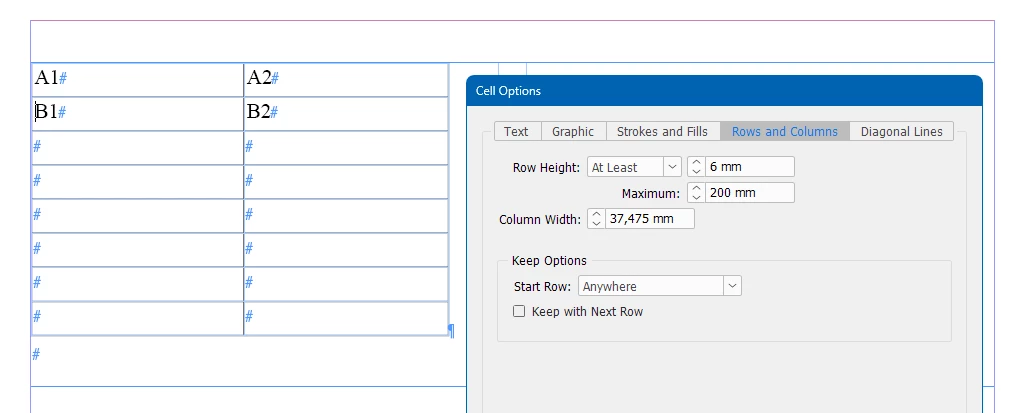
the table will look as expected again.
Already have an account? Login
Enter your E-mail address. We'll send you an e-mail with instructions to reset your password.


 AdChoices