Community Expert
February 22, 2018
Answered

Anchored object - fill with placeholder text - not working

  • February 22, 2018
  • 3 replies
  • 1747 views

I have an image inserted at the start of a paragraph as an anchored object.

Using the Type>Fill with placeholder - nothing happens.

Can anybody else confirm?

    This topic has been closed for replies.
    Correct answer Mike Witherell

    Works fine for me. Same version. Have you tried it both ways: with Type tool inserted as well as with black selection tool selecting the frame?

    3 replies

    barbara_a7746676
    Community Expert
    Community Expert
    February 22, 2018

    Works for me. Try copying and pasting the text frame with anchored graphic into a new document or try re-creating it in a new document. If that doesn't work, try resetting preferences. Set preferences in Adobe InDesign

    Community Expert
    February 27, 2018

    Thanks Guys - probably just my computer acting up so!

    Community Expert
    February 22, 2018

    Hi Eugene,

    works fine for me as well.
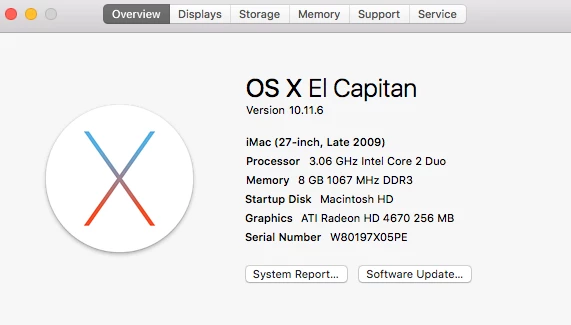
    Same version number of InDesign (German), same version number of OS X (German).

    A third thing you could test:

    Select the anchor character or the image frame if it's inline or above line anchored and try to "Fill with placeholder".

    Best,
    Uwe

    Mike Witherell
    Community Expert
    Mike WitherellCommunity ExpertCorrect answer
    Community Expert
    February 22, 2018

    Works fine for me. Same version. Have you tried it both ways: with Type tool inserted as well as with black selection tool selecting the frame?

    Mike Witherell