

Anchored text frame as header?
I decided there was a better way to do something and now I've created a mess for myself. At the end of sections of my textbook, I have Important Points boxes:
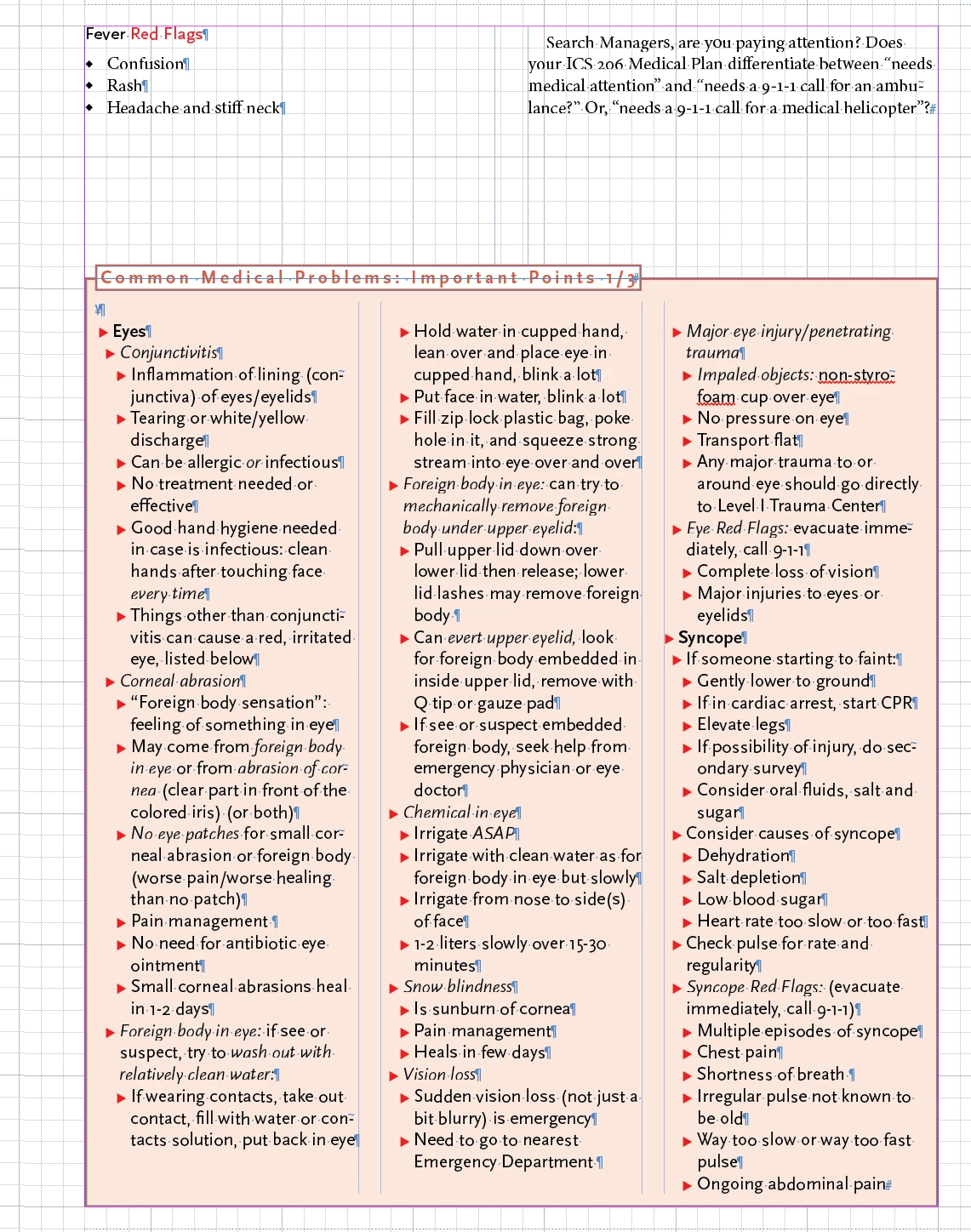
Note that there is an anchored text frame at the top, overyling the top of the main text frame. Some of my Important Points boxes need to continue on the next page. I'd been manually copying and manually cutting and pasting between the two (or three) Important Point boxes, so the second one would look like this:
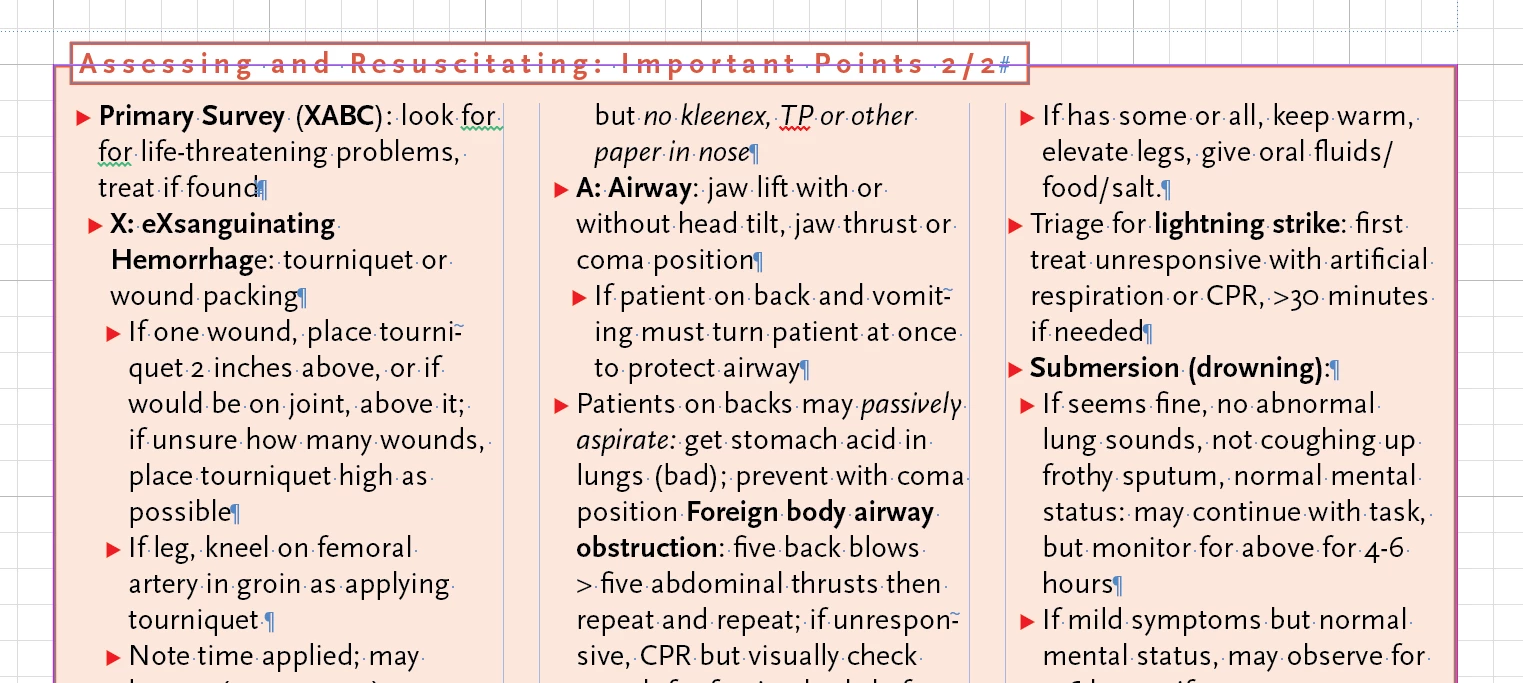
Note that this header box text frame is in the same place, but needs to be longer (manually adjusted) and to say 2/2 rather than 1/2. I have an Object Style for both the tinted big text frame and the header text frame, and the header text frame is linked to the main tinted text frame. Originally I was manually copying the main text frame to a second frame and manually cutting and pasting text to get the Important Points text to appropriately divide the text between the two big tinted text frames. But tonight I got the bright idea that I should just link the two (or three) text frames and let the text flow where it will. I found that I had anchored the header to the text in the big tinted text box and had to change this to link it to the big tinted text frame to get it to repeat properly.
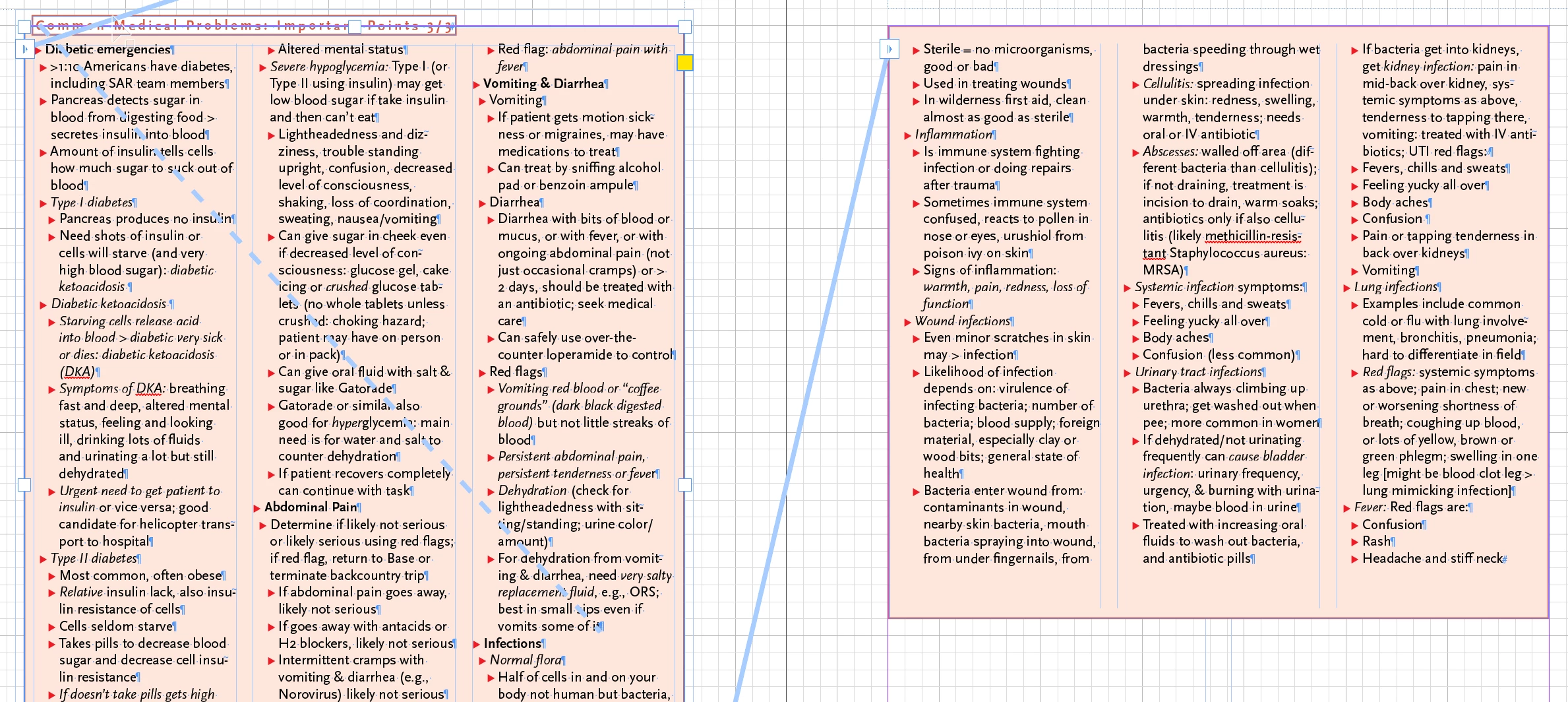
I figure someone does this kind of thing all the time and may have some best practices to recommend. Especially when something like this happens:


 AdChoices