Robert at ID-Tasker
Legend
March 15, 2025
Answered

Anchoring order for TOC...

  • March 15, 2025
  • 2 replies
  • 973 views

Can someone please enlighten me - how objects should be Anchored - in order to get correct order in the TOC?


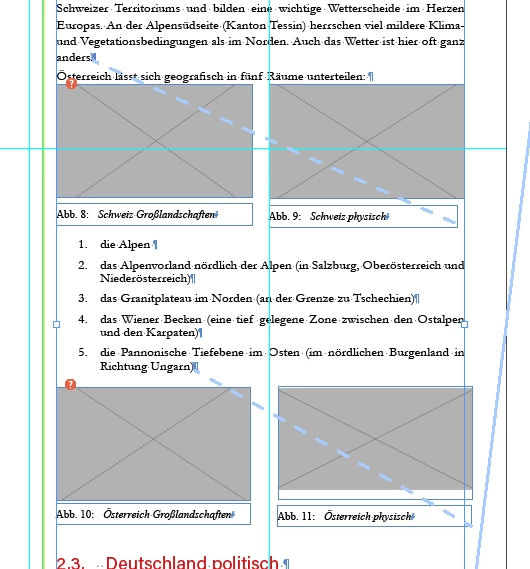
Those are groups anchored in the Text:


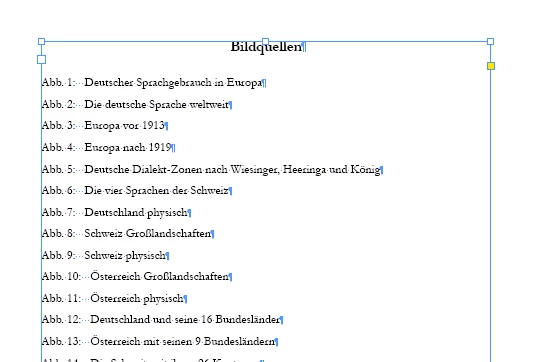
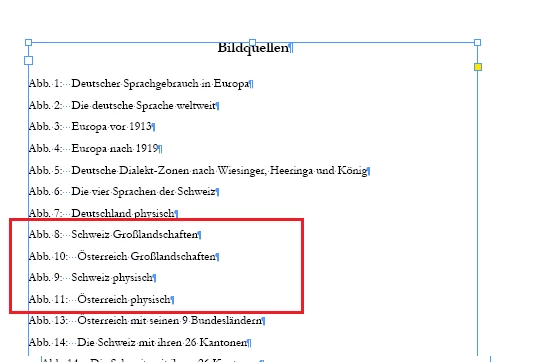
And TOC:
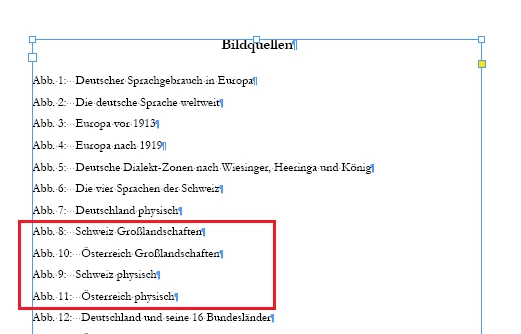
 

Only if I'll move 2nd group to the right - TOC is generated correctly?
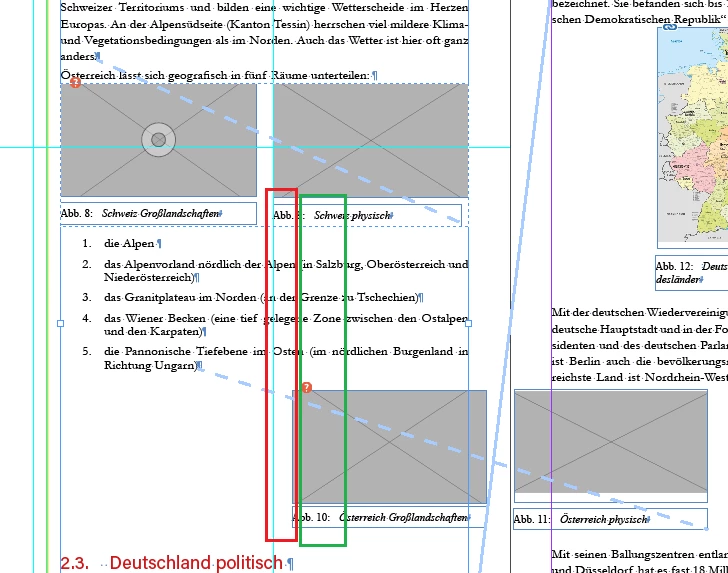


Why TOC is updated/generated top-to-bottom - in columns - not left-to-right - rows?


It's a one text column document?


Even if I'll convert those groups from Anchored to InLined:
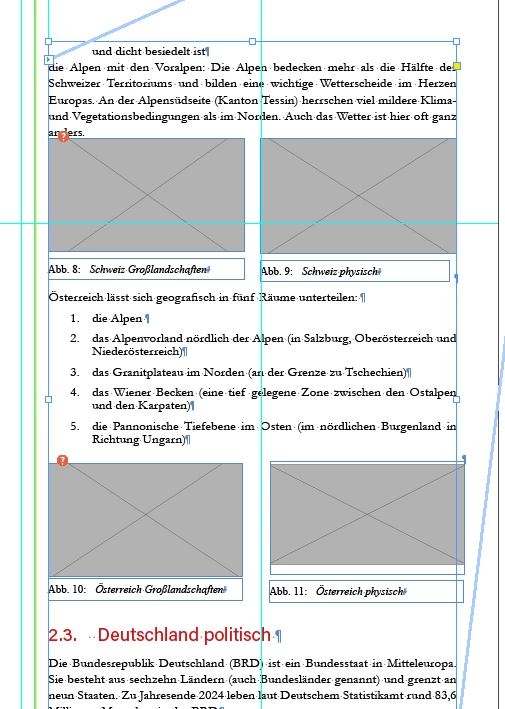


TOC is still wrong? 


Correct answer Dave Creamer of IDEAS
quote

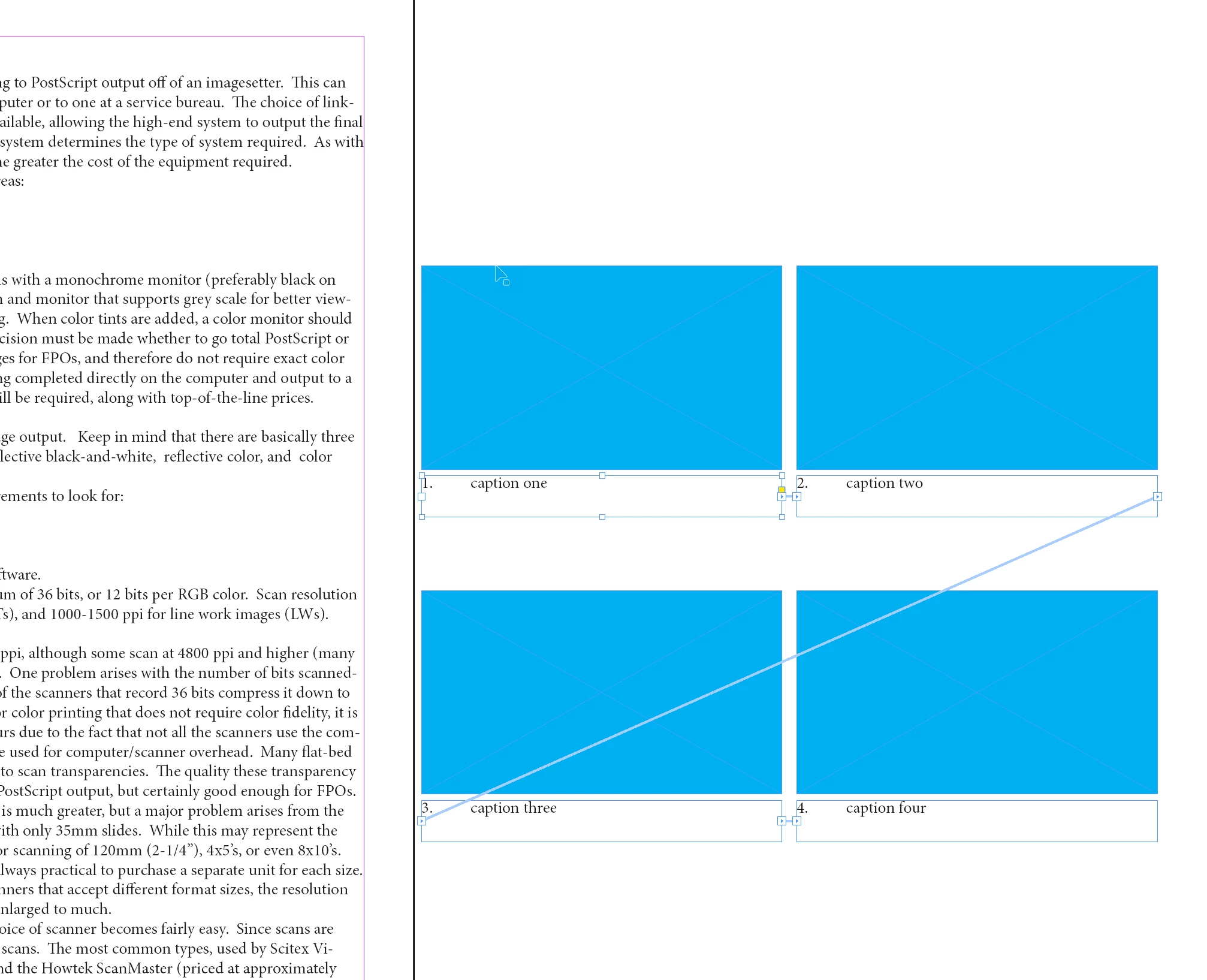
One story, FOUR threaded frames.


By @Dave Creamer of IDEAS


Now I'm lost 😞 


Can you make a selection - so threading / Anchoring is visible - and post a screenshot?


Or share IDML file? 


2 replies

Willi Adelberger
Community Expert
Community Expert
March 15, 2025
  1. Group image and caption.
  2. Anchor them in correct order into the textflow.
Robert at ID-Tasker
Legend
March 15, 2025
quote
  1. Group image and caption.
  2. Anchor them in correct order into the textflow.

By @Willi Adelberger


And that's EXACTLY how it's done 😉 please check photos, I've selected TFs from the main Story - to show anchor points. 


2nd paragraph in my opening post 😉 


Yet, no matter if they are Anchored or InLined - TOC is generated incorrectly...


Only if captions of the 2nd set of images+captions are shifted to the "3rd and 4th virtual column" - they are TOC'ed correctly.


Willi Adelberger
Community Expert
Community Expert
March 15, 2025

Deine Abbildungen wirken für mich nicht so. Ordne Bild und Bildunterschrift sauberer an, als es ist. Ich empfehle die Verwendung o Objektformaten und den Abstand von Text und Bild durch den oberen Abstand zum Textrahmen zu erzwingen. Dann würde ich die Bilder und die dazugeörigen Beschreibungsrahmen gleich breit machen, ohne Abstand. Die Gruppe dann durch Ziehen des kleinen Quadrats an die richtige Stelle im Workflow zidhen. In dieser Reihenfolge erfolgt die Automatische Nummerierung und ein IHV zieht aus dieser Reihenfolge die Einträge.

Dave Creamer of IDEAS
Community Expert
Community Expert
March 15, 2025

Top-to-bottom, then left-to-right. 

Have you considered keeping the captions in the regular text flow but splitting the text with the Span Columns feature?

Or, thread your caption frames.


David Creamer: Community Expert (ACI and ACE 1995-2023)
Robert at ID-Tasker
Legend
March 15, 2025

So "N" not "Z"? But why? 


As per the screenshots - those are groups of Anchored and then InLined objects - image with caption - so can't be part of the main text - nor threaded.


Dave Creamer of IDEAS
Community Expert
Community Expert
March 15, 2025

Are you saying I can't go from this:

To this with the Span (Split) styles and make a TOC:

The captions are inline with the main text flow.


David Creamer: Community Expert (ACI and ACE 1995-2023)